Claims Management
Audience: Claims operators and benefits managers who adjudicate employee medical claims — plus anyone evaluating or supporting Claims Management.
Purpose: Front door to the Claims Management guide. It shows the screens at a glance, then points you to a single task, a rule, or why the module works this way.
Claims Management is the corporate benefits console. Operators review claims submitted by (or on behalf of) enrolled members, check plan eligibility advisories, and settle amounts against the member’s remaining allowance.
Pick the kind of help you need
The Academy organises every guide as learn, do, look up, understand.
The screens
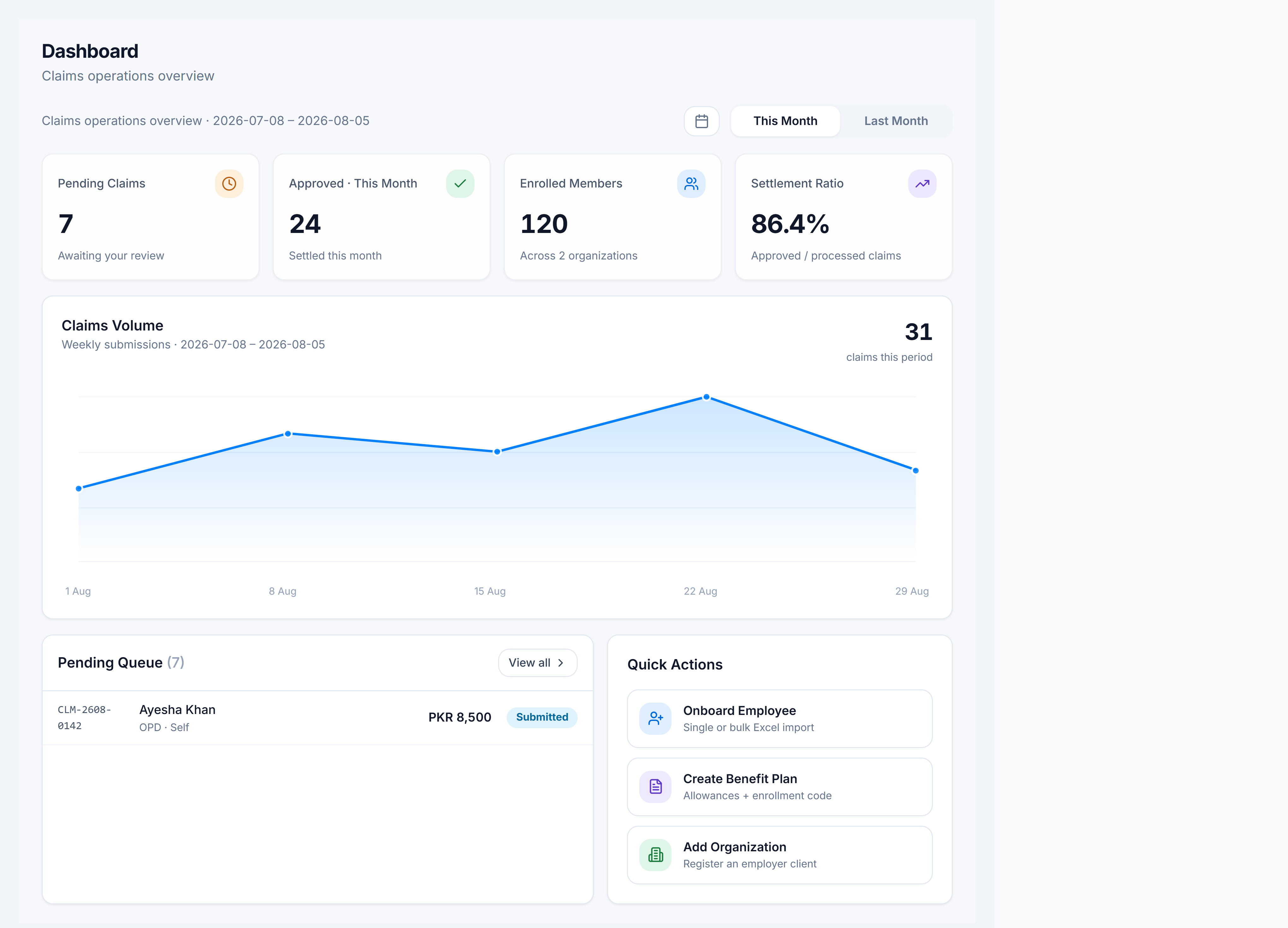
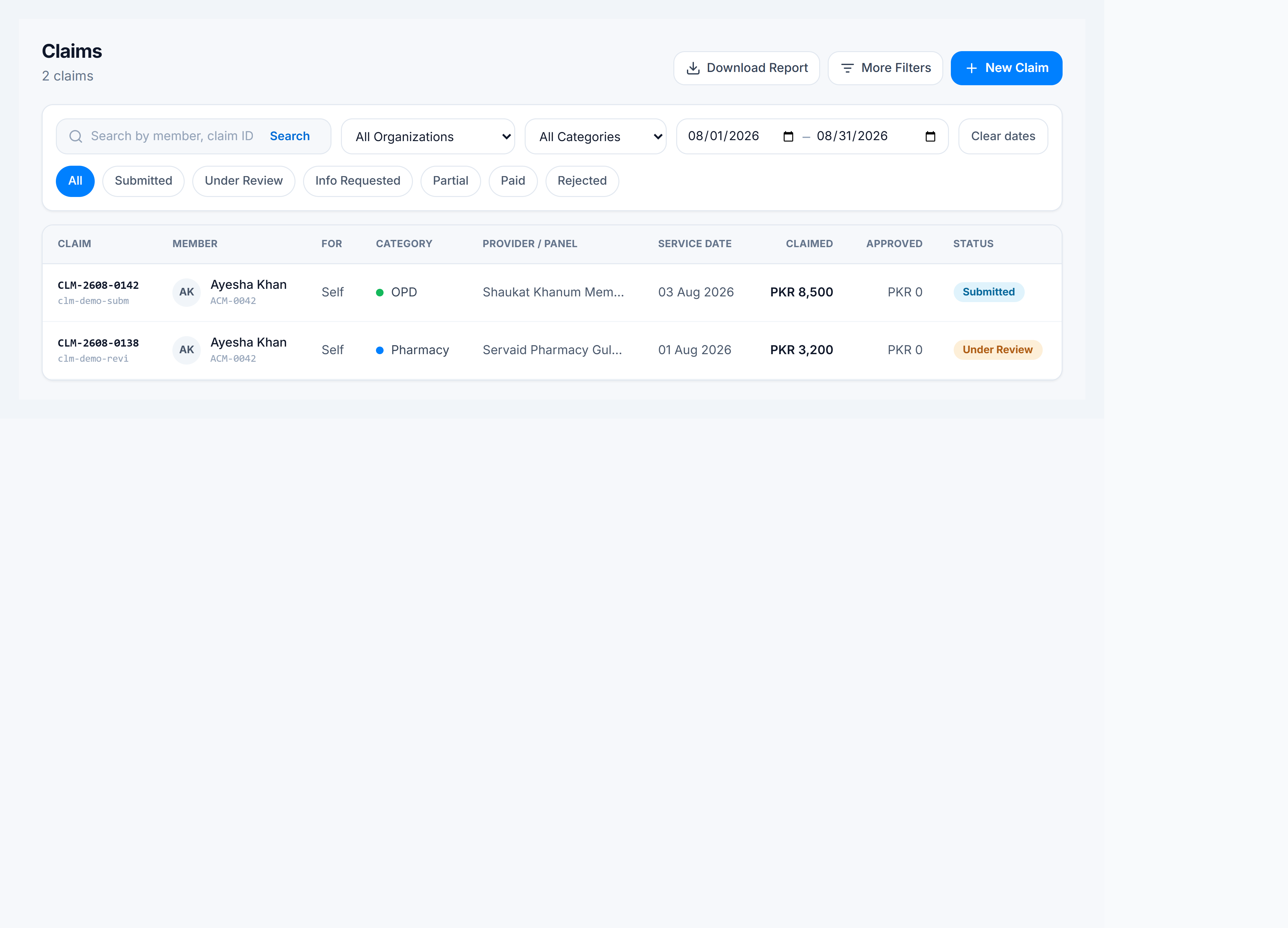
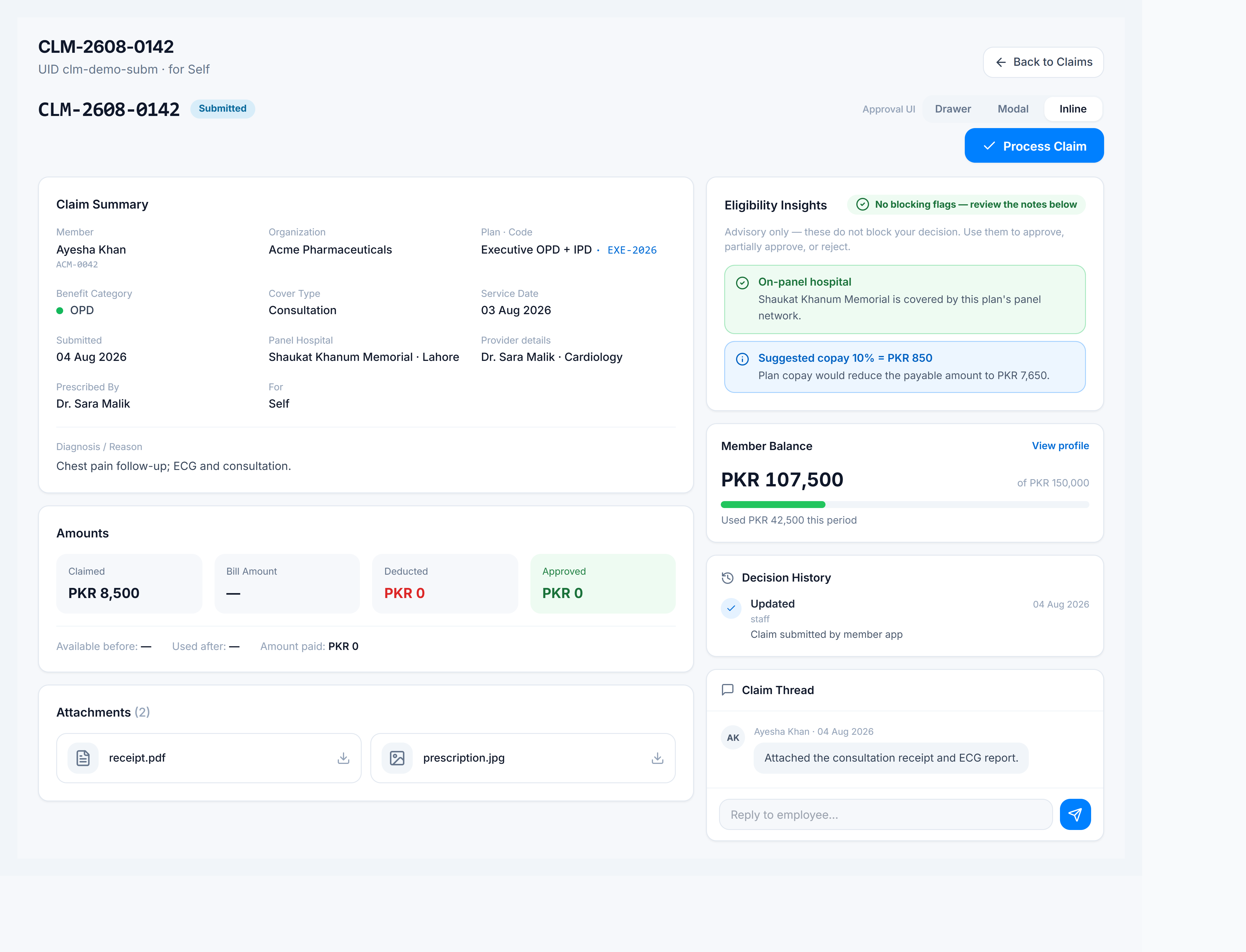
Setup surfaces
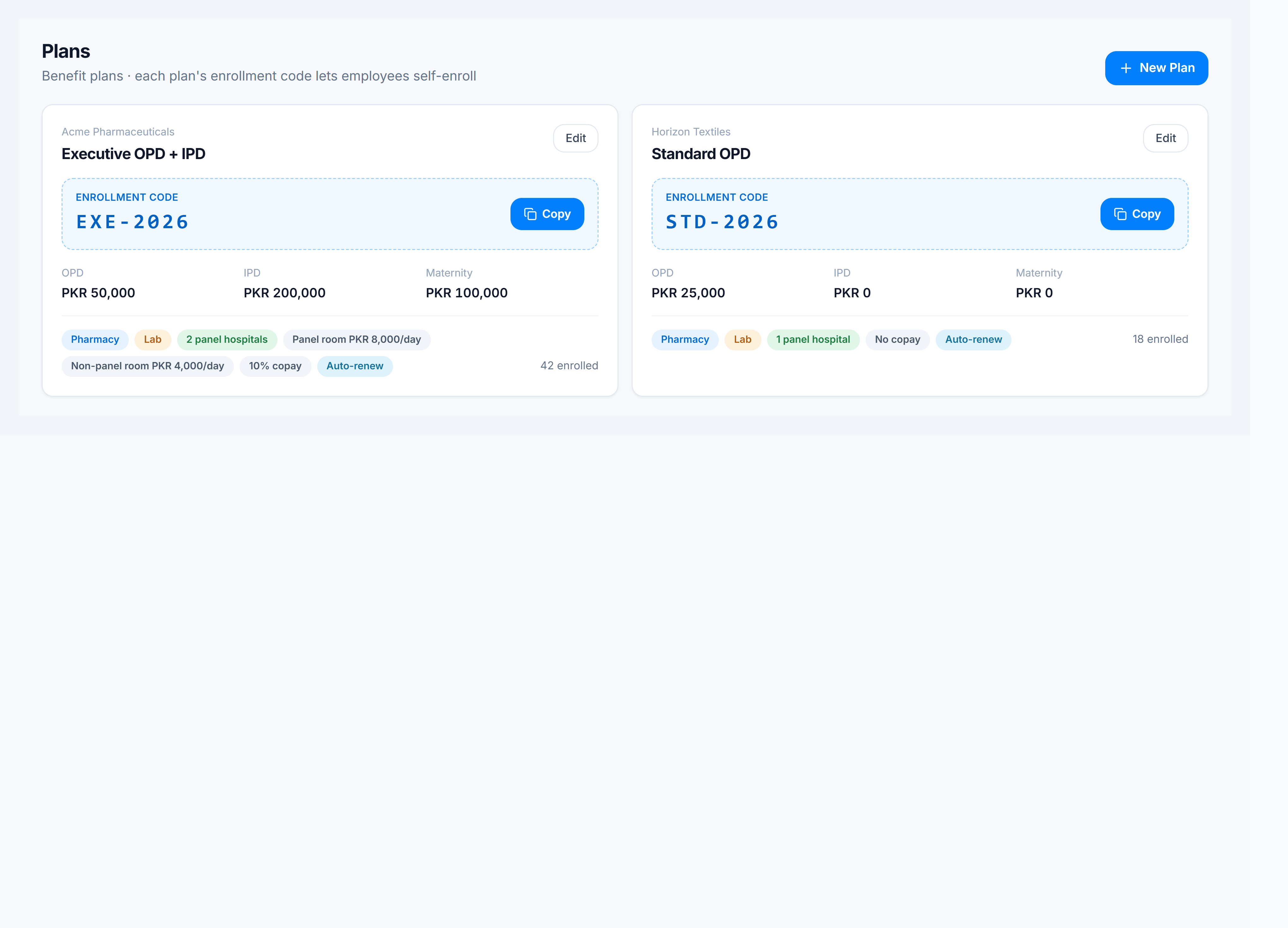
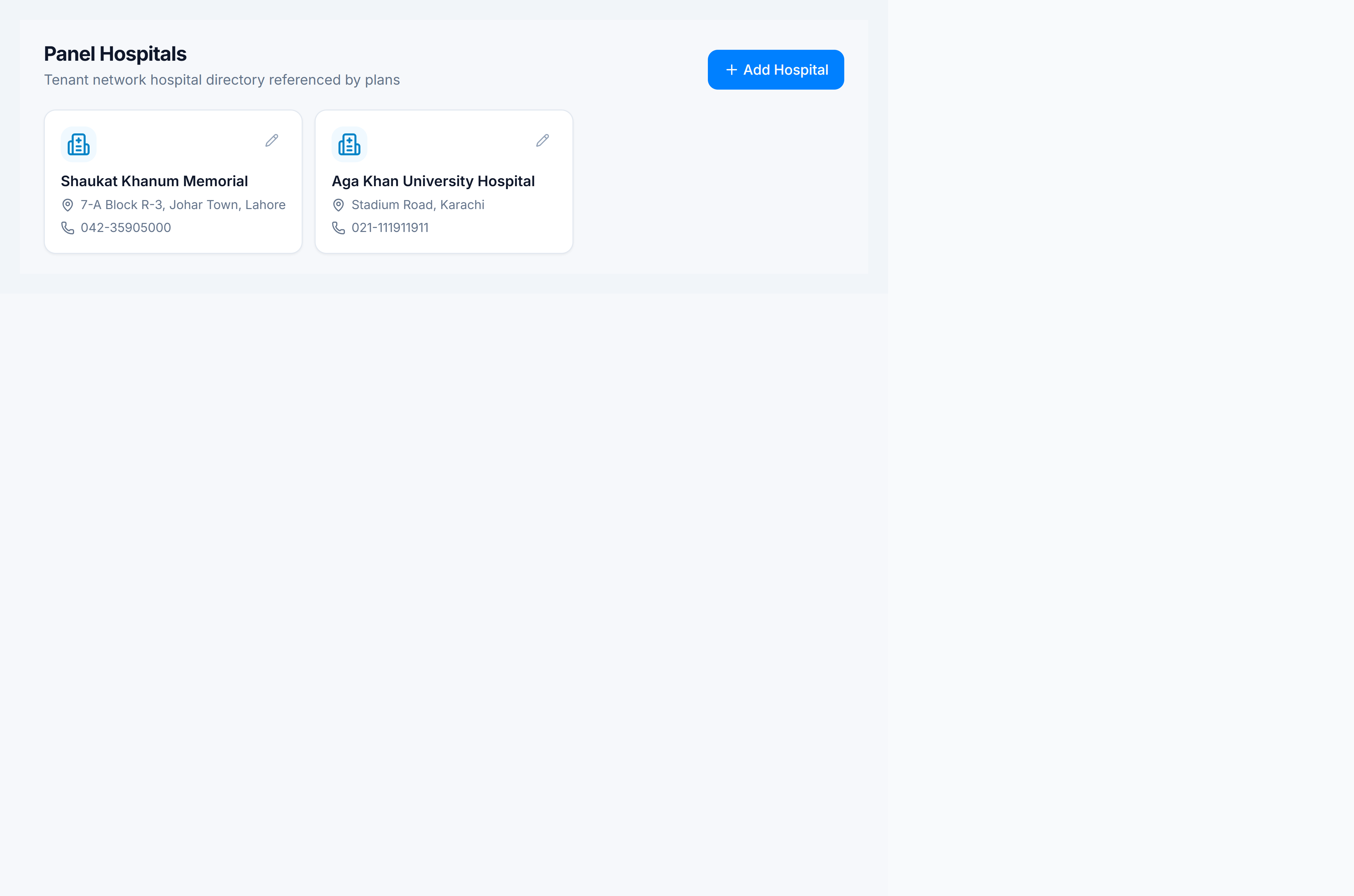
Before claims flow, register employers, panel hospitals, and benefit plans.
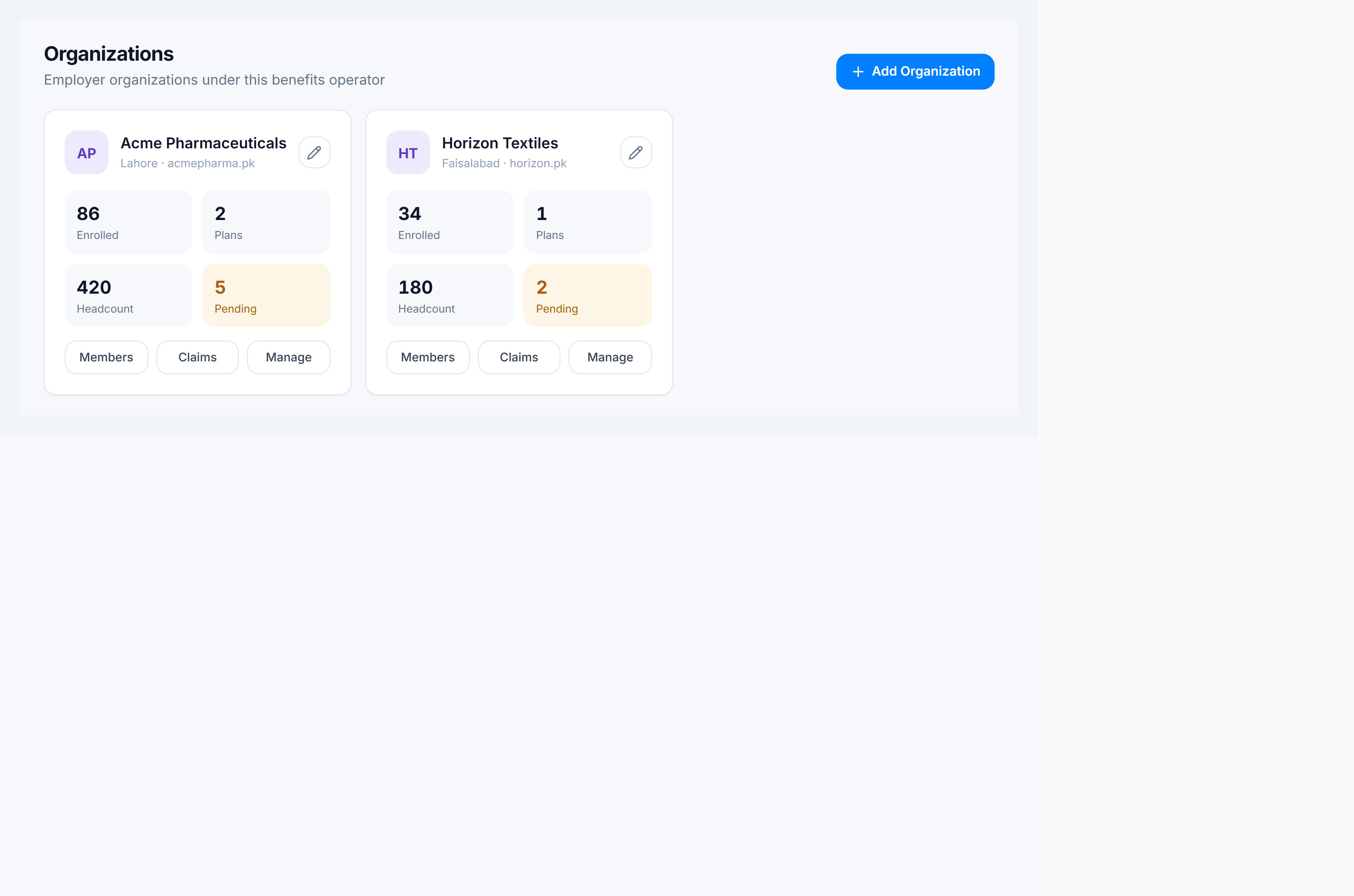
How to get there
In the app sidebar: Claims Management → Dashboard (overview) or Claims Management → Claims (queue).
New tenant? Start with Set up Claims Management.
| Screen | Intent path | Route |
|---|---|---|
| Dashboard | Claims Management → Dashboard | /corporate/dashboard |
| Claims | Claims Management → Claims | /corporate/claims |
| Members | Claims Management → Members | /corporate/members |
| Organizations | Claims Management → Organizations | /corporate/organizations |
| Plans | Claims Management → Plans | /corporate/policies |
| Panel Hospitals | Claims Management → Panel Hospitals | /corporate/panel-hospitals |