Manage organizations
Steps
- Go to Claims Management → Organizations.
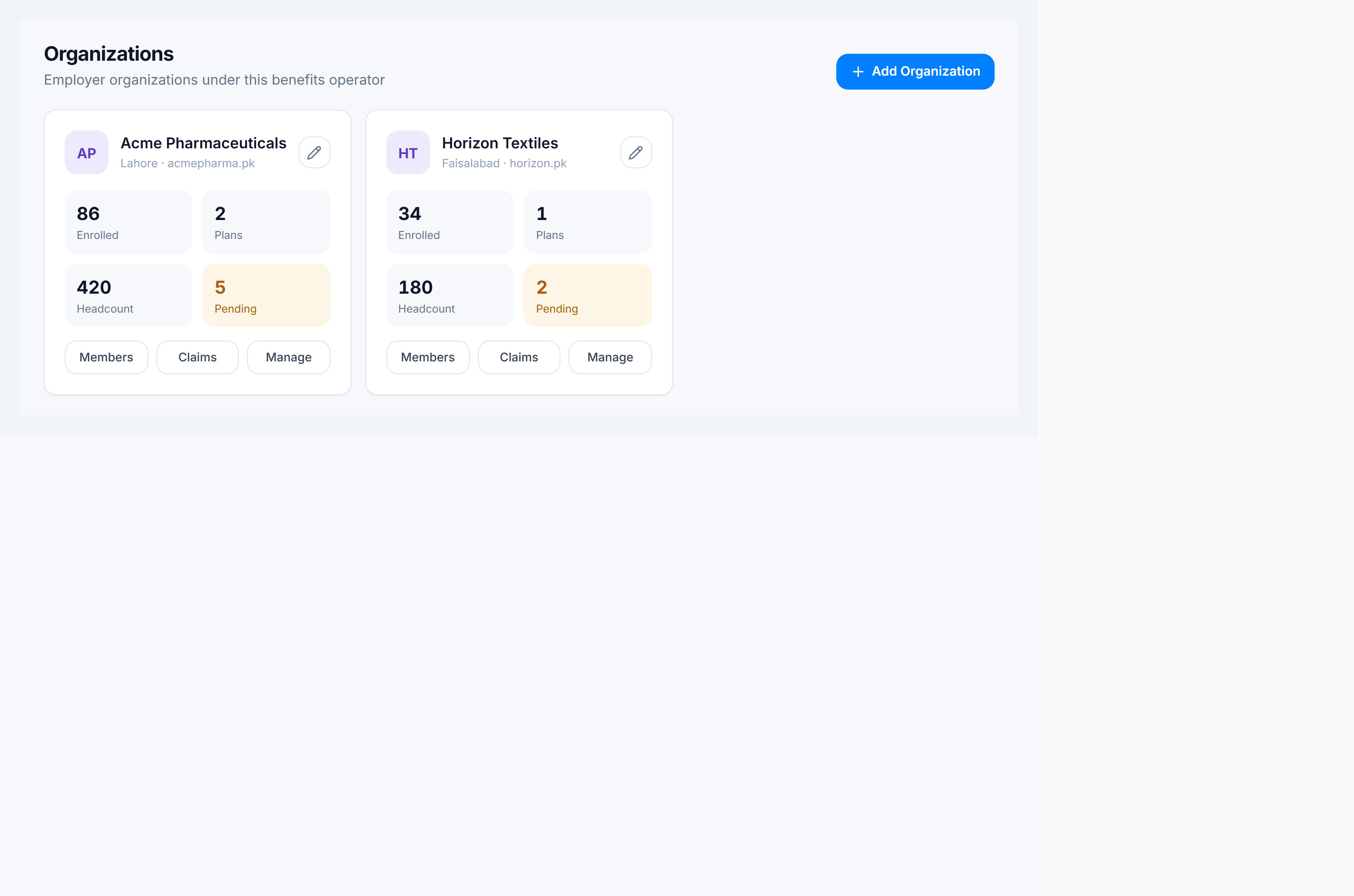
- Review cards for enrolled headcount, plans, and pending claims.
- Click Add Organization to register a new employer — see Create an organization.
- Use the pencil control to edit an organization, or open Manage / Members / Claims for that employer.