Auto STR (Stock Transfer & Redistribution)
Audience: Warehouse managers and pharmacists who balance stock across branches — plus anyone evaluating, selling, or supporting Auto STR.
Purpose: This is the front door to the Auto STR guide. It explains the five-stage workflow at a glance, then points you to the right page — a single task, a rule, or why the feature works the way it does.
What shipped: Auto STR v2.0 — pharmacist review, four-pass validation, and STR preview before finalize. See release notes.
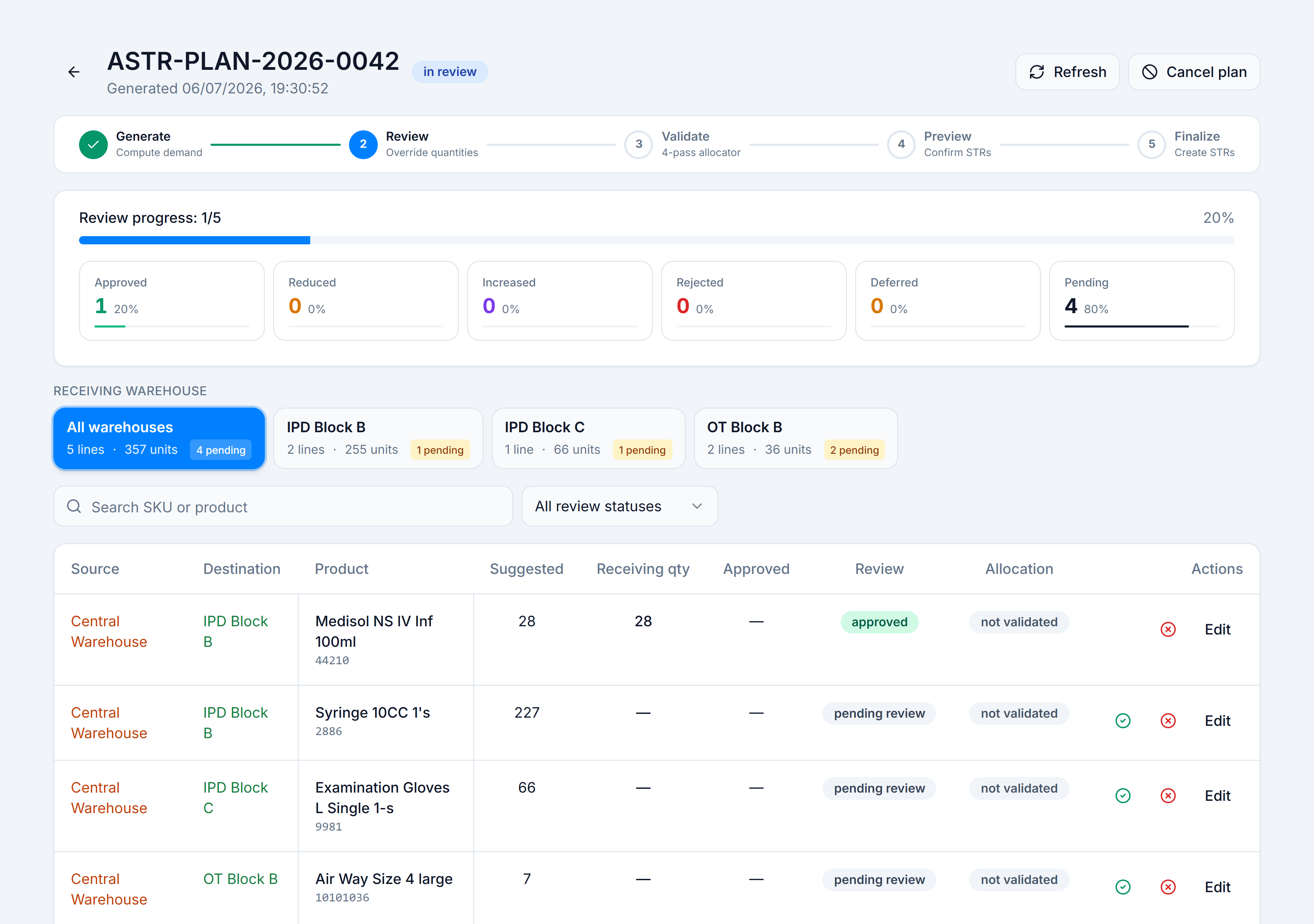
Auto STR (Automatic Stock Transfer & Redistribution) reads each warehouse’s sales velocity and on-hand stock, computes how many days of cover each SKU has, and proposes transfers from surplus locations to short ones. Version 2.0 adds a pharmacist review gate — you approve, reduce, increase, reject, or defer each line before the allocator runs and real Stock Transfers are created.
Pick the kind of help you need
The Academy organises every guide as learn, do, look up, understand.
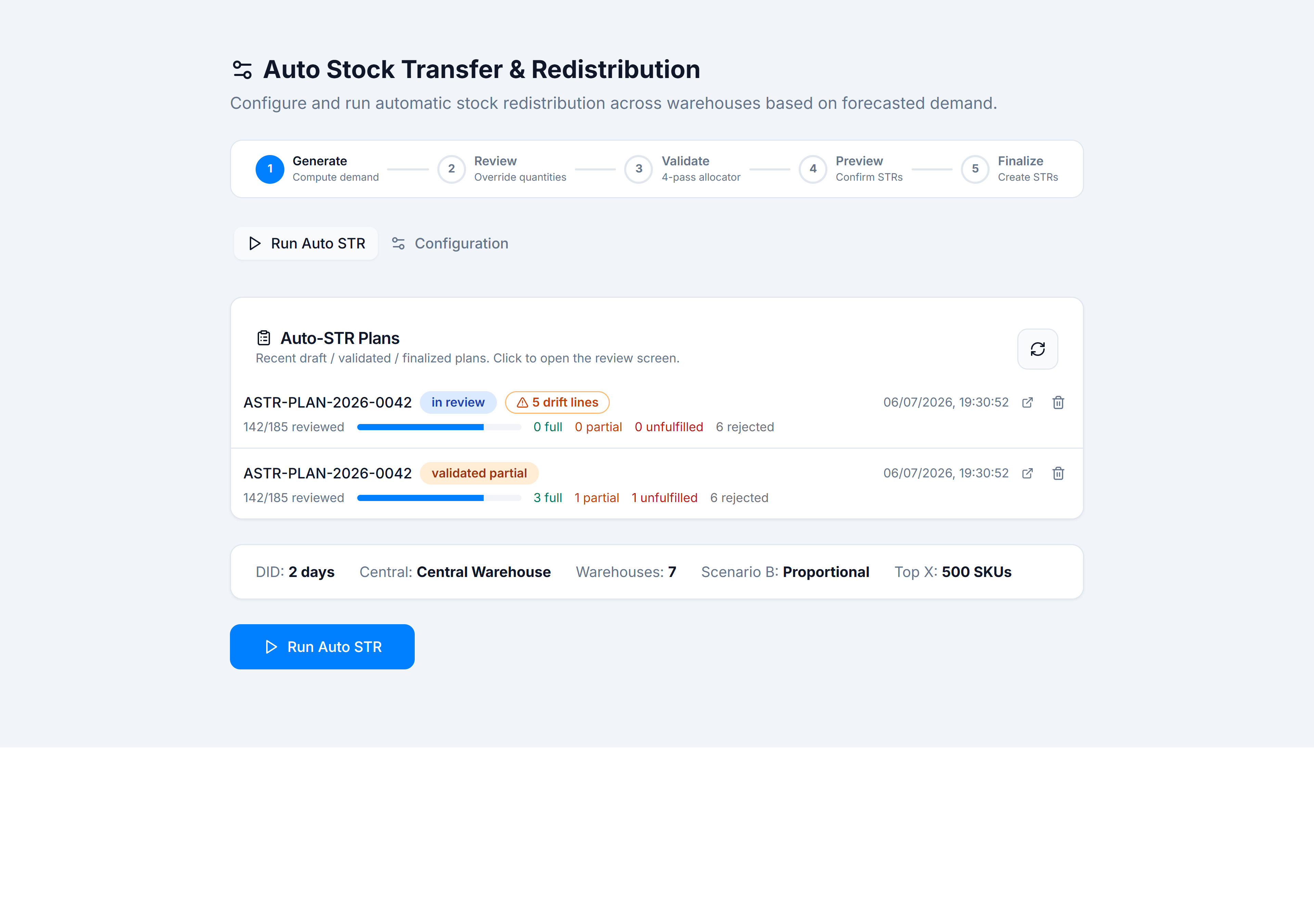
The screen shows a five-stage timeline at the top: Generate → Review → Validate → Preview → Finalize. The Run Auto STR tab runs the engine; Configuration holds DID, central warehouse, and eligible warehouses.
How to get there
In the app sidebar: Inventory → Stock Control → Auto STRs.
The route is /wms/auto-str. Plan review opens at /wms/auto-str/plans/:planId.
The five stages
| Stage | What happens | Where |
|---|---|---|
| Generate | Engine computes deficits/surpluses and proposes STRs | Run Auto STR |
| Review | Pharmacist approves or adjusts each line | Review & edit plan lines |
| Validate | Four-pass allocator checks real stock (DID floor, steal rules) | Submit for validation |
| Preview | Confirm grouped STRs before creation | Finalize a plan |
| Finalize | Creates stock_transfers with FEFO batch allocation | Finalize a plan |