Inventory Management
Audience: Warehouse managers and pharmacists who need stock visibility — plus anyone evaluating or supporting WMS inventory.
Purpose: Front door to the Inventory Management guide (
/wms/inventory). Distinct from Batch Update which edits lines.Related: Batch Update for corrections · Warehouse Layout for bin codes.
What shipped: Inventory release notes.
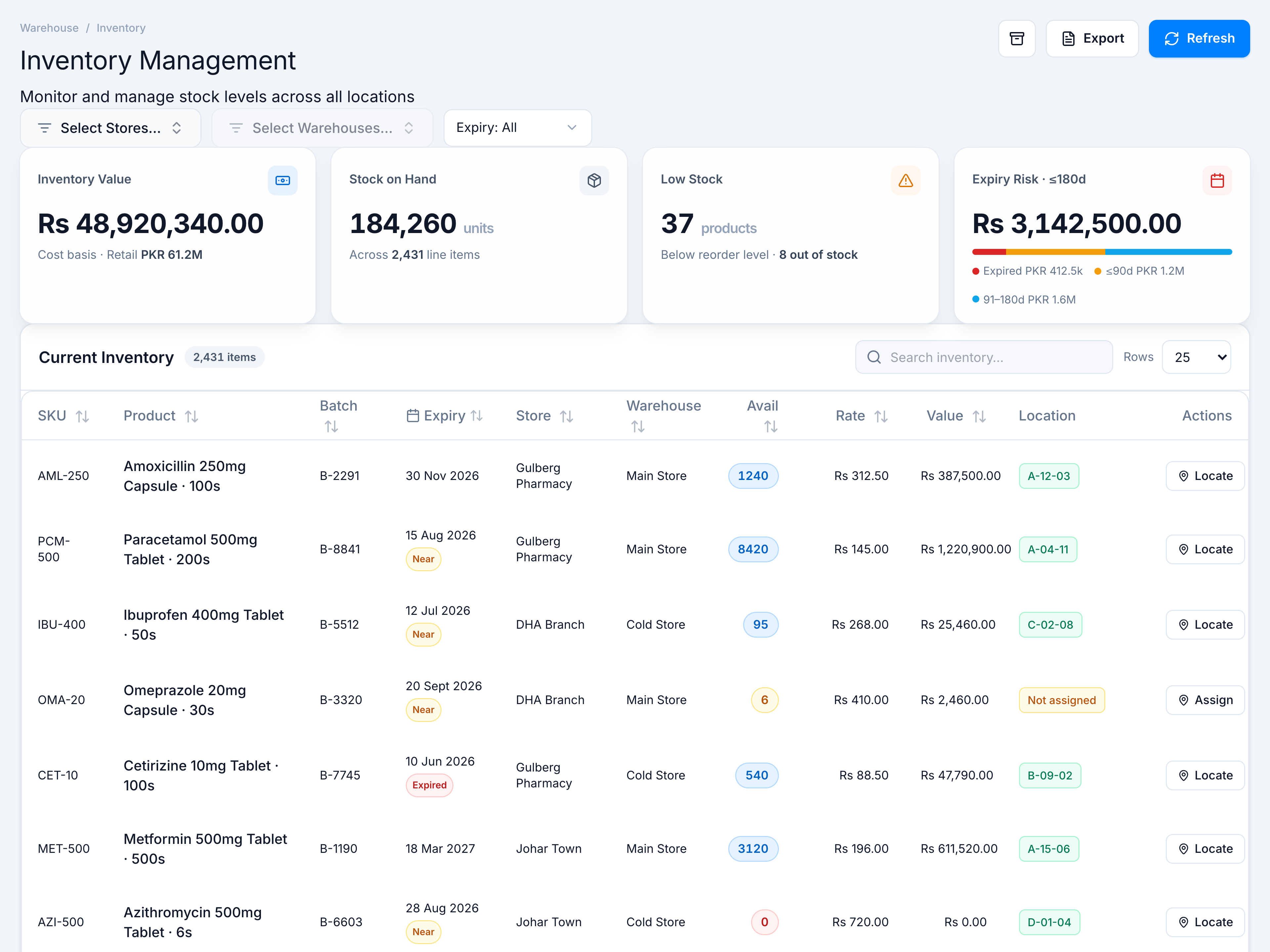
Inventory Management is your read-focused stock dashboard. Filter by Hub/Live source, store, warehouse, and expiry window; review Inventory Value, Stock on Hand, Low Stock, and Expiry Risk KPIs; then work the Current Inventory table — SKU, batch, expiry badges, availability (with reserved indicator), rate, value, location, and Assign/Locate.
Pick the kind of help you need
The Academy organises every guide as learn, do, look up, understand.
The screen
How to get there
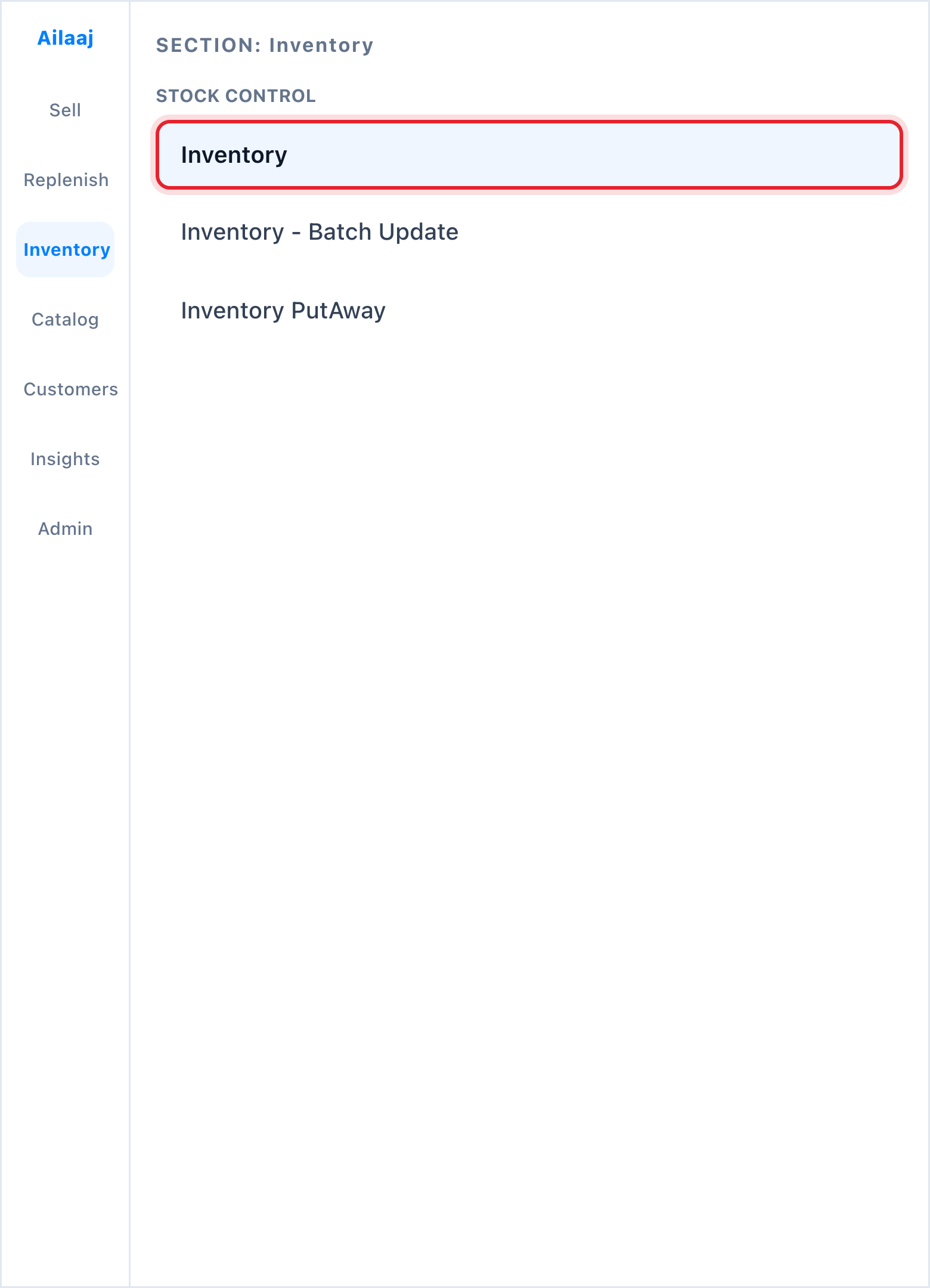
Inventory → Stock Control → Inventory (/wms/inventory).