Set up Claims Management
Goal
Stand up the corporate benefits structure so you can enroll members and adjudicate claims.
1. Register an employer organization
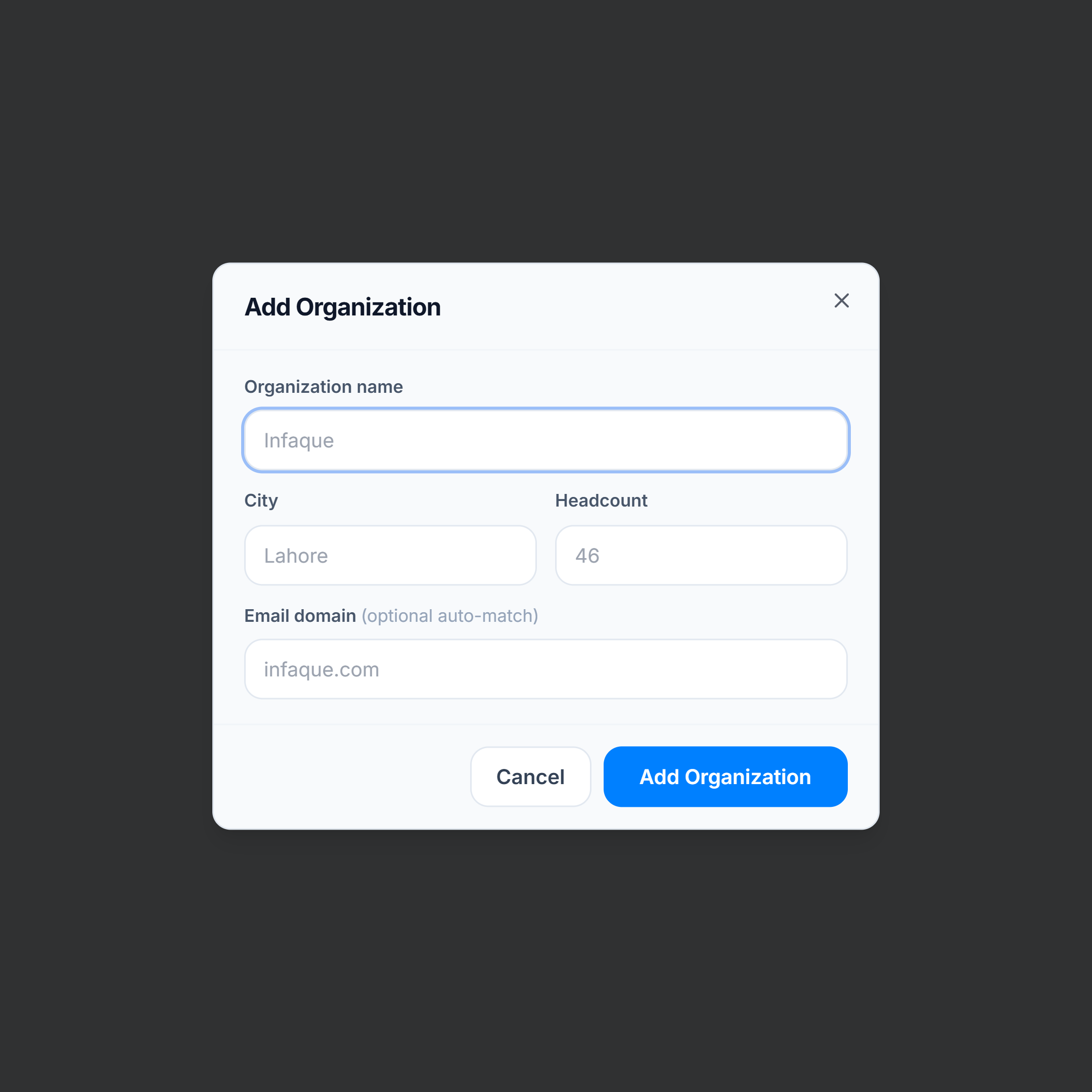
Go to Claims Management → Organizations → Add Organization. Save name, city, and headcount.
2. Build the panel hospital directory
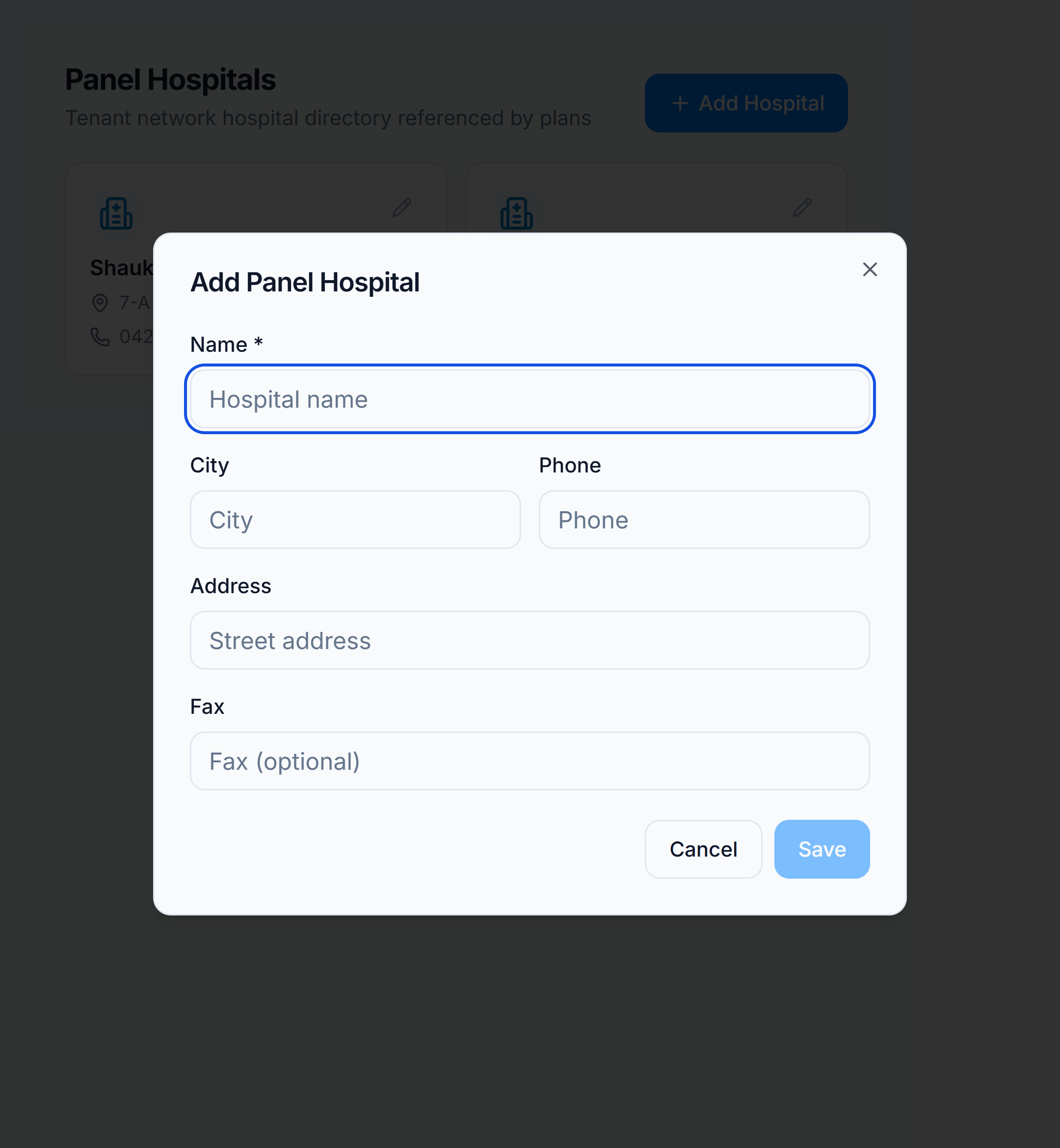
Go to Claims Management → Panel Hospitals → Add Hospital. Add every hospital plans will treat as on-panel.
3. Create a benefit plan
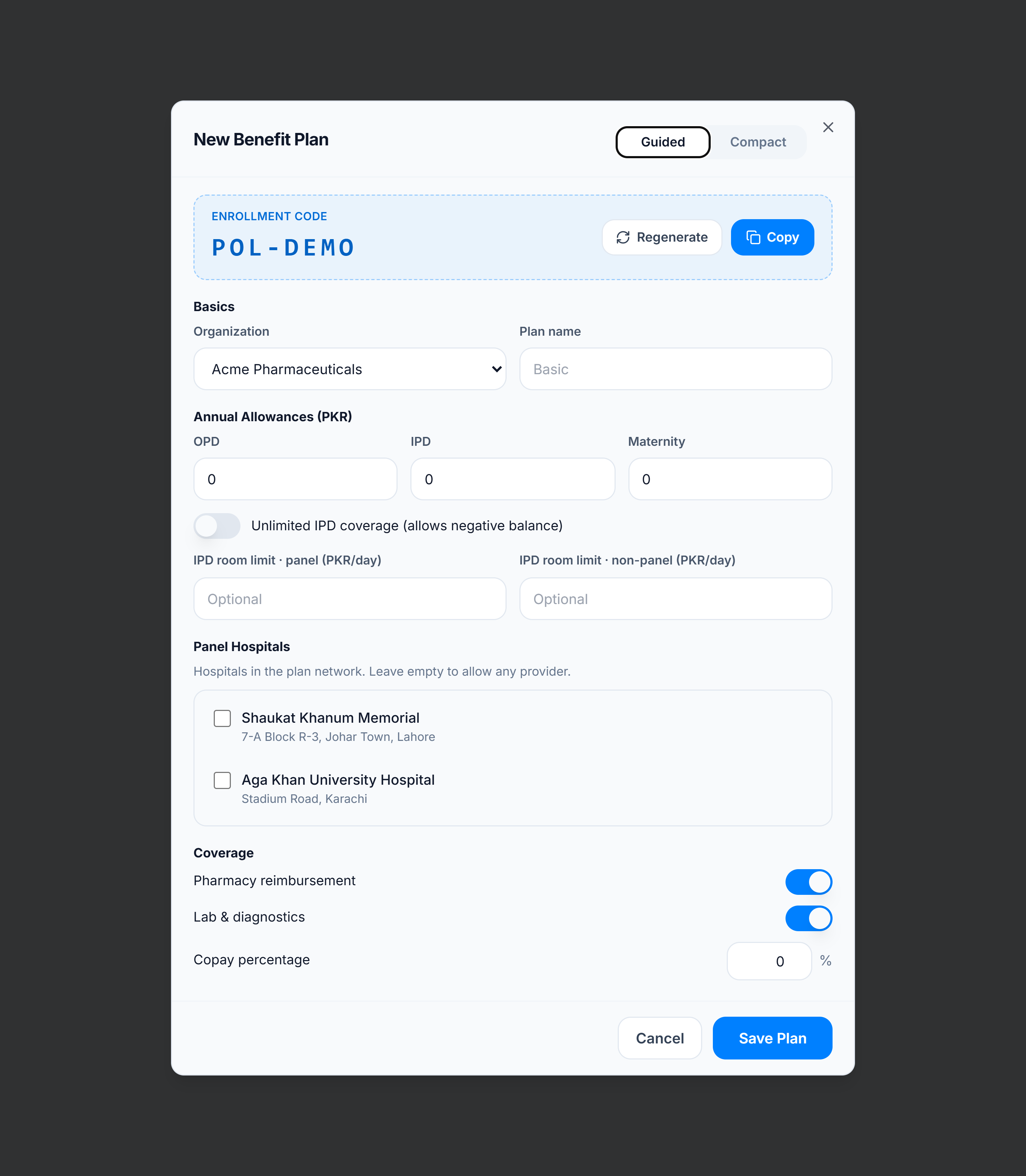
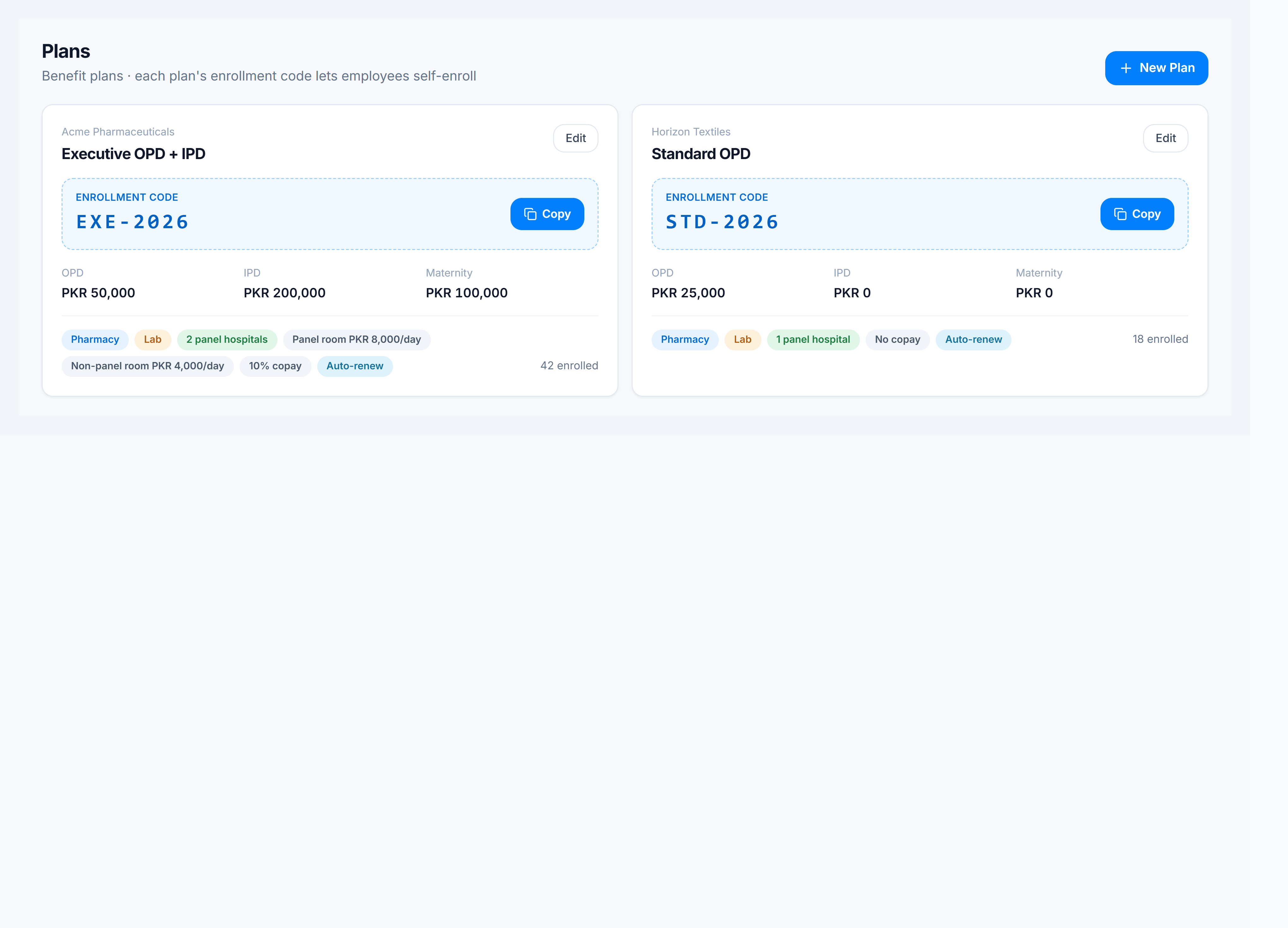
Go to Claims Management → Plans → New Plan. Attach it to the organization, set allowances and the enrollment code, and pick panel hospitals.
4. Enroll members
Go to Claims Management → Members (or Onboard) and enroll employees onto the plan. Then process claims from Claims Management → Claims.