Manage members
Steps
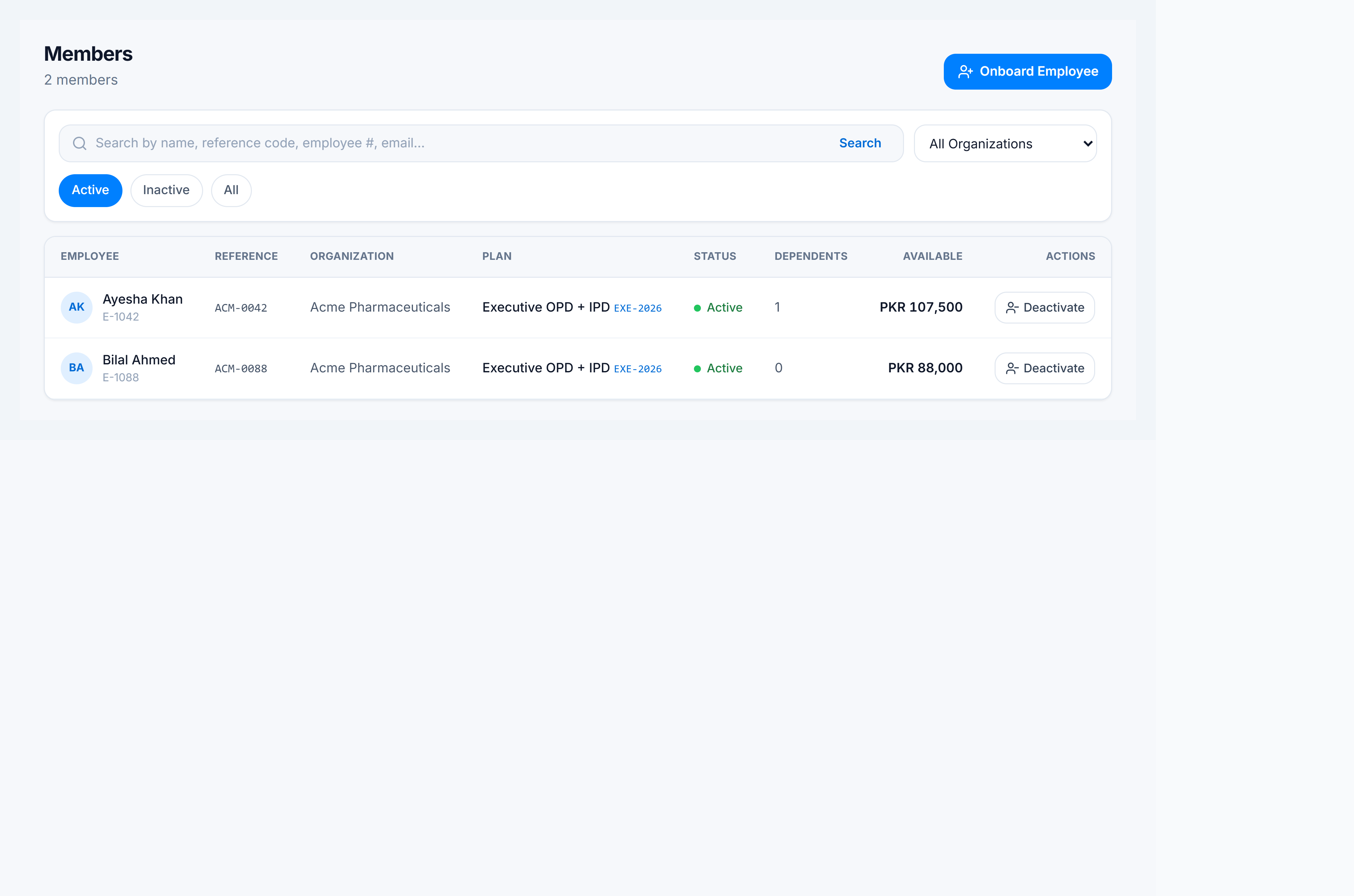
- Go to Claims Management → Members.
- Filter by organization and Active / Inactive / All.
- Search by member name or reference code.
- Click a row to open the member detail (balance, dependents, claim history).
- Use Onboard (when permitted) to enroll new members.