Create a claim on behalf
Steps
- Go to Claims Management → Claims.
- Click New Claim.
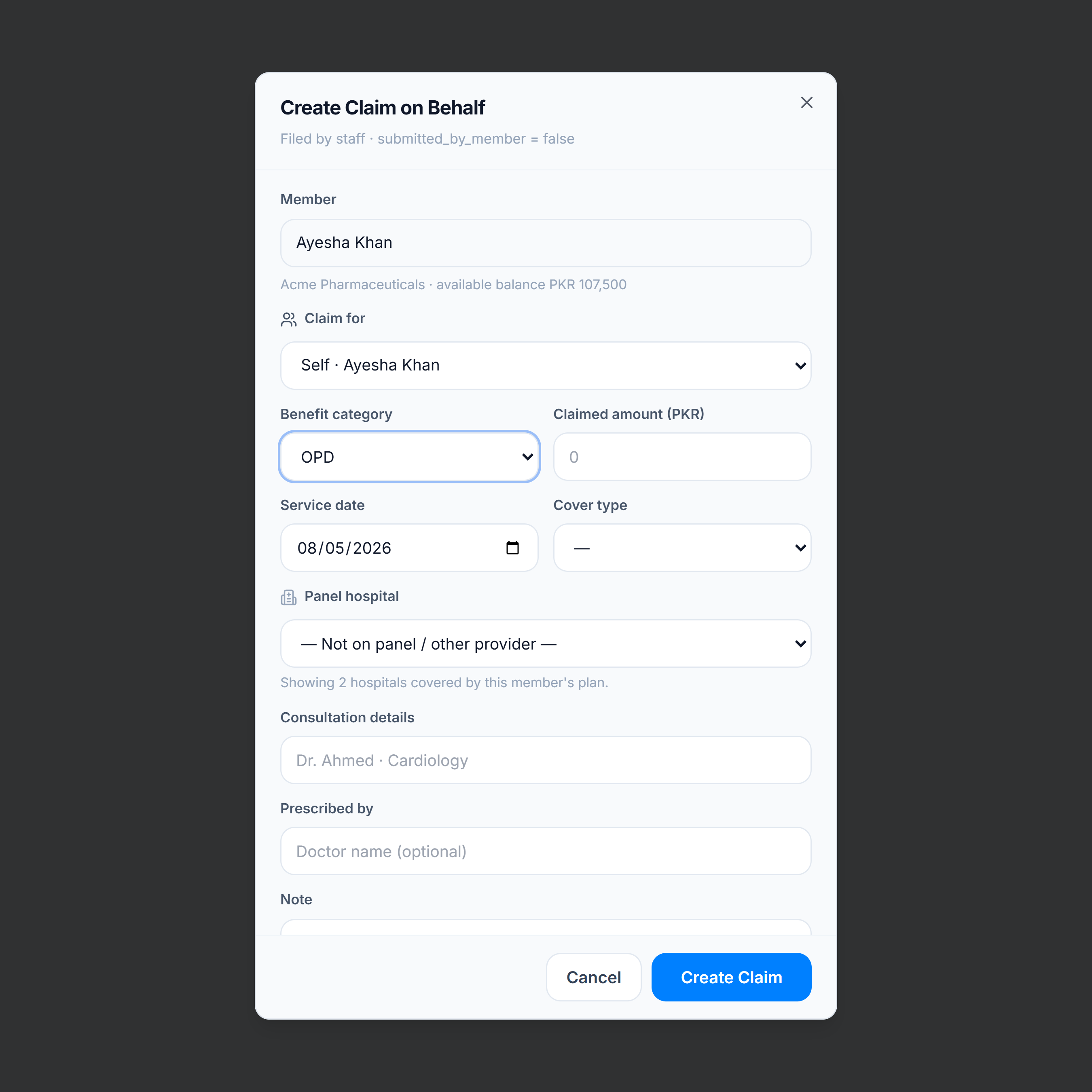
- Search and select the member (or open New Claim from a member profile where the member is already fixed).
- Choose benefit category (OPD, IPD, Pharmacy, Lab, Other) and cover type when shown.
- Enter service date, claimed amount, panel hospital (when applicable), and provider details.
- Attach receipts or prescriptions if available.
- Review the insight chips (balance / panel hints), then submit.
Tips
- The dialog surfaces the member’s available allowance so you can spot over-claim amounts early.
- Claims created on behalf still flow through the same adjudication path as member-submitted claims.