Support Tickets
Audience: Anyone using Ailaaj One who needs to tell us something is broken, or ask for a capability that does not exist yet.
Purpose: This is the front door to Support → Help. Pick a how-to for the task you need, look up status meanings, or read why bug vs feature matters for release notes.
What shipped and when: Support Tickets Academy guide.
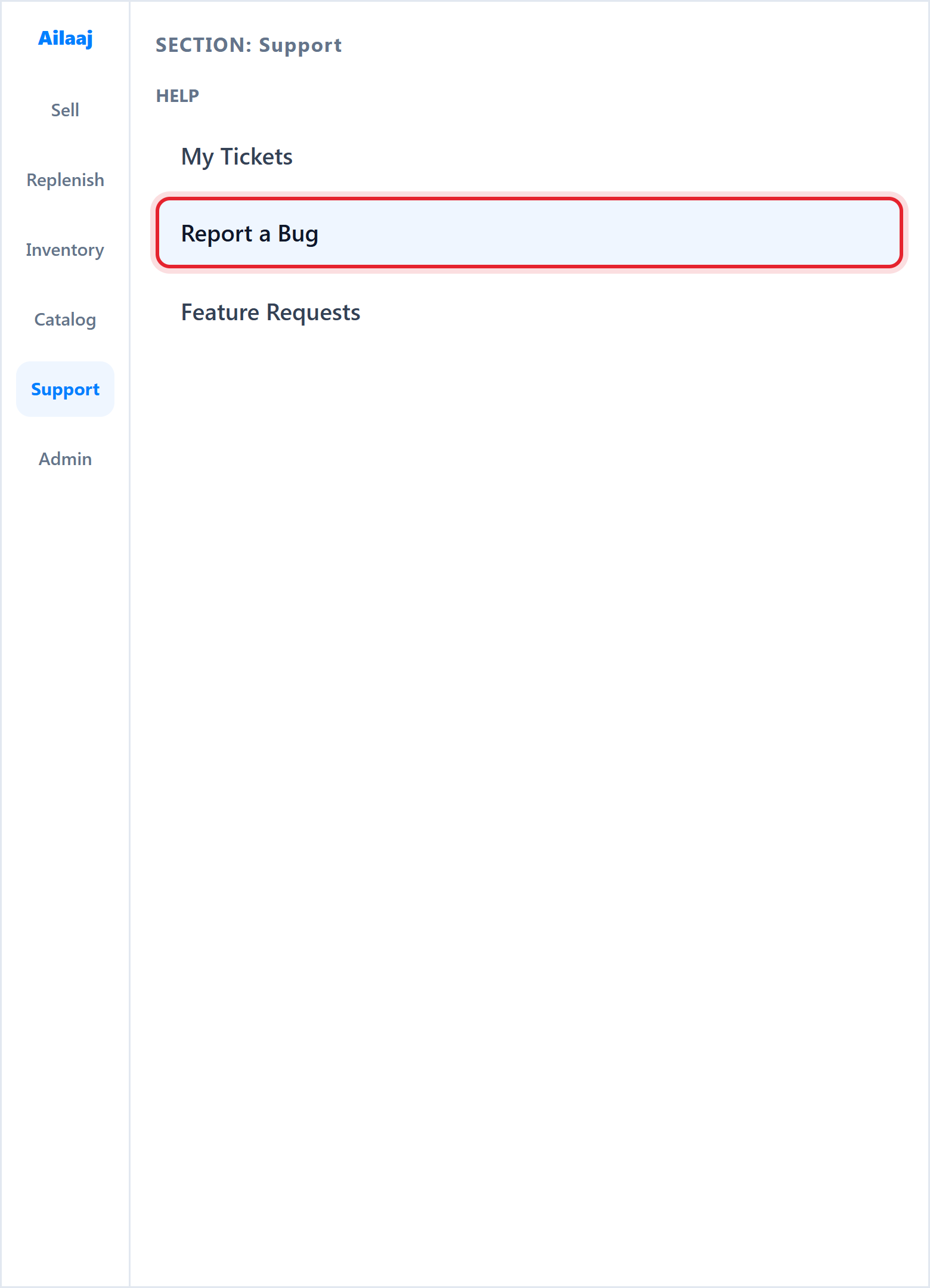
From the left sidebar, open Support → Help. You can:
- Report a Bug when something in the product does not work as expected
- Feature Requests when you want a new capability or improvement
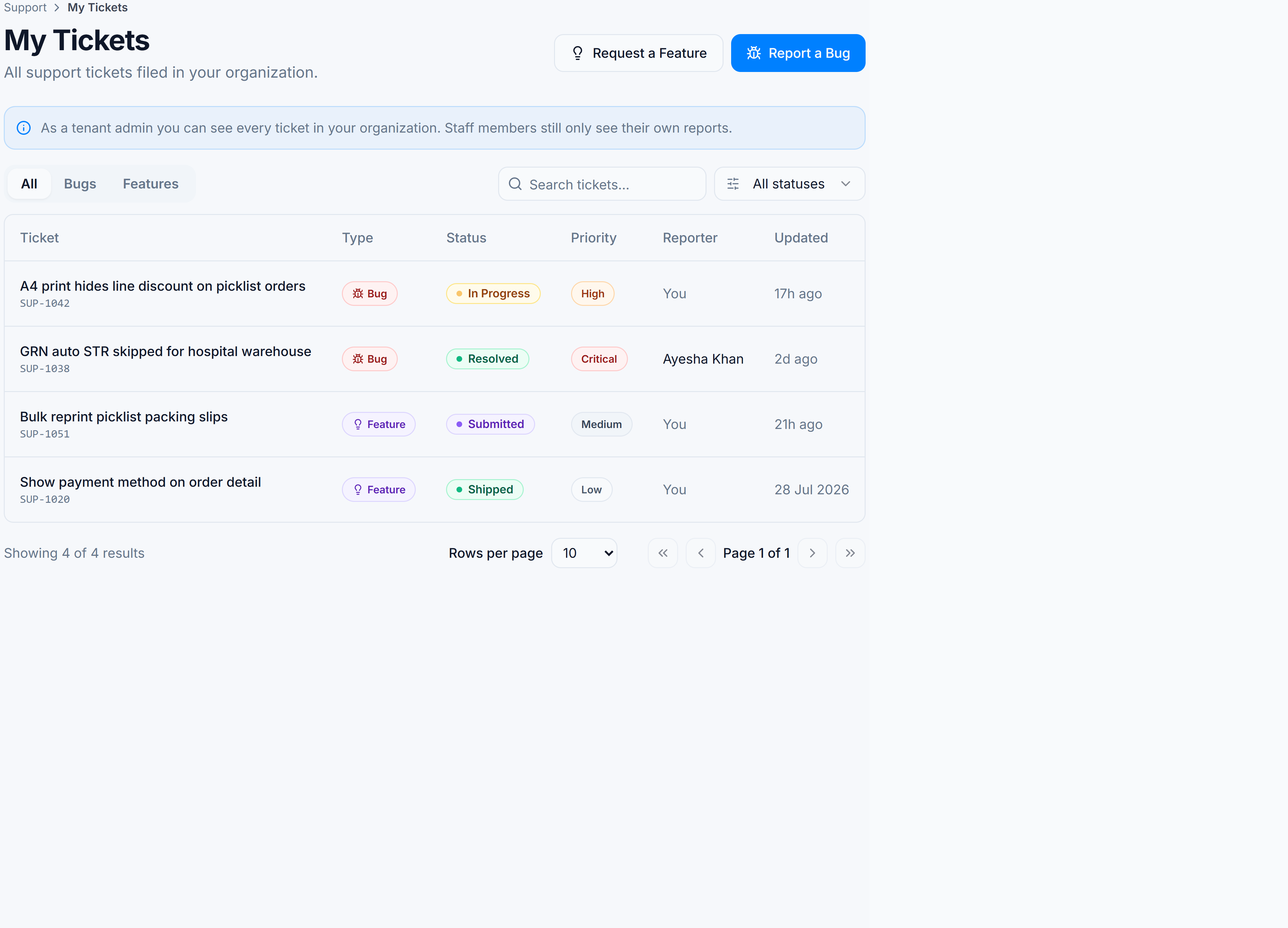
- My Tickets to see status on everything you have submitted
Reports go to the Ailaaj product and support teams. When a bug is fixed or a feature ships, you will see it reflected in What’s New and the related Academy guides — this hub keeps those paths aligned.
Pick the kind of help you need
The screen
How to get there
In the left sidebar, open Support → Help, then choose:
| Task | Path |
|---|---|
| Report a bug | Support → Help → Report a Bug (/support/bugs/new) |
| Request a feature | Support → Help → Feature Requests (/support/features) |
| Track your tickets | Support → Help → My Tickets (/support/tickets) |
Related
- What’s New — shipped fixes and features across Ailaaj One
- Engineering (operators): Support ticketing — JIRA resilience