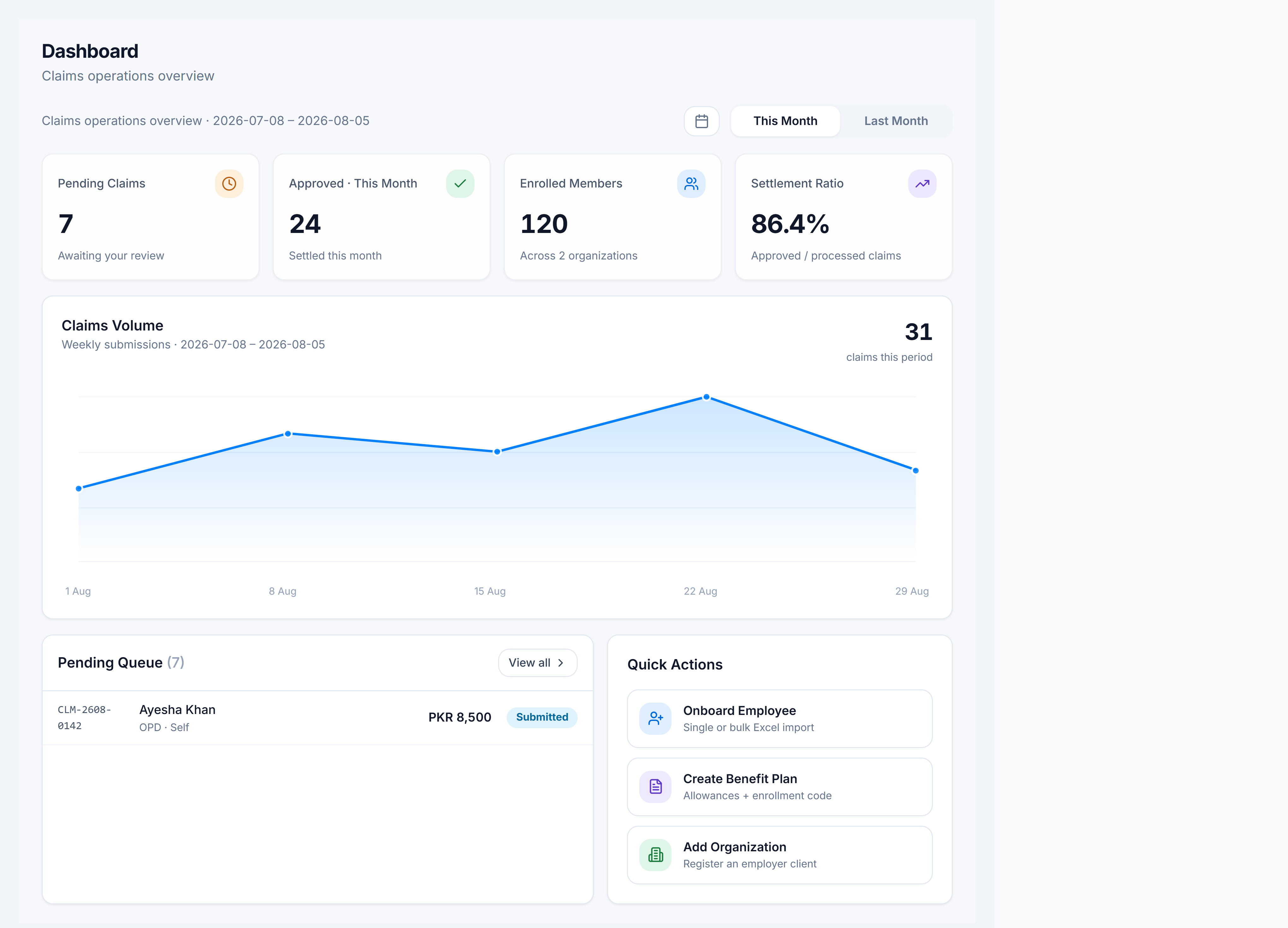
View the claims dashboard
Steps
- Go to Claims Management → Dashboard.
- Read the KPI cards: Pending Claims, Approved · This Month, Enrolled Members, Settlement Ratio.
- Switch This Month / Last Month (or a custom range) to change the volume chart.
- Open a row in the Pending Queue, or click View all to jump to the Claims list.