Suppliers
Audience: Procurement and warehouse managers who maintain vendor records — plus anyone evaluating, selling, or supporting WMS procurement.
Purpose: This is the front door to the Suppliers guide. It explains the screen at a glance, then points you to the right page — a single task, a rule, or why supplier master data matters.
What shipped and when: Suppliers release notes.
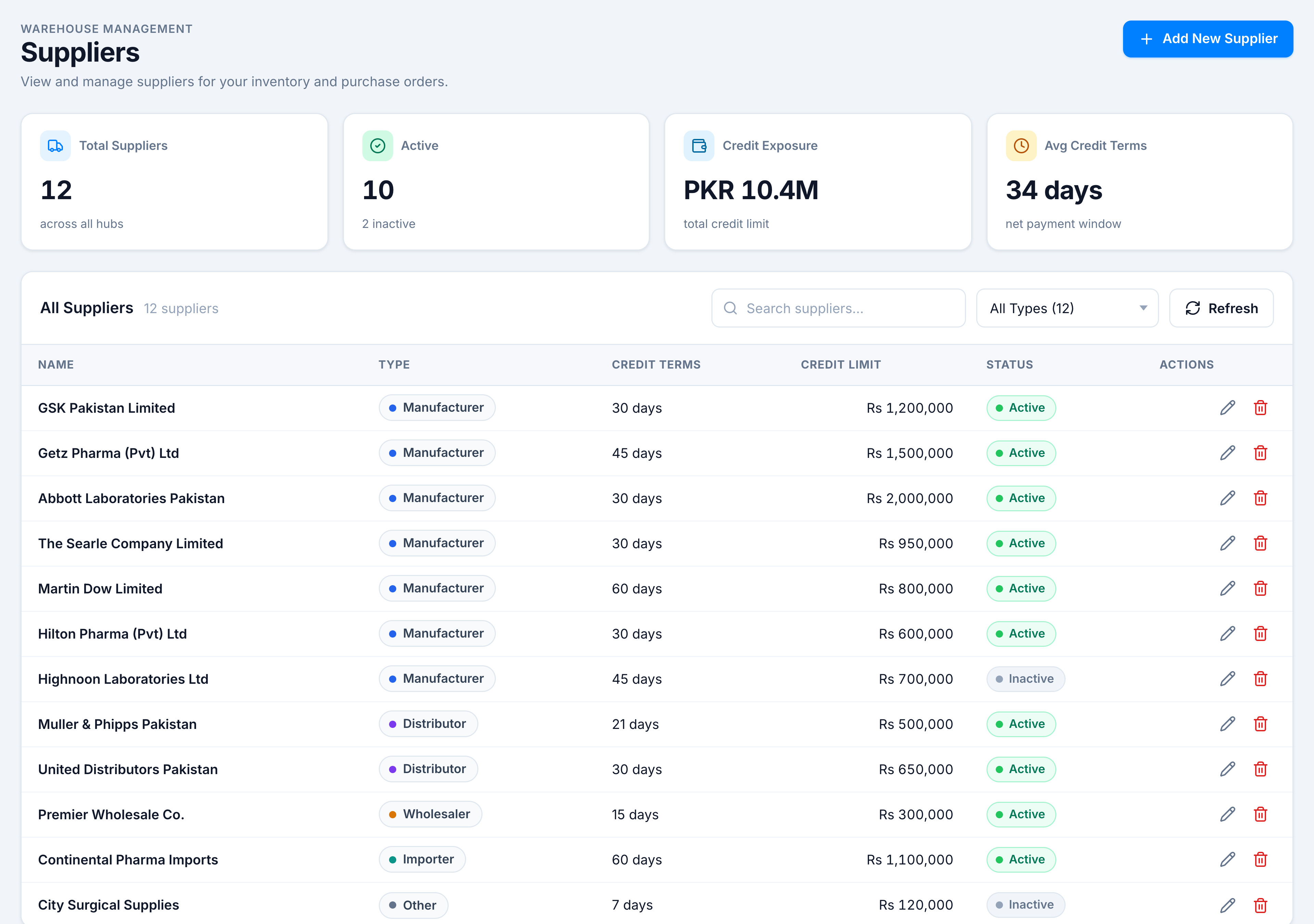
The Suppliers screen is your vendor directory. It opens with a KPI strip (Total Suppliers · Active · Credit Exposure · Avg Credit Terms), a toolbar (All Suppliers count, search, type filter, Refresh), and a table with type pills (coloured dot + label), credit terms, credit limit, status, and row actions (Edit · Delete). From here you add a supplier, open one to edit contacts and addresses, or jump to Supplier Products Mapping to link SKUs.
Pick the kind of help you need
The Academy organises every guide as learn, do, look up, understand.
The screen
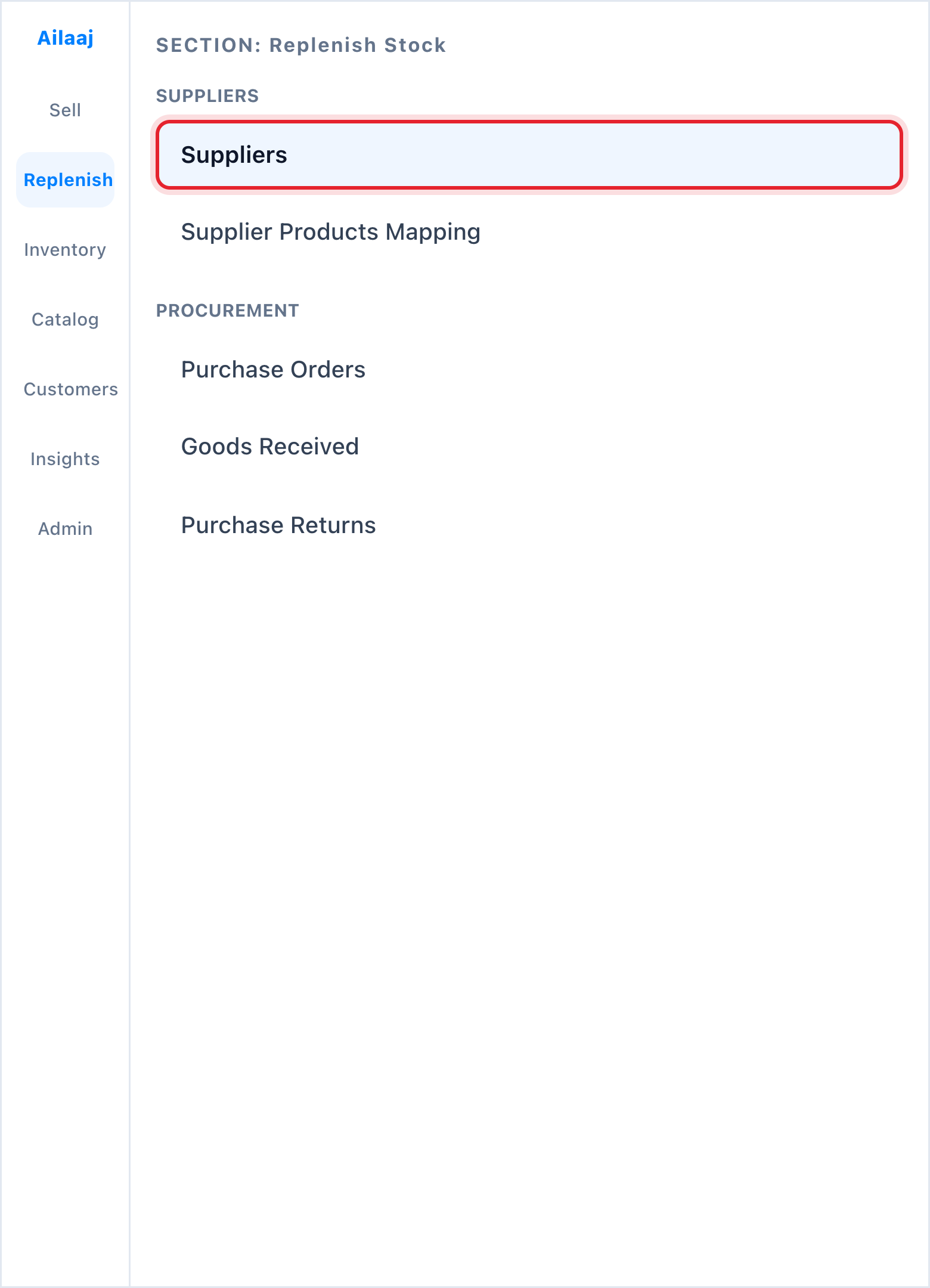
How to get there
In the left sidebar, open Replenish Stock → Suppliers → Suppliers.