Filter inventory by location
When to use this: you need stock for one branch or cold store only.
Steps
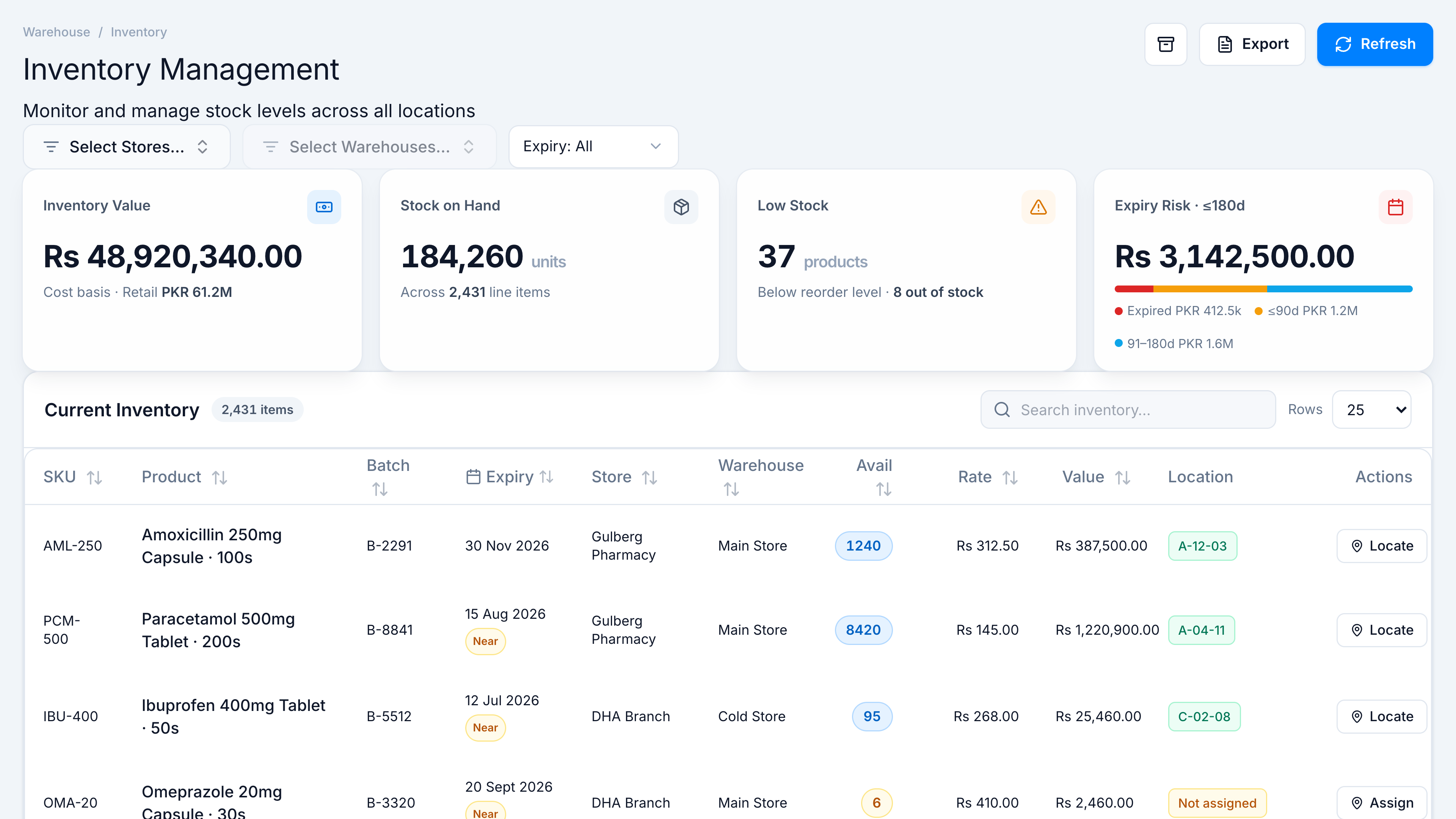
- Open Inventory Management.
- Optionally pick Hub or Live (when hub pairing supports live cloud).
- Select store(s) — leave empty for all tenant stores.
- Select warehouse(s) — enabled after at least one store is chosen.
- KPIs and table refresh for the filtered scope.
Offline hub note
On a hub workstation, only hub-registered stores/warehouses appear; others are hidden with a notice banner.