View inventory across locations
1. Open Inventory Management
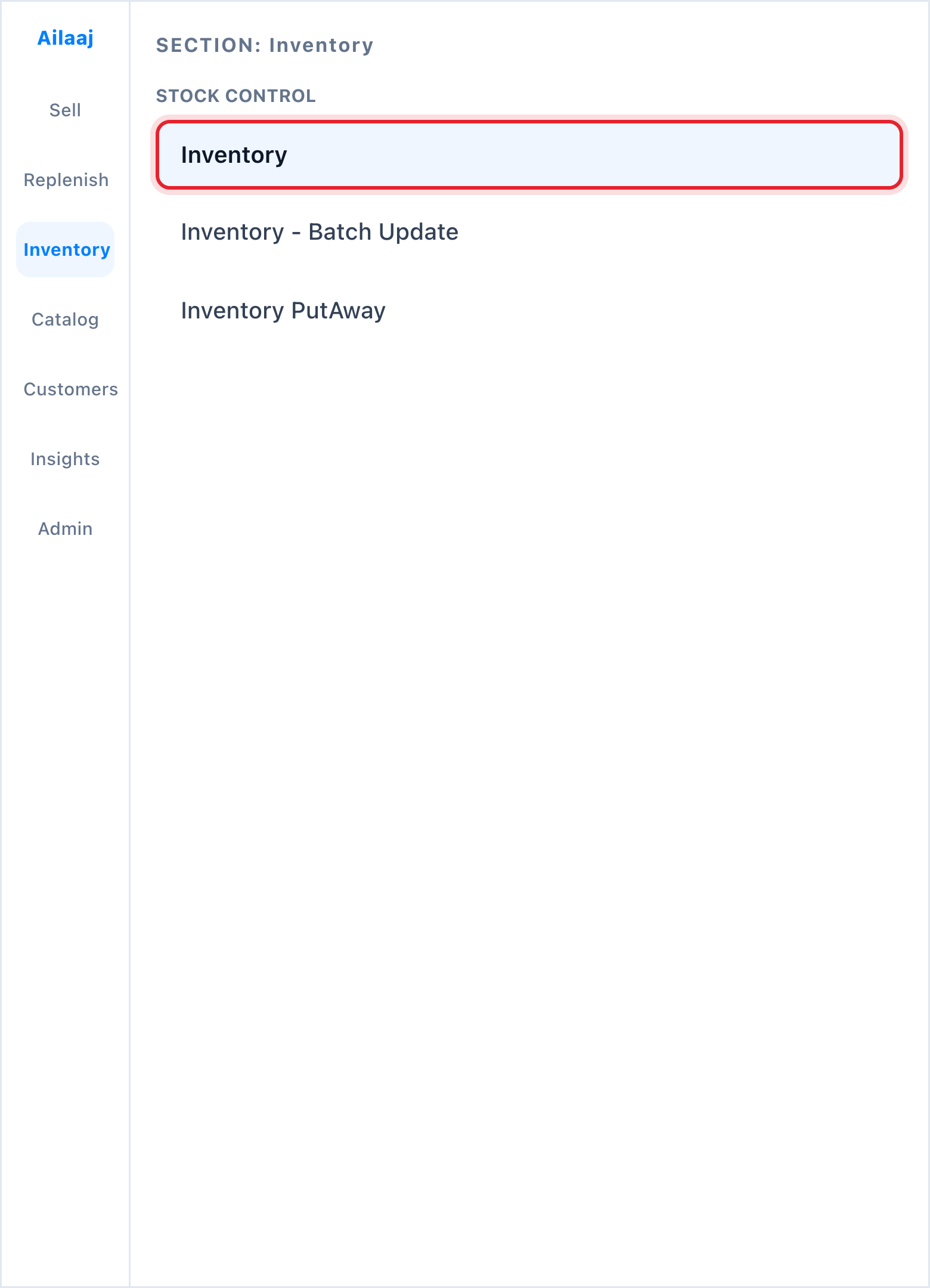
Navigate to Inventory → Stock Control → Inventory.
2. Read the KPI strip
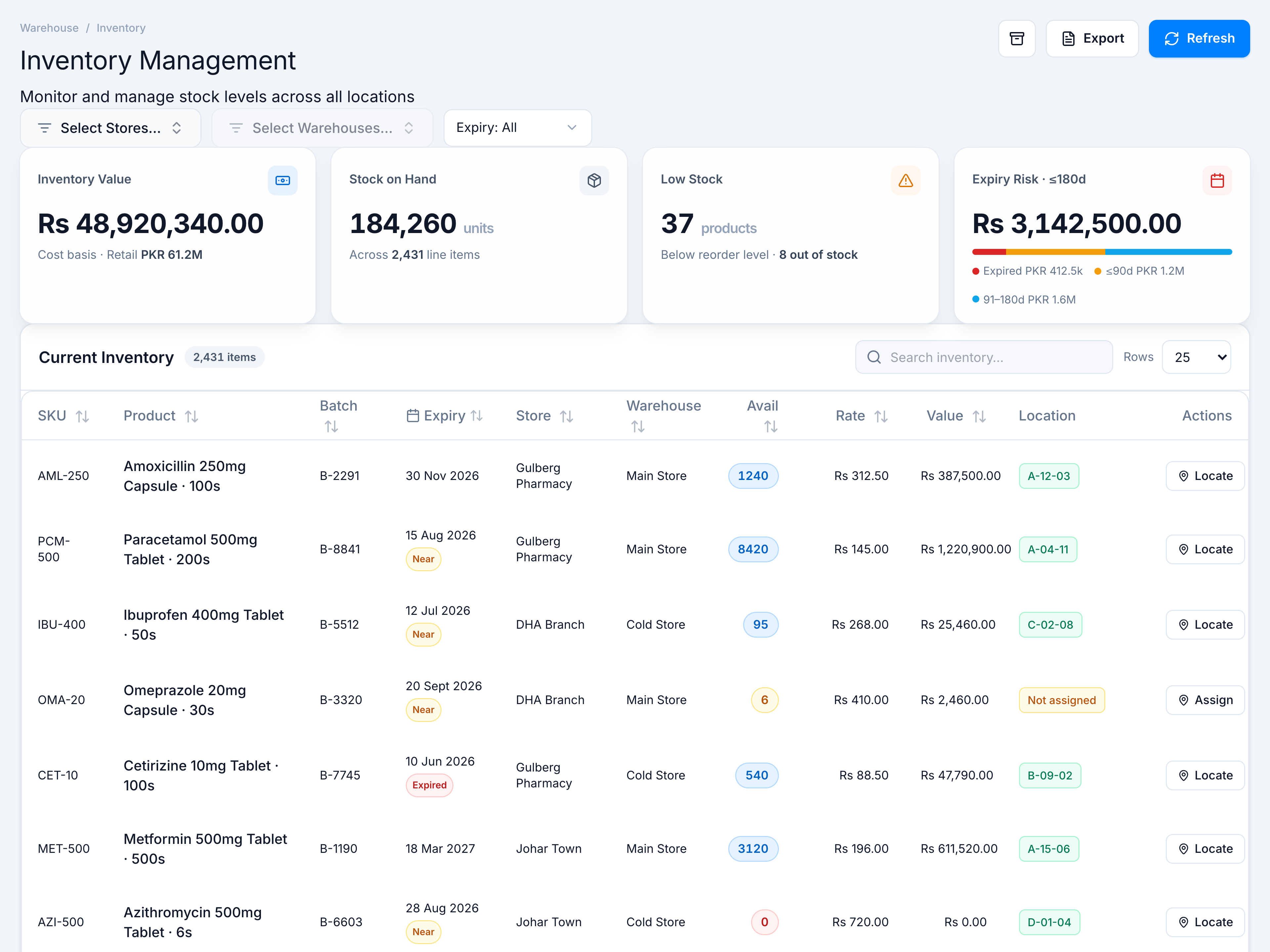
- Inventory Value — cost basis with retail sublabel
- Stock on Hand — total units and line-item count
- Low Stock — products below threshold; out-of-stock count
- Expiry Risk · ≤180d — value at risk with expired / ≤90d / 91–180d breakdown bar
3. Narrow to one warehouse
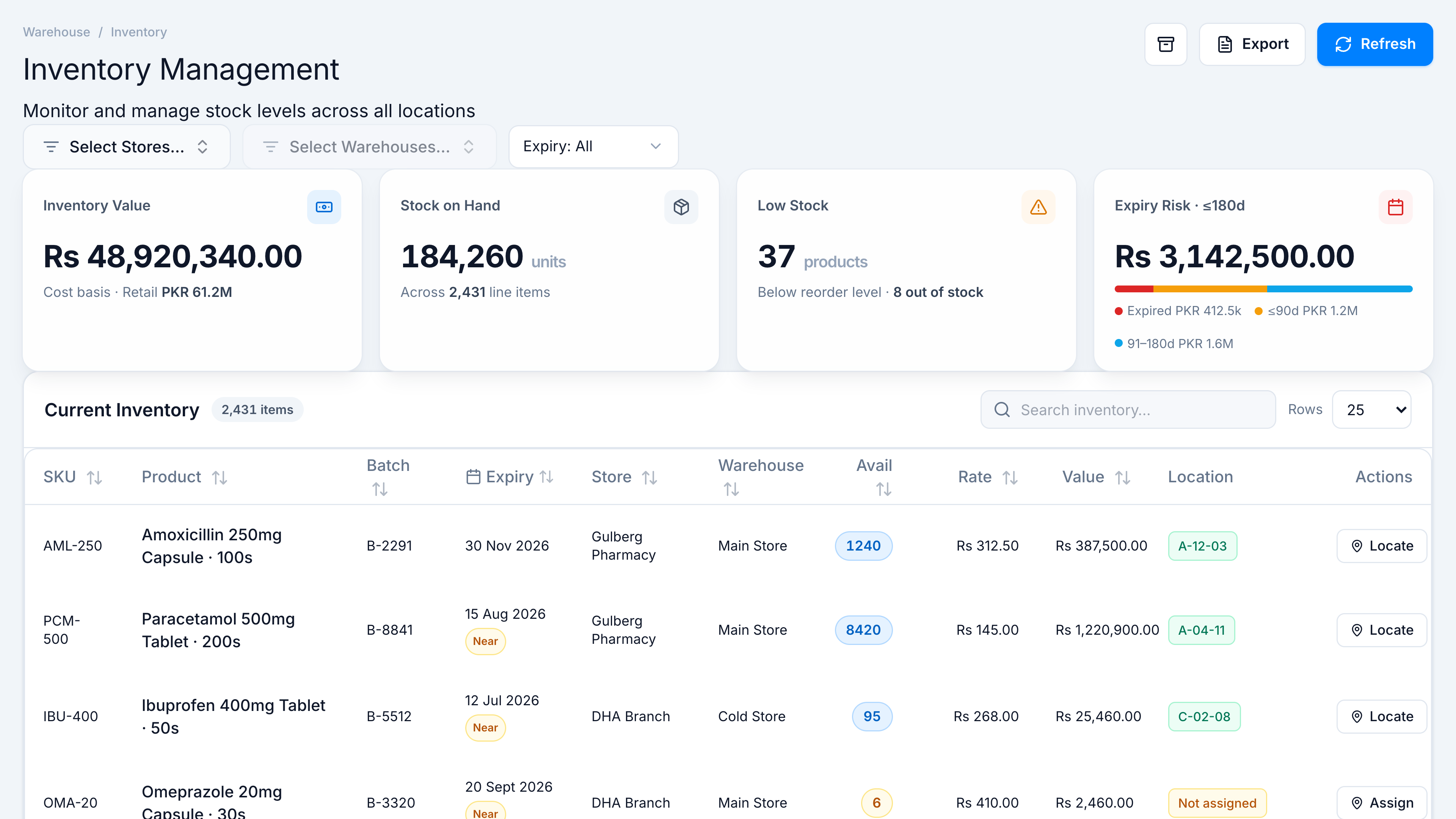
Use All Stores and All Warehouses in the filter bar to scope results.
4. Next steps
- Search a SKU in the table header
- Assign a bin with row Assign
- Export CSV from the page header for offline analysis