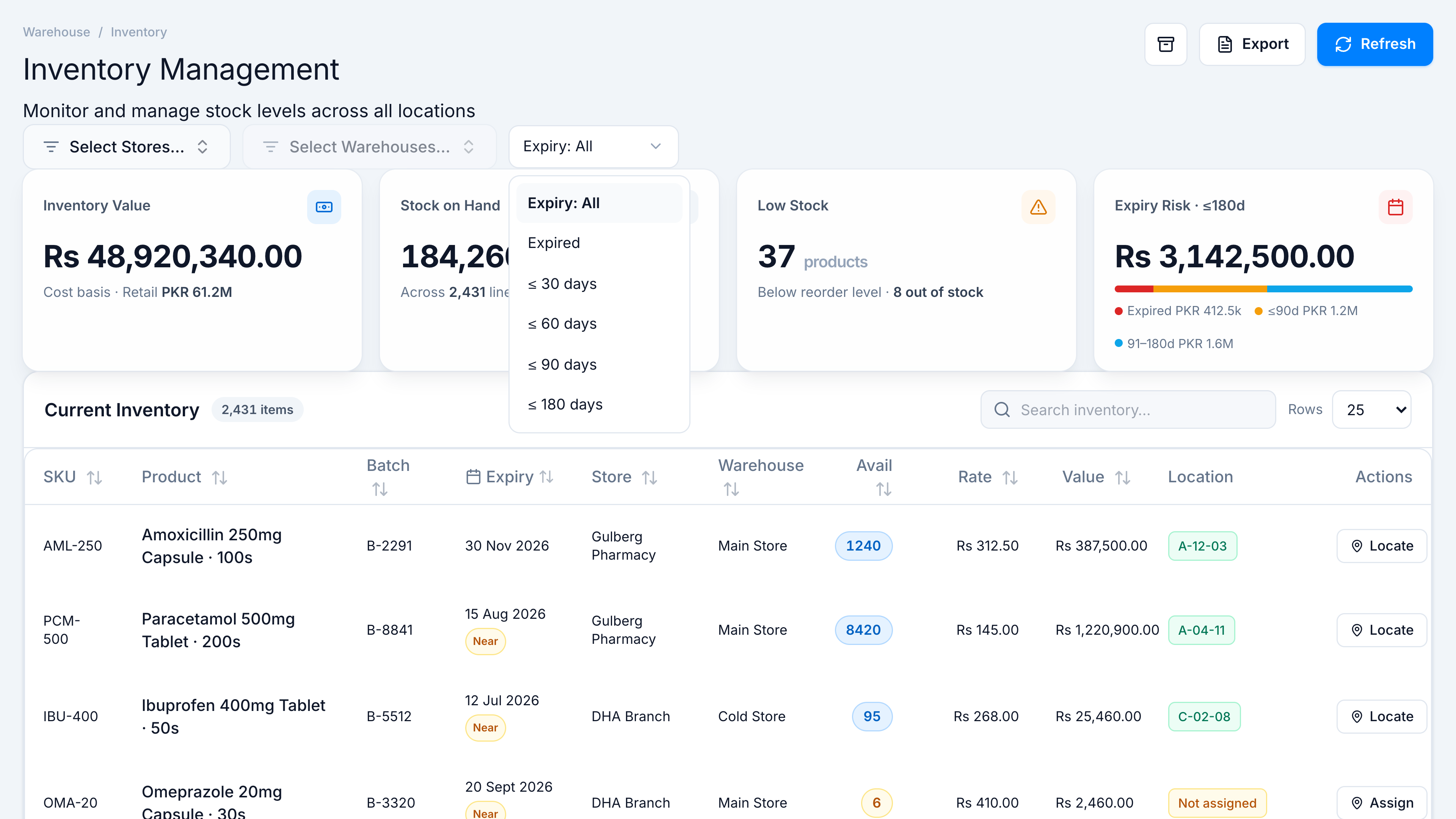
Filter by expiry
When to use this: expiry walk-downs, FEFO checks, or write-off planning.
Steps
- Open the Expiry: All dropdown in the filter bar.
- Choose Expired, ≤ 30 days, ≤ 60 days, ≤ 90 days, or ≤ 180 days.
- Table and KPIs update to matching batches. Near and Expired pills appear on expiry cells.
Related
- Search inventory · Batch Update to correct expiry dates