Run Auto STR
When to use this: when you want fresh transfer proposals based on current velocity and stock levels.
Steps
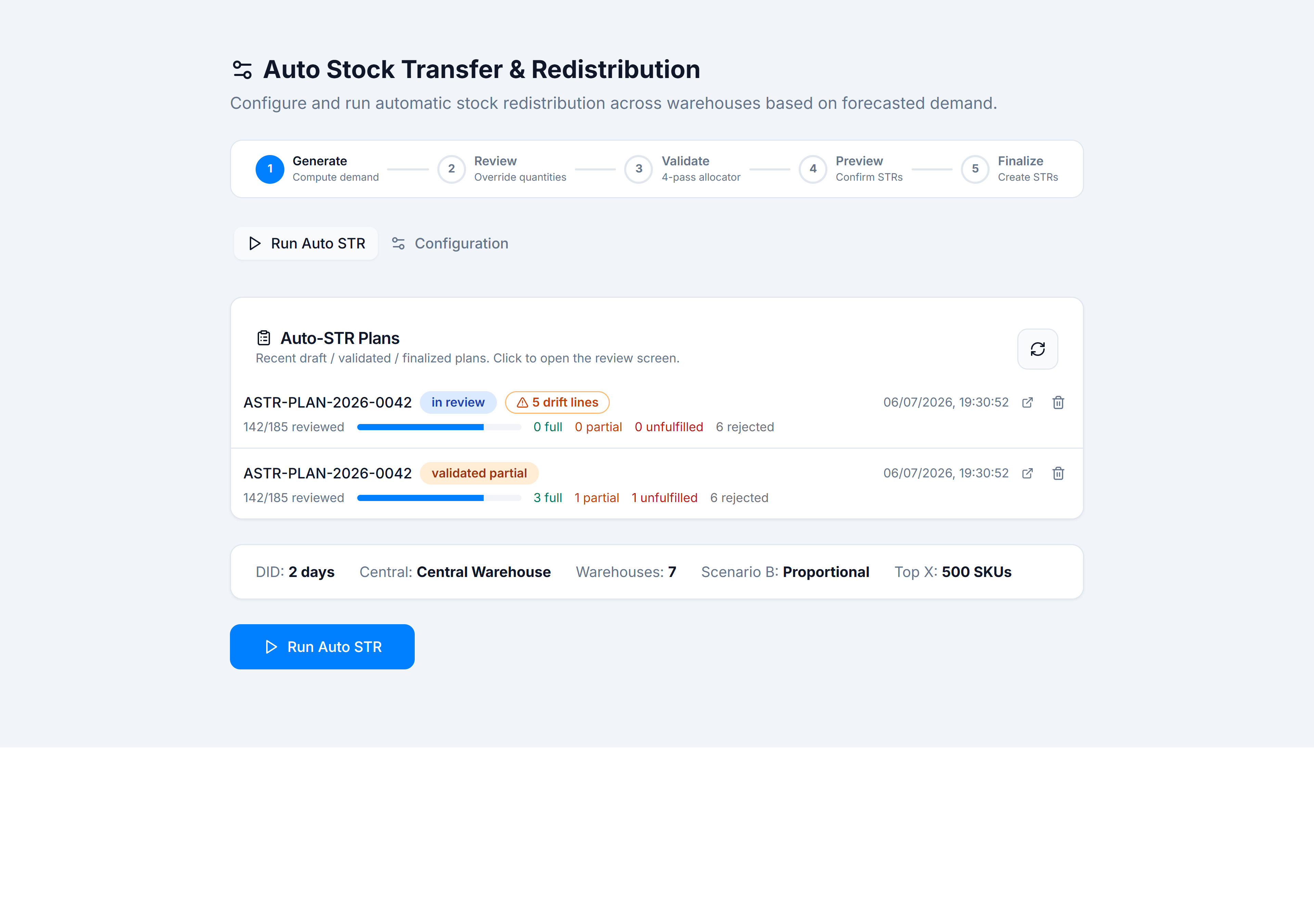
- Open Inventory → Stock Control → Auto STRs → Run Auto STR tab.
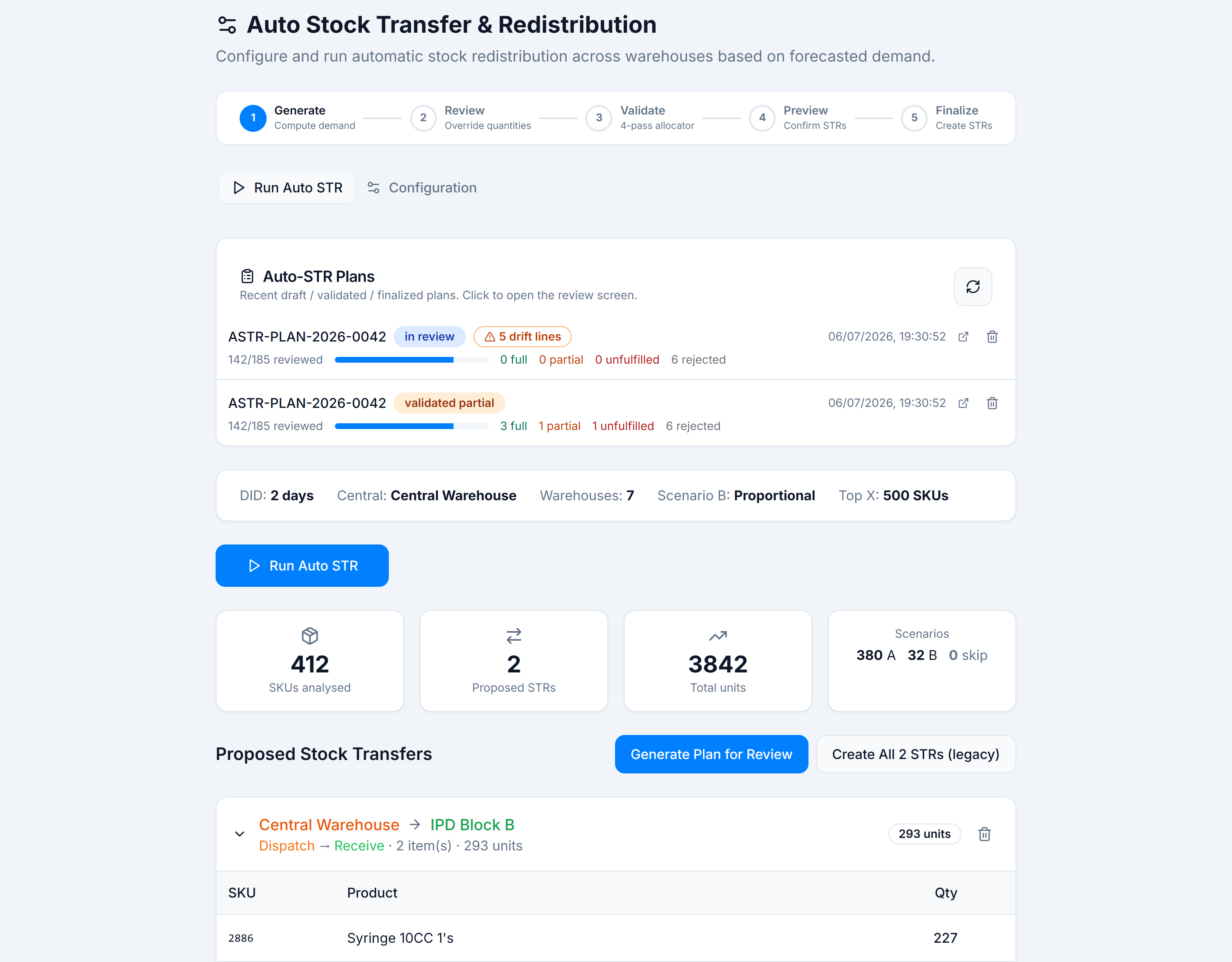
- Confirm the configuration summary bar (DID, central warehouse, participant count).
- Click Run Auto STR.
- Wait for progress text to finish. Summary cards appear: SKUs analysed, Proposed STRs, Total units, Scenarios (A / B / skip).
- Expand each proposed STR card to see SKU lines (source → destination, quantity).
- Optionally remove whole STRs or individual SKUs (trash icon) if you have delete preview permission.
You’re done when
You see either proposed STR cards or the green banner “All warehouses are balanced. No transfers needed.”
Good to know
- A run is read-only until you click Generate Plan for Review or the legacy Create All STRs path.
- Create All STRs (legacy) bypasses pharmacist review — prefer Generate Plan for Review in v2.0.
If it goes wrong
- Run Auto STR greyed out — configuration invalid (< 2 warehouses). Fix under Configure Auto STR.
- Running… stuck — check network; the engine calls
compute_auto_str_dataRPC. Retry after a refresh.