Search and filter suppliers
Goal: find one supplier quickly in a long directory. Where: Suppliers list toolbar — search box and All Types filter.
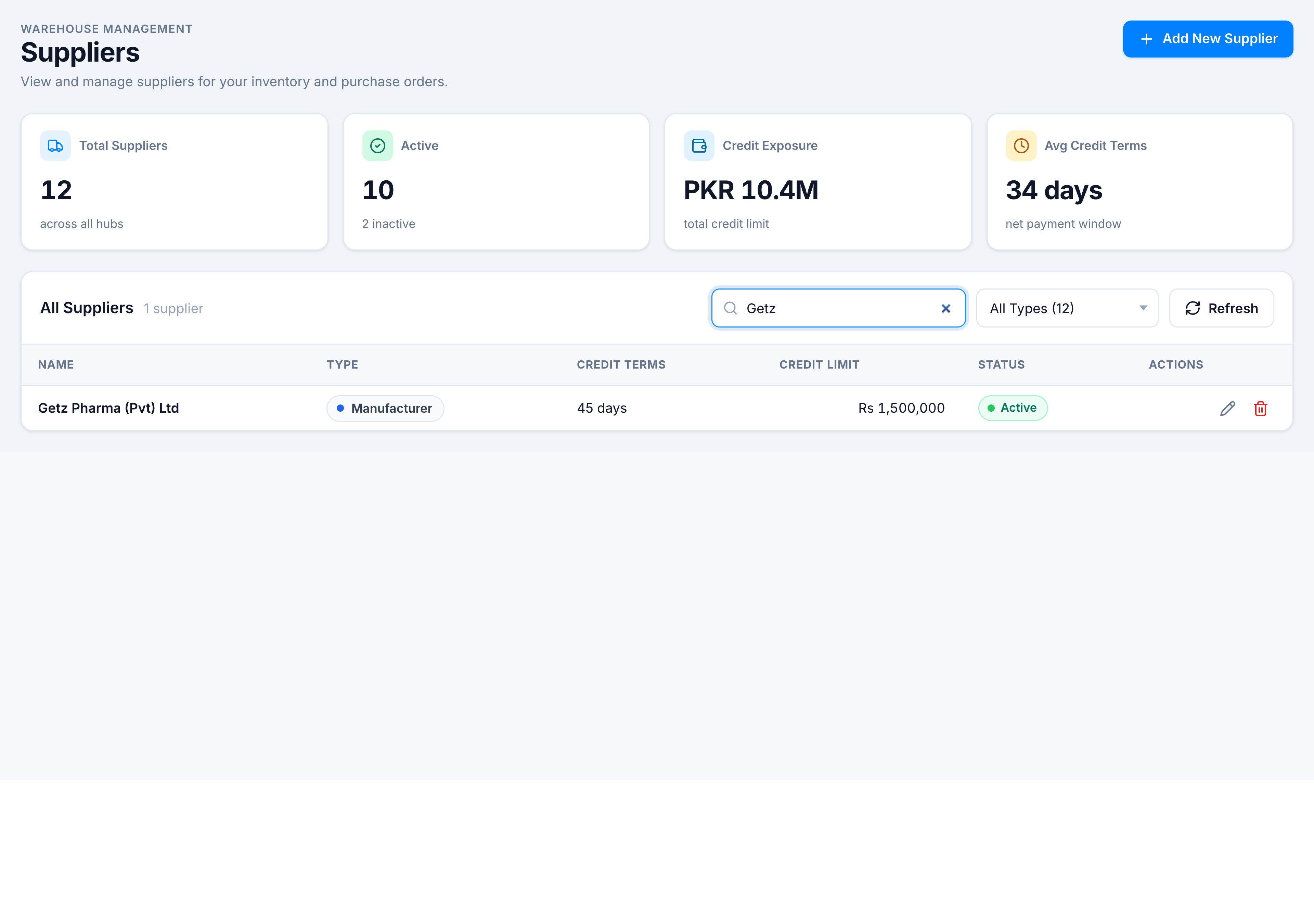
Search by text
- Click Search suppliers… in the toolbar.
- Type part of the name, NTN, STN, or type keyword.
- The table and the “N suppliers” count update instantly (client-side filter).
Filter by type
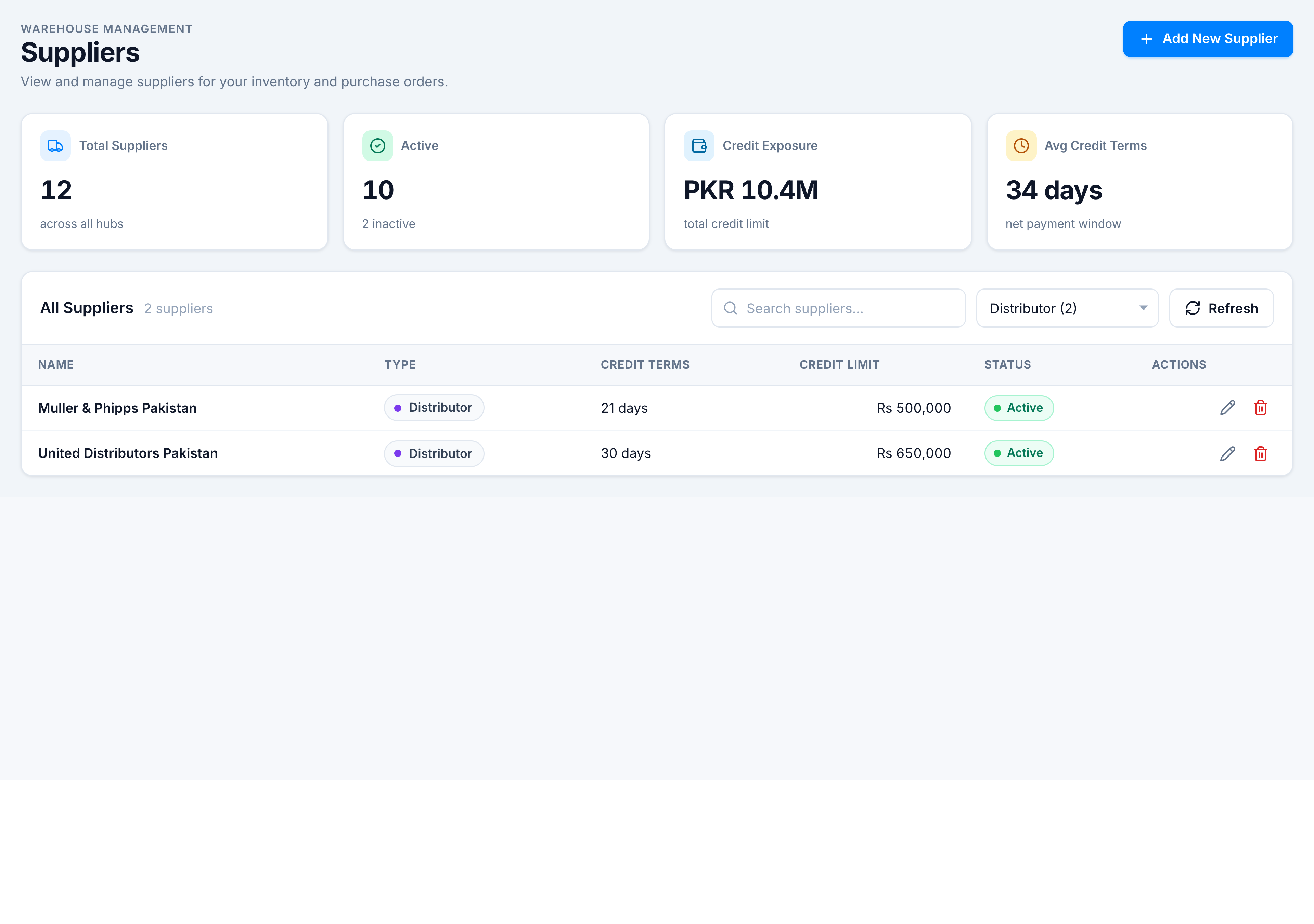
- Open the All Types (N) dropdown.
- Pick a type — e.g. Manufacturer (6) — options show live counts per type.
- Combine with search to stack filters.
Refresh
Click Refresh to re-fetch from the server (spinner animates while loading). Use this after another user added a supplier on a shared tenant.
If nothing matches
Empty state “No suppliers found” with hint “Try adjusting your search or filters” — clear search or set type back to All Types.