Delete a supplier
Goal: remove a supplier that should no longer appear in procurement. Where: Suppliers list → row Delete (trash icon).
Steps
- Open Replenish Stock → Suppliers → Suppliers.
- Click Delete supplier (trash) on the row.
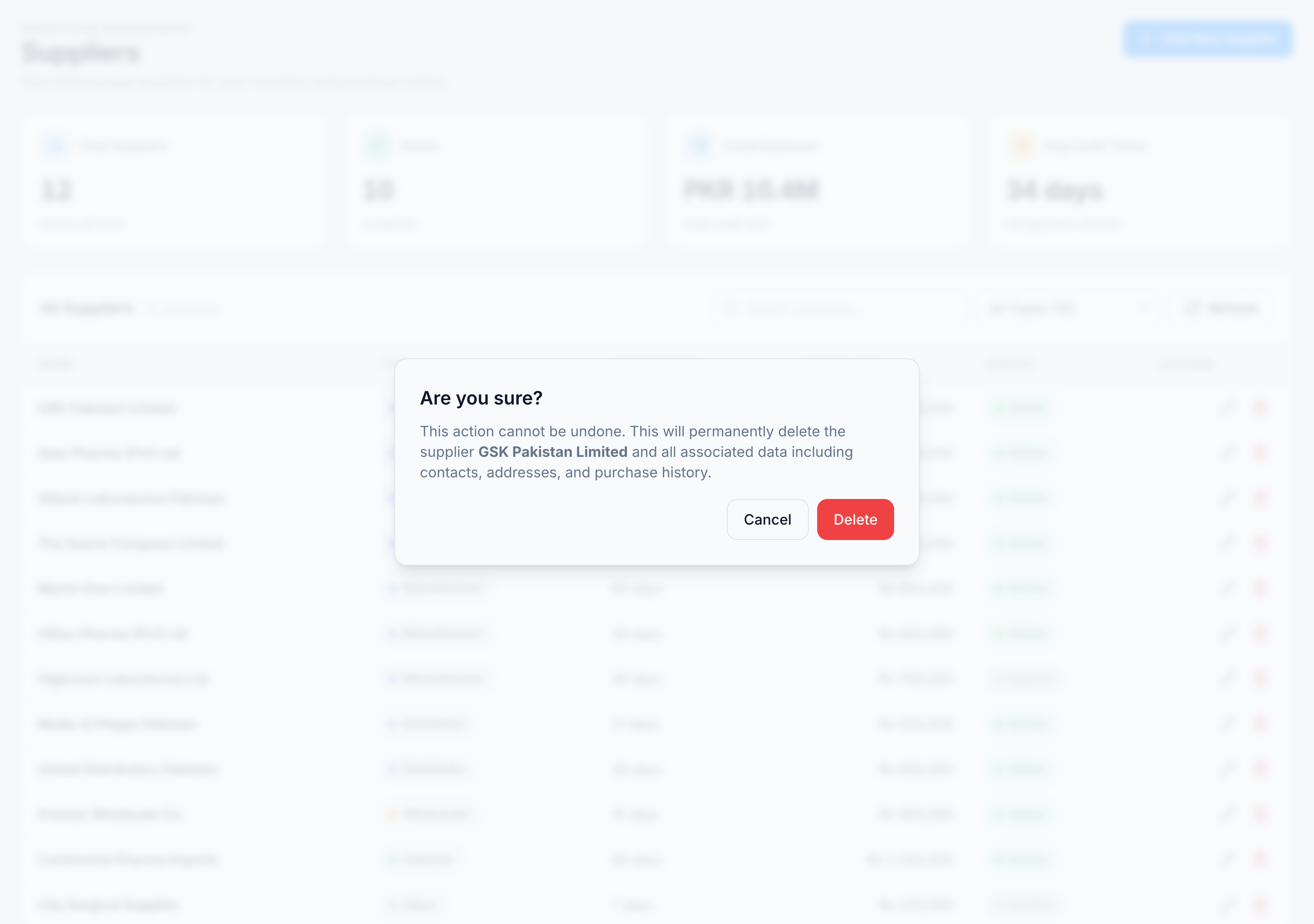
- Read the confirmation: “This action cannot be undone. This will permanently delete the supplier … and all associated data including contacts, addresses, and purchase history.”
- Click Delete to confirm, or Cancel to keep the record.
Success looks like
Toast “Supplier deleted” and the row disappears from the list. KPI Total Suppliers decrements.
If it goes wrong
| Message | Cause | Fix |
|---|---|---|
| ”Cannot Delete Supplier” — “This supplier has existing GRN (Goods Received Note) records and cannot be deleted.” | Database foreign-key on grns.supplier_id | Mark supplier Inactive instead of deleting; GRN history must stay intact |
| ”Failed to delete contacts/addresses” | Partial delete failure | Retry; contact support if the supplier is stuck half-deleted |