Hold a sale & recall it
When to use this: a customer steps away mid-sale and you don’t want to lose their basket or block the queue.
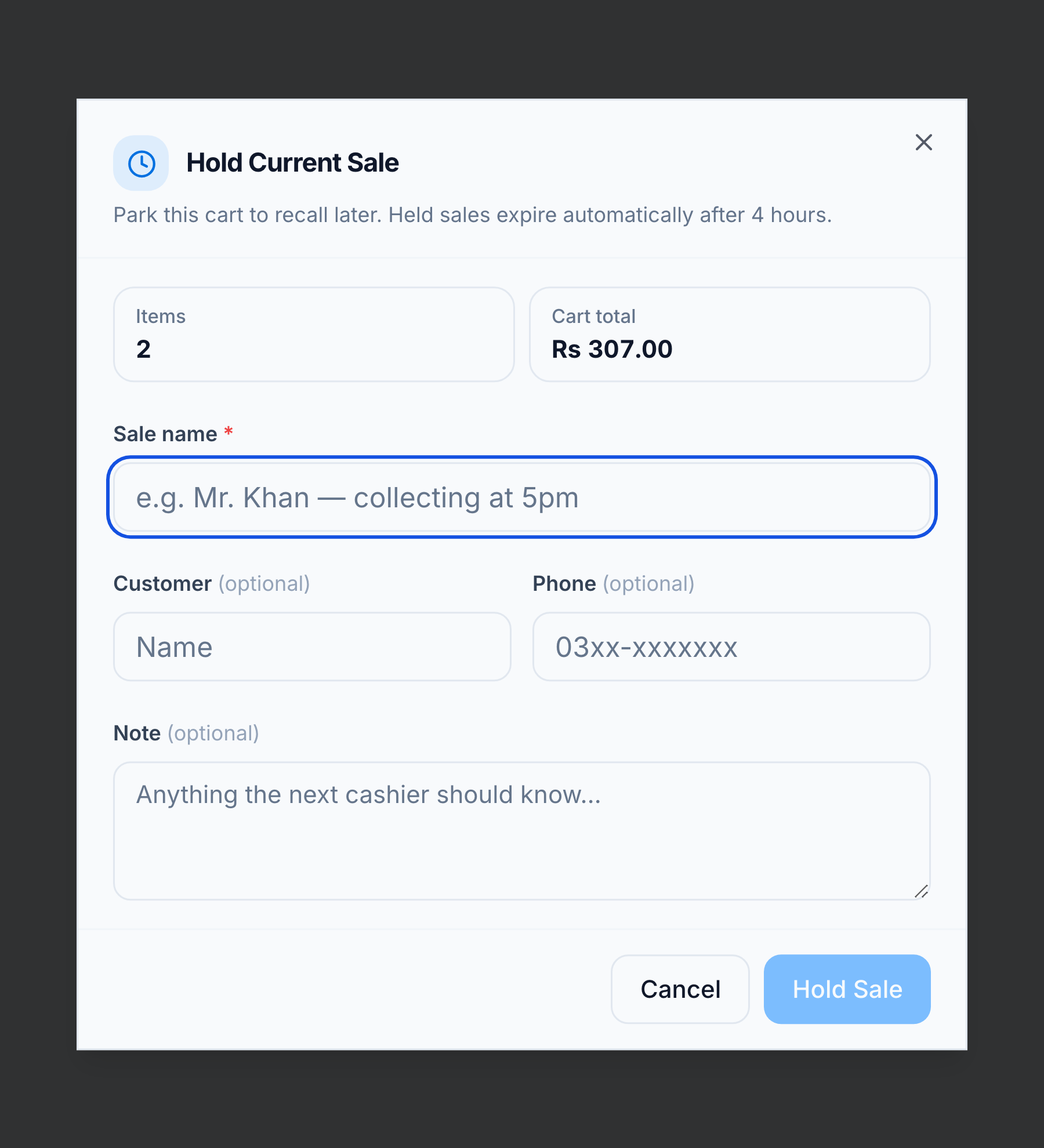
Hold the sale
- Click Hold (Ctrl+H).
- Give the sale a Sale Name (required; customer name and phone optional) and confirm.
The cart clears for the next customer.
Recall it
Open the Hold Sales tab and click Recall to load the basket back.
Good to know
- Held sales expire after 4 hours.
- Stock is re-checked on recall — if an item sold out meanwhile, its quantity is adjusted down and you’re warned.
Full rules: Till sessions & holds.