Set up riders and warehouses
When to use this: before go-live on /dispatch — each runner and warehouse needs a row in settings.
How to get there
Admin → Operations → Shipping Methods (Riders tab) (/settings/shipping-methods, Riders tab).
You need permission to manage tenant shipping settings.
Steps
- Click Add Rider (or edit an existing row).
- Set Display name, optional phone, and vehicle type.
- Under Warehouses, select every rack the runner may claim from — they only see packed picklists on those warehouses at the kiosk.
- Leave the rider Active unless offboarding.
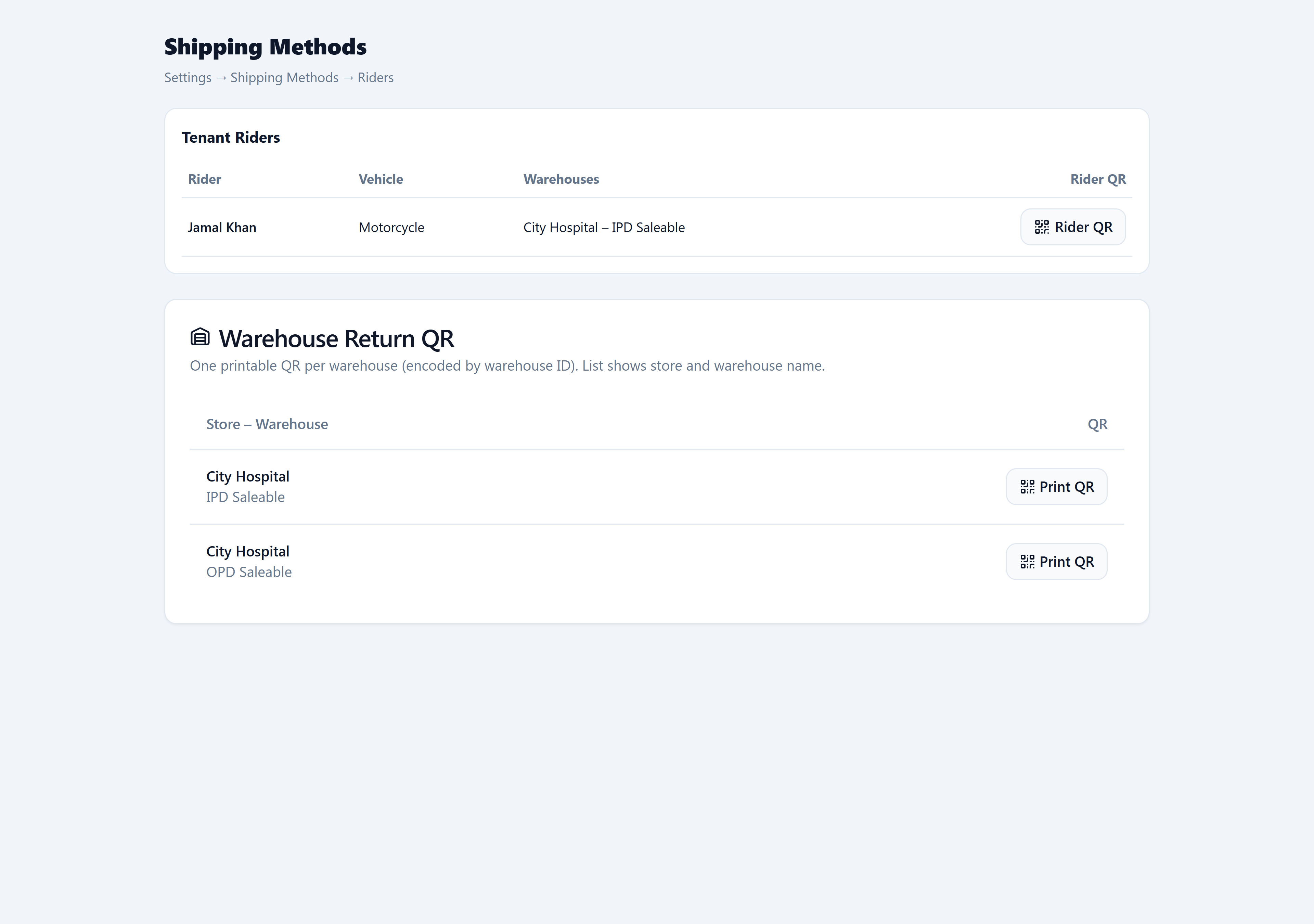
- Save the row — then print the rider badge QR and warehouse return QRs.
You’re done when
- Each runner has at least one warehouse assigned.
- Each runner has a generated Rider QR (or Generate QR was clicked once).
- Each return dock has a printed warehouse wall QR for its warehouse.