Print token and prescription
When to use this: reception needs a token for the waiting-room display, or staff need to print or download a prescription or fee receipt after check-in or consultation.
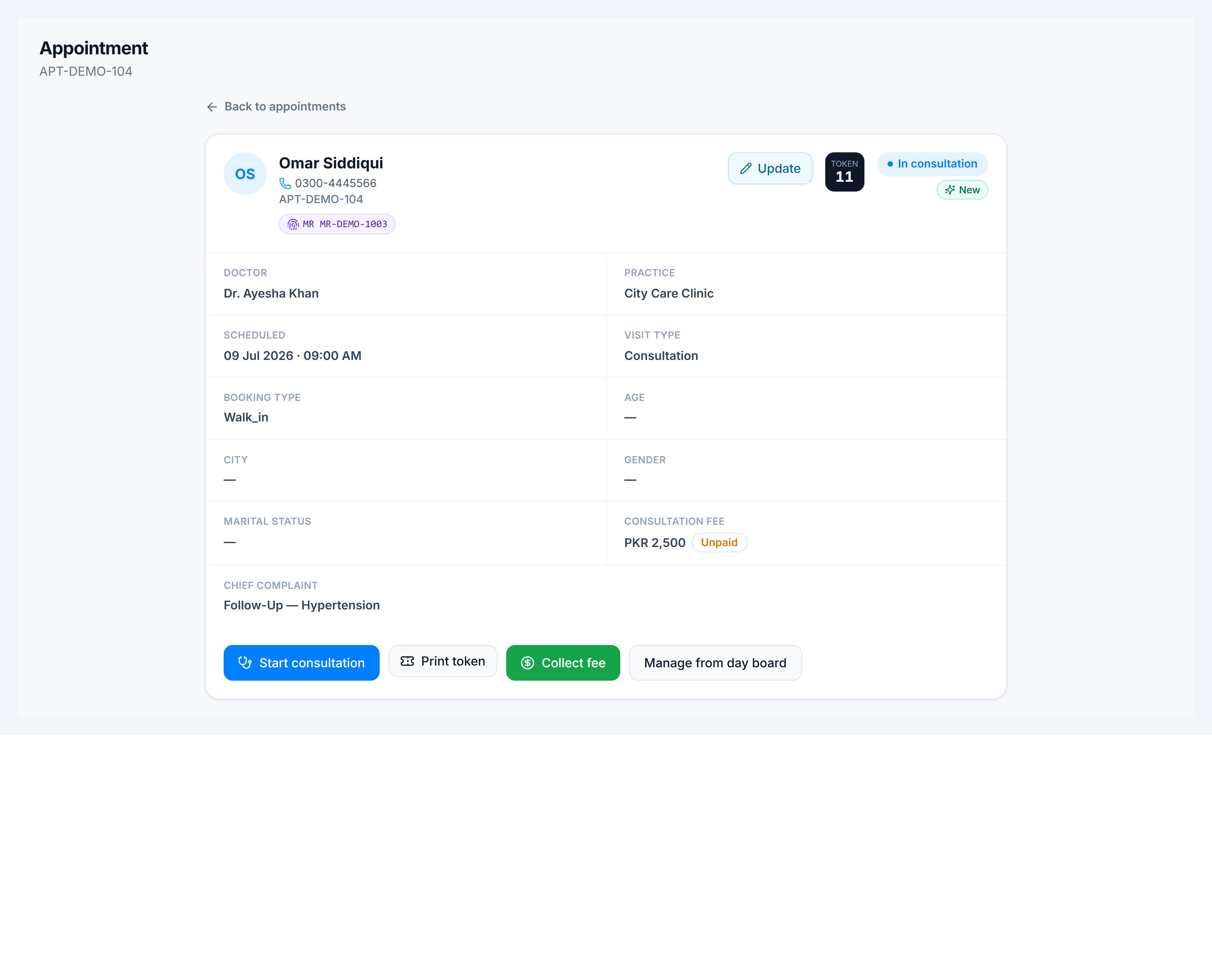
From appointment detail
- Open Appointments → click a row (or open
/clinic/appointments/:appointment_number). - After check-in, use Print token — shows token number and patient name for the queue board.
- After the consultation fee is collected, use Print receipt (thermal or A4).
- After the doctor saves a prescription, use Print Rx or Download Rx.
From the consultation workspace
At the bottom of the consultation screen:
- Print Rx / Download Rx — once prescription lines exist
- Complete consultation — locks the visit; reception can still reprint from appointment detail
From the day board
Quick actions on each row also include Print token without opening the full detail page.