Edit a location
When to use this: to fix a name or take a location out of use (Inactive) without deleting it.
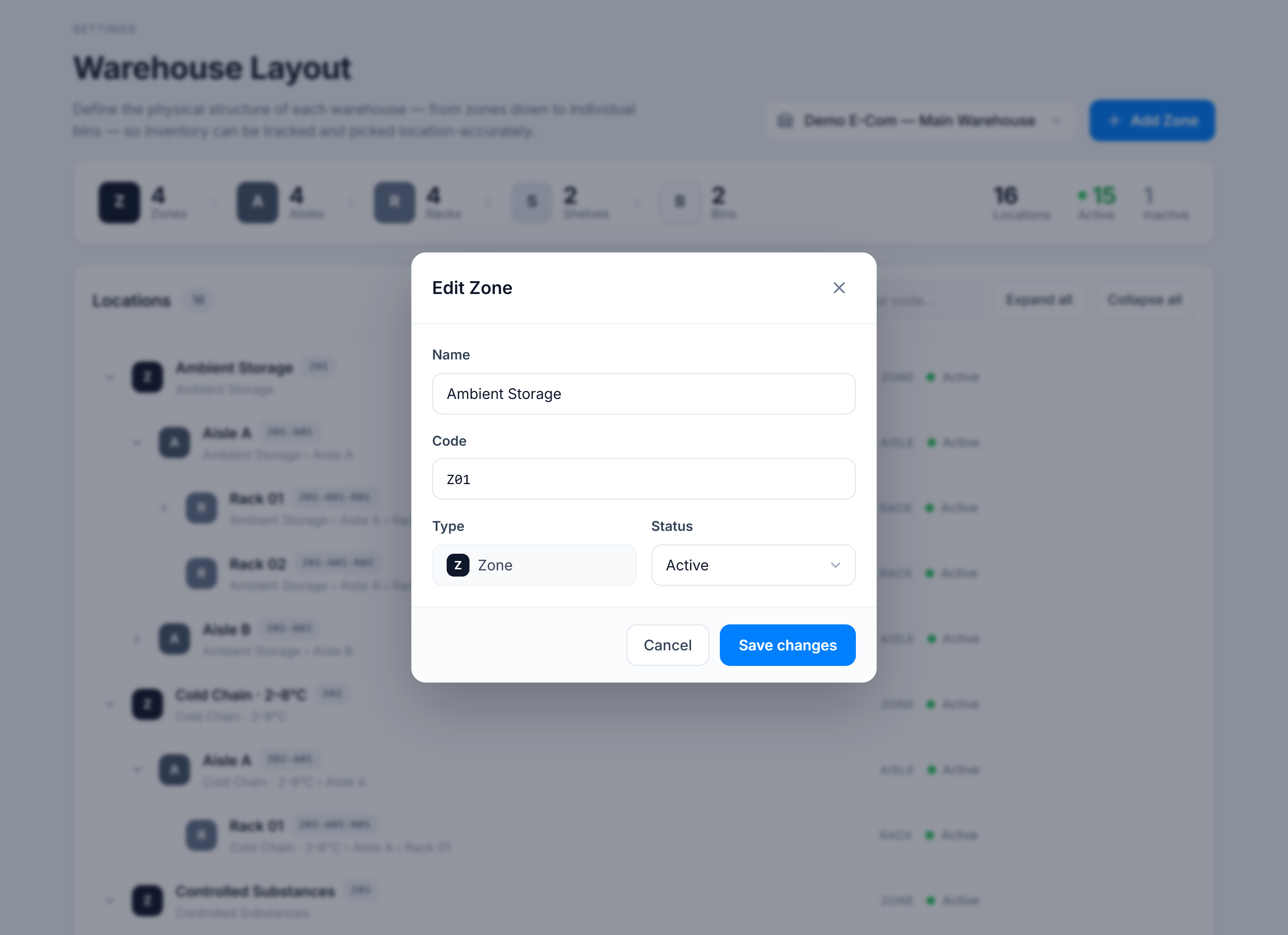
Steps
- Hover the row and click the pencil (Edit) action.
- Update the Name, or change Status between Active and Inactive.
- Click Save changes.
You’re done when
The dialog closes and the row reflects your change — a new name, or a grey Inactive status dot. The Active / Inactive tallies in the summary rail update accordingly.
Good to know
- Setting a location Inactive keeps it (and its code) in the tree but signals it shouldn’t take new put-away — handy for a quarantine zone or a rack being rebuilt.
- The Type is shown for reference but isn’t changed here — a location’s level is fixed when it’s created.