Scan and confirm put-away
When to do this
You have a physical unit (carton, tote, or single SKU) and need to slot it to a bin.
Steps
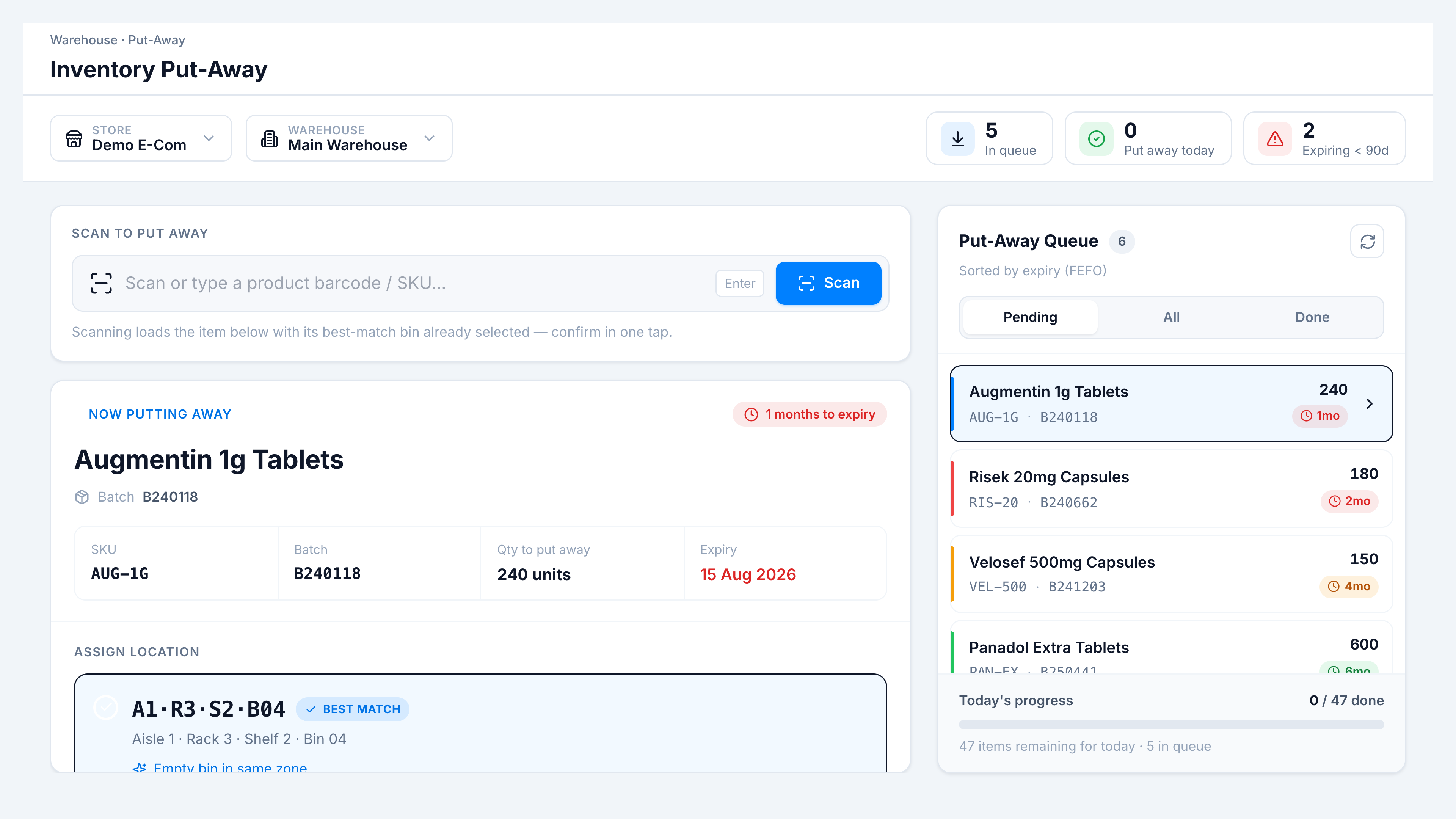
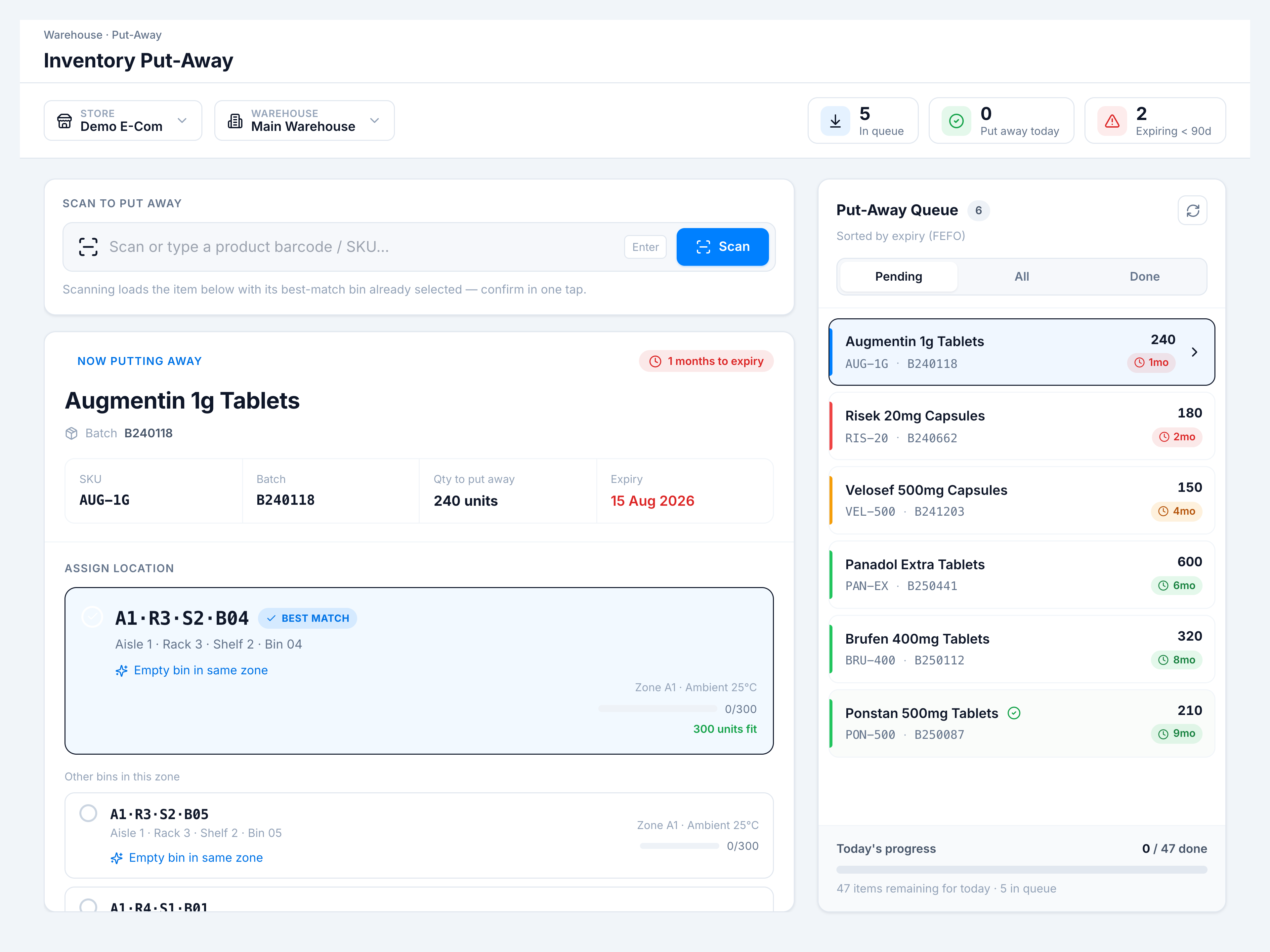
- Focus Scan to put away — scan the barcode or type SKU/batch, press Enter or Scan.
- The matching line becomes Now putting away; note qty and expiry badge.
- Review the Best match bin (pre-selected). Check Confirm & Put Away · <code>.
- On success, toast
Put away to <bin code>and the queue advances.
Success looks like
The line leaves Pending (or shows in Done); Put away today KPI increments.
If it goes wrong
| Symptom | Cause | Fix |
|---|---|---|
Failed to assign location to item | Network/permission/DB error | Retry; check warehouse layout has active bins |
Select a bin before confirming | No bin selected | Pick Best match or scan bin override |
| Search with no match | SKU not in this warehouse queue | Verify store/warehouse; check GRN |