Use cross-sell to grow the basket
When to use this: to offer genuine add-ons for what the customer is already buying.
Steps
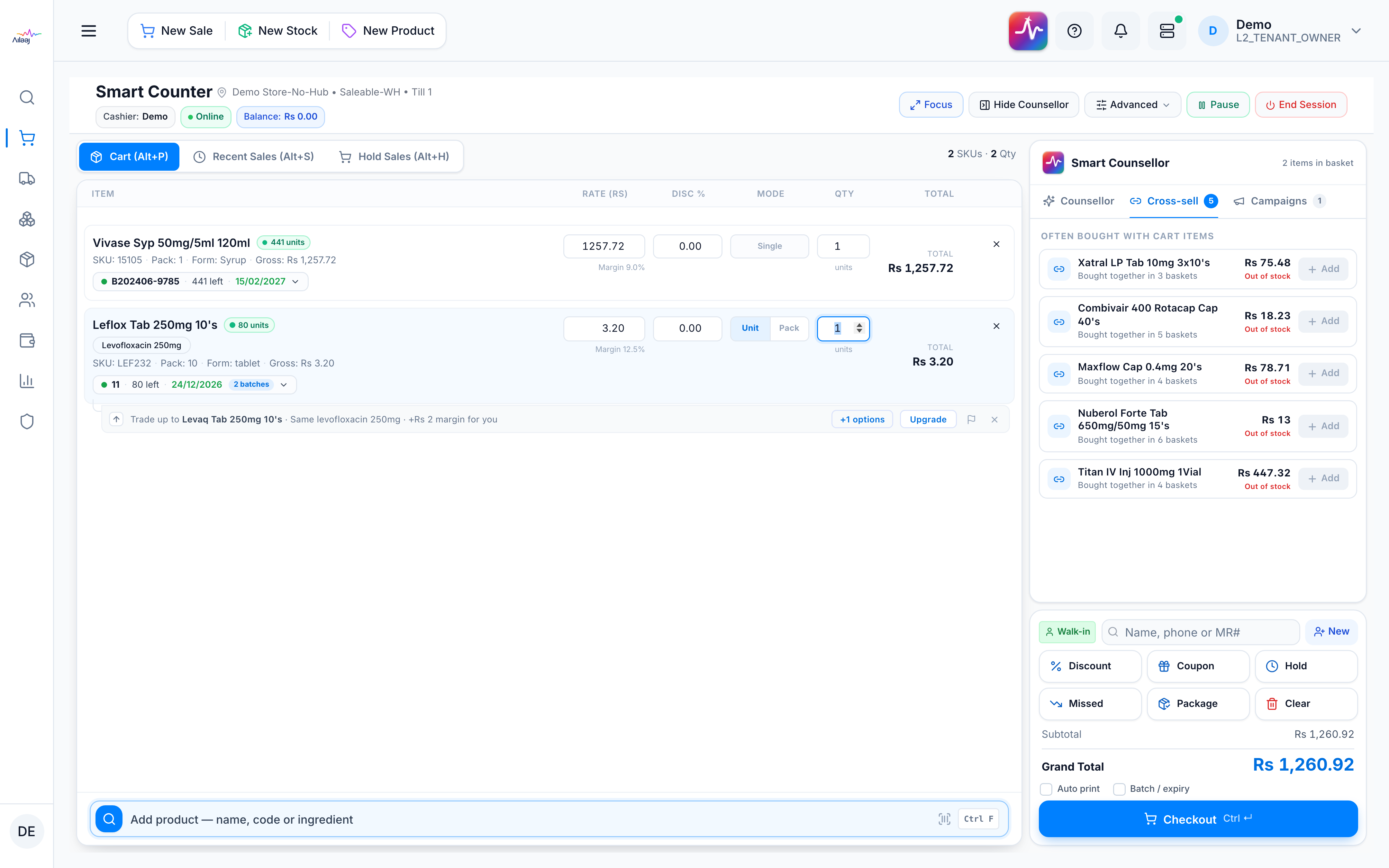
- Open the Cross-sell tab in the Smart Counsellor rack.
- It lists products frequently bought alongside what’s in the basket, excluding items already in the cart.
- Add any suggestion to the cart as usual.
You’re done when
The relevant add-on is in the basket.
Good to know
- Cross-sell is computed from your pharmacy’s real sales history, not AI — so there’s no flag on it (there’s no model to correct; bad pairs self-correct as sales update).
- It needs sales data to form — see Data requirements & thresholds. If staples (syringes / saline / gloves) dominate, the nightly cache may not have rebuilt yet: Troubleshoot suggestions.