Search categories
When to use this: your taxonomy is large and you need to find a category quickly without expanding every branch.
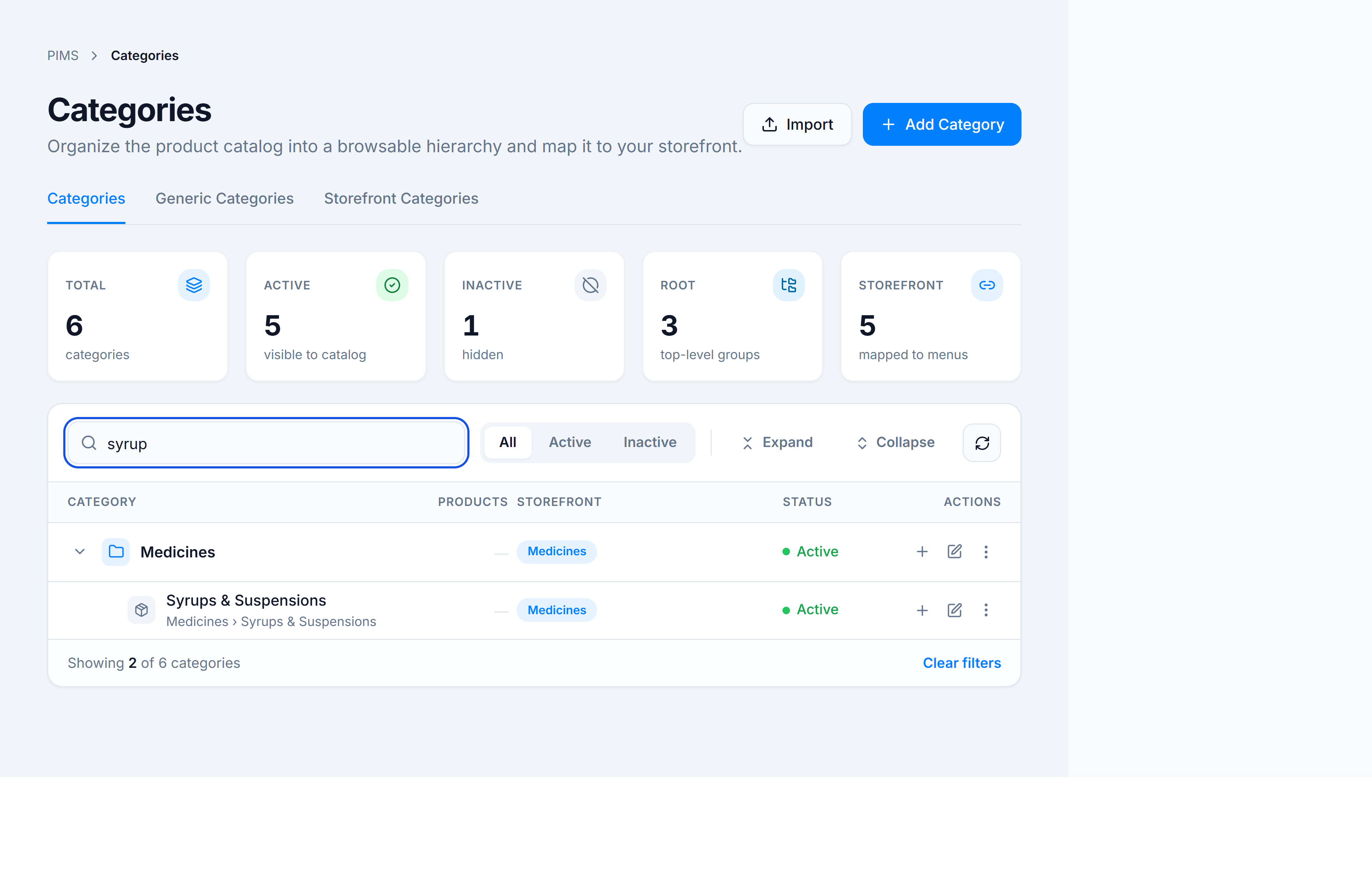
Steps
- On the Categories tab, click the search field (or use the All / Active / Inactive status filter).
- Type part of a name, description, or storefront mapping label.
- Matching rows stay in tree order; parents remain visible when a child matches.
- Clear the search or click Clear filters in the tree footer to reset.
You’re done when
Only matching categories are listed in the tree, with the footer showing Showing X of Y categories.