End trip at the warehouse
When to use this: the runner is back at the pharmacy with undelivered or delivered bags and needs to close the active trip.
Before you start
- The runner has an active trip (started earlier the same shift).
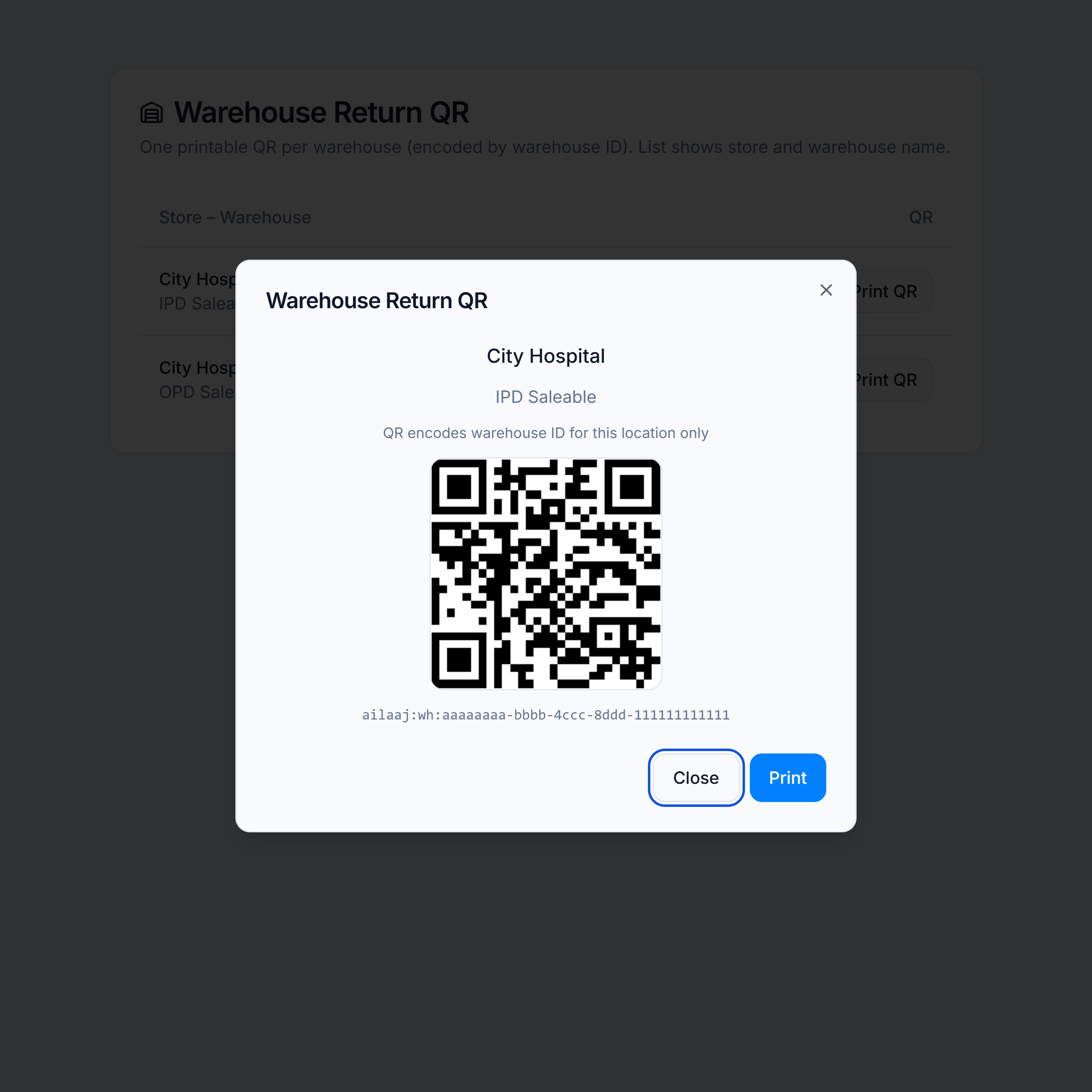
- The warehouse wall QR for this dock is printed and mounted — see Print warehouse return QR.
Steps
- At
/dispatch, scan the runner badge (same QR as at trip start). - On the active trip guard, choose Go to end trip (or reprint the sheet first if needed).
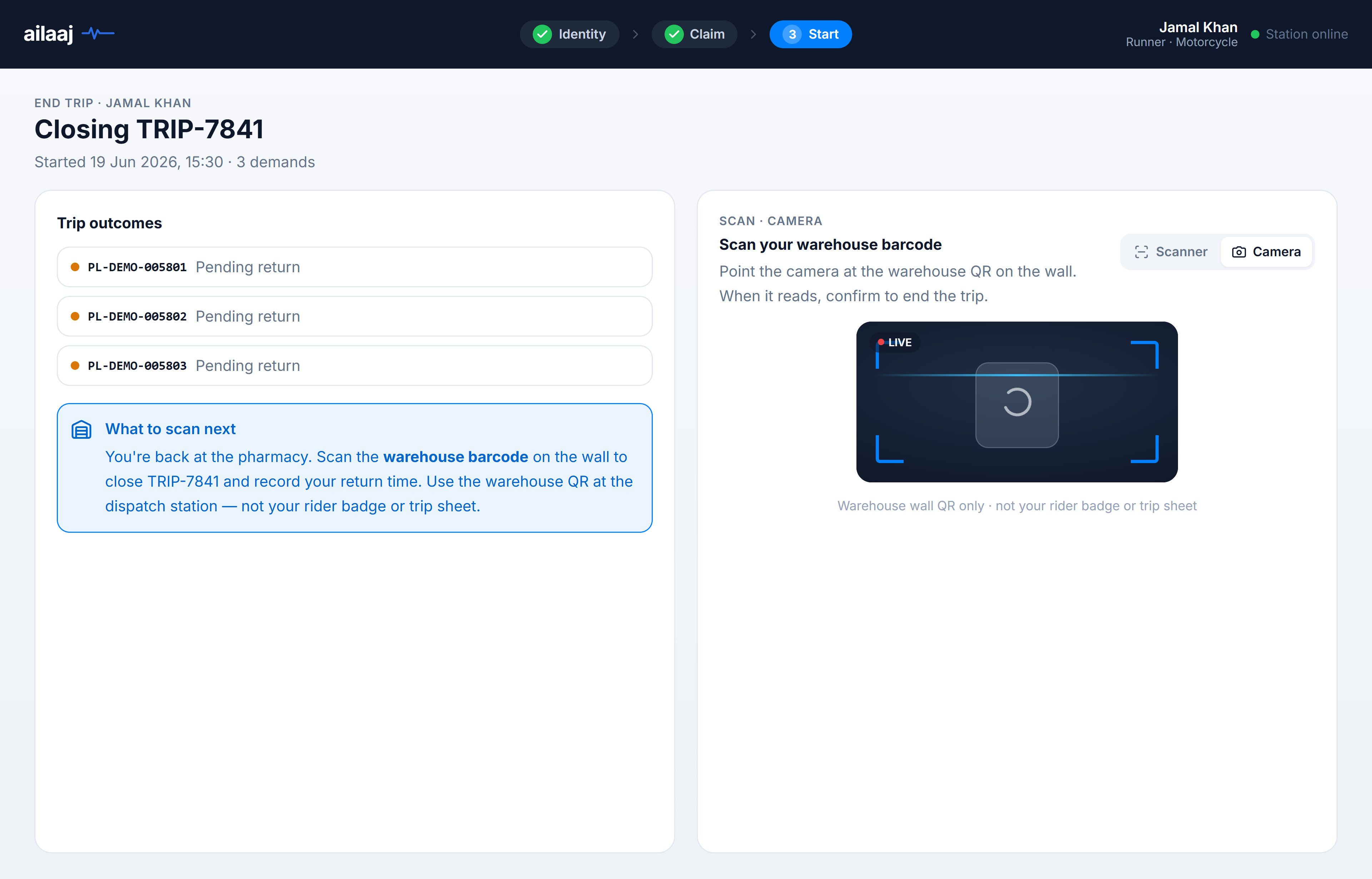
- On the end-trip screen, scan the warehouse wall QR — use Camera or Scanner mode.
- Review the confirm dialog (trip label, bag count, optional trip notes).
- Click Confirm & end trip — picklists move to delivered with
Handed to {ward}and a full delivery timestamp.
You’re done when
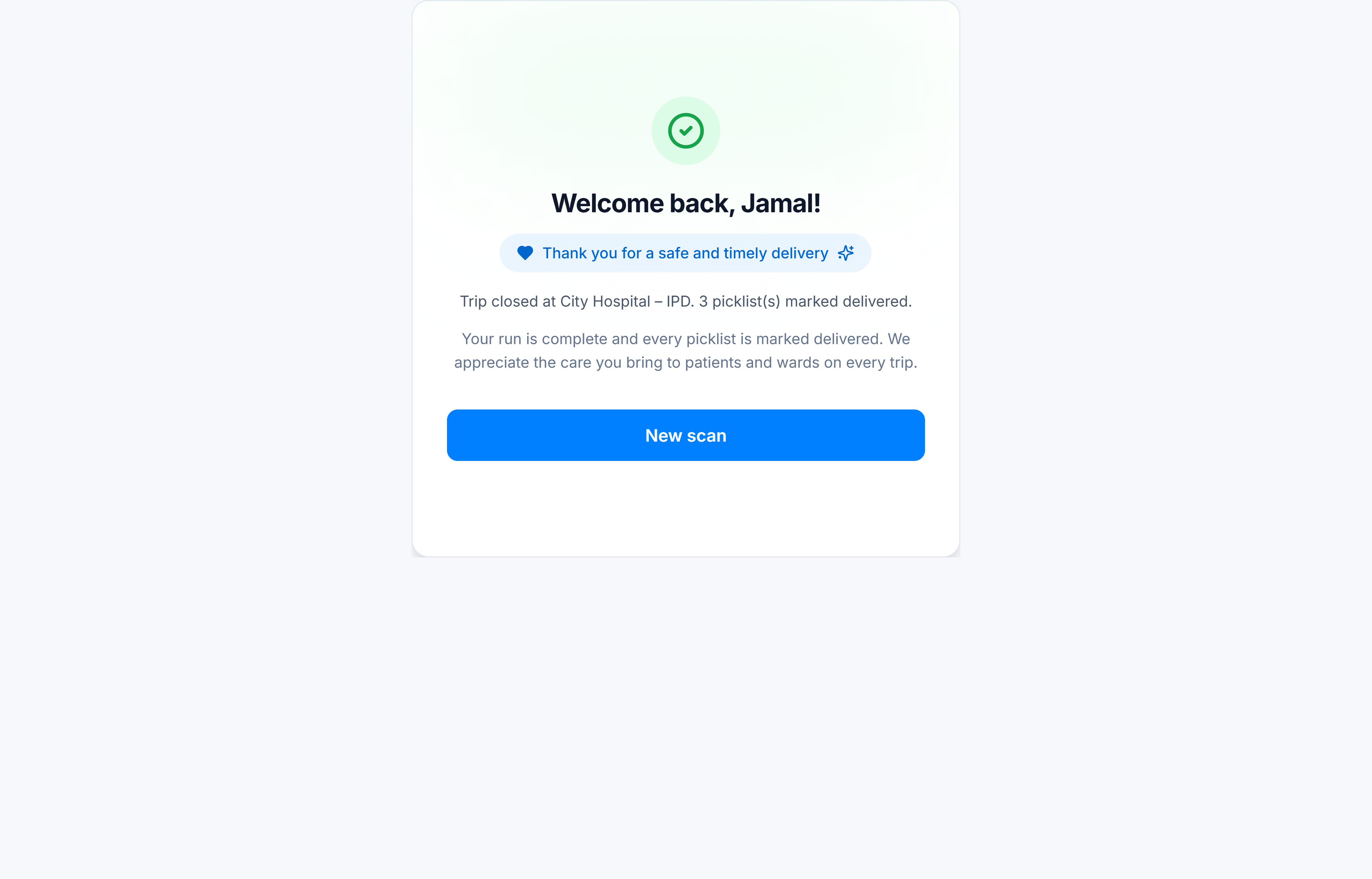
- The celebration screen appears and the kiosk returns to identity scan.
- Picklists on the trip show delivered in the ERP with ward handoff on
delivered_to_name.
If something goes wrong
| Symptom | What to check |
|---|---|
| Badge opens claim instead of end trip | Trip may not be active — check Live Dispatch Board |
| Warehouse scan rejected | Wrong warehouse QR — reprint from warehouse QR how-to |
| Scanner reads rider badge | Point at the wall QR only on this step |