Manage clinic doctors
When to use this: you are the tenant owner reviewing who is on the roster, checking today’s load, or opening a doctor’s schedule editor.
Who can do this: Tenant owner (Doctors page). Individual doctors edit their own slots under Consultation slots & fees.
Where to go
Clinical → Clinic CMS → Doctors (/clinic/doctors)
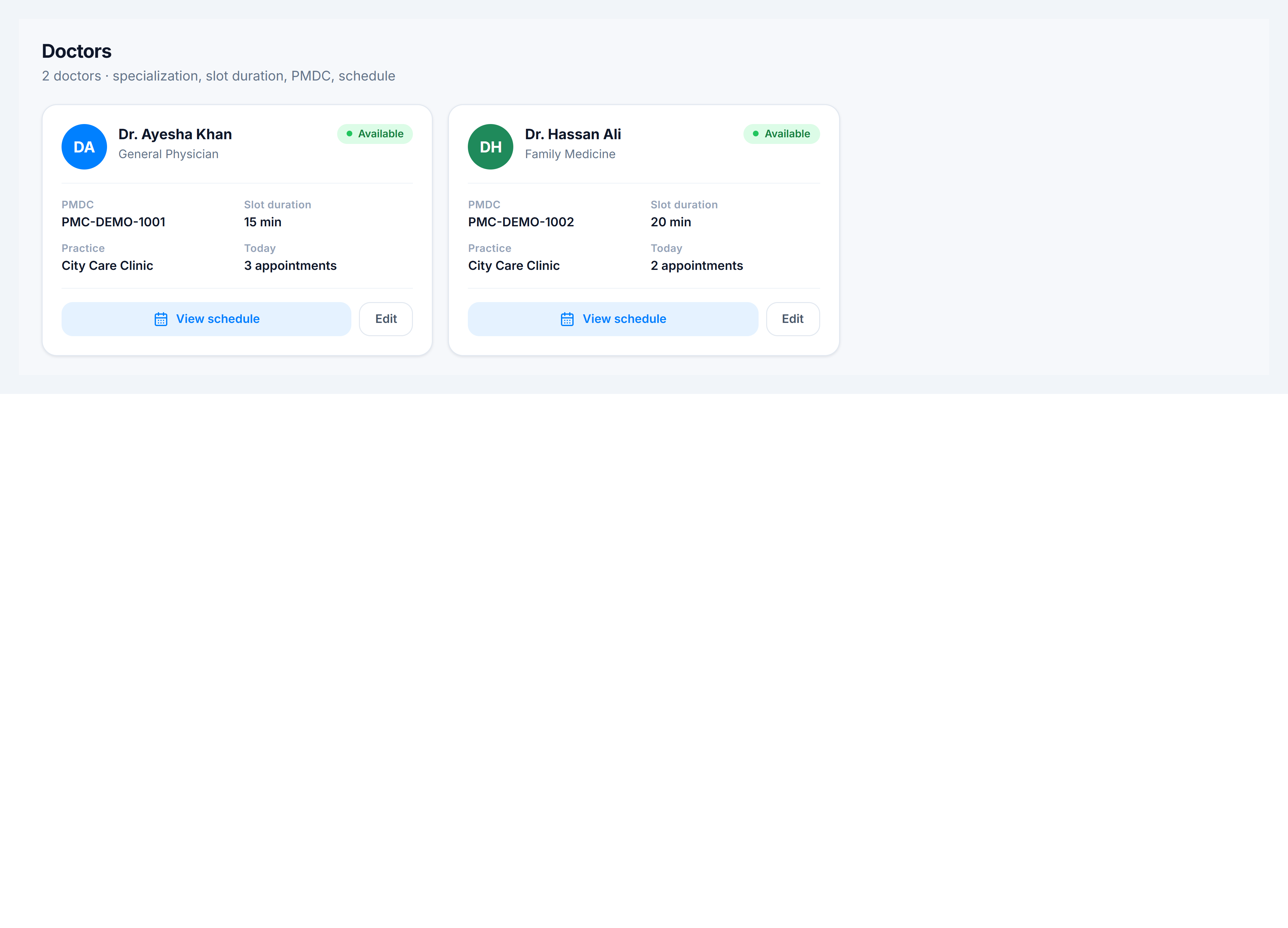
What each card shows
| Field | Meaning |
|---|---|
| PMDC | Registration number on prescriptions |
| Slot duration | Default consultation length |
| Practice | Primary assigned branch |
| Today | Active appointments on today’s board |
Actions
| Button | Purpose |
|---|---|
| View schedule | Opens the weekly availability editor for that doctor (same grid as Consultation Slots, scoped to one doctor) |
| Edit | Update display name, specialization, PMDC, slot duration, and consultation rate |
Assign doctors to practices
New doctors are linked in Admin → Settings → Users — set Clinic Practices & Locations on each user. The roster only shows doctors already assigned.