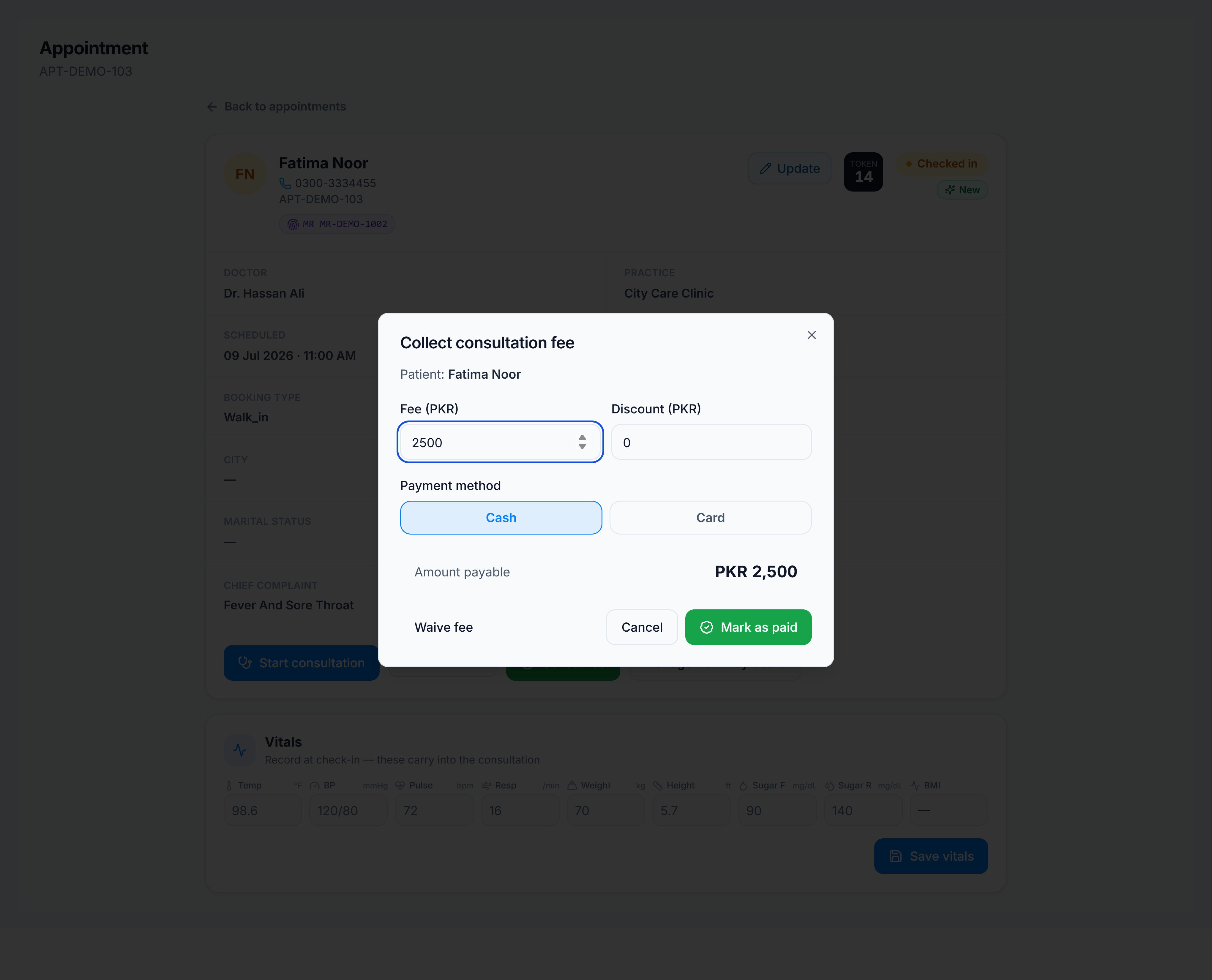
Collect consultation fee
The consultation fee is stored on the appointment/consultation metadata — there is no separate invoice row for a standard OPD consult.
At check-in (reception)
- On Appointments, open the row or use the fee action on an arrived patient.
- The fee defaults from the doctor’s location fee configuration.
- Choose Cash or Card, apply a discount if allowed, and confirm Collect.
- Print a consultation receipt from the row actions.
During consultation (doctor)
- In the consultation workspace, open the Billing card on the right.
- Adjust fee/discount if your role allows.
- Mark Paid, Waived, or collect if still unpaid.
- Print receipt or download prescription when done.