Book an appointment
Steps
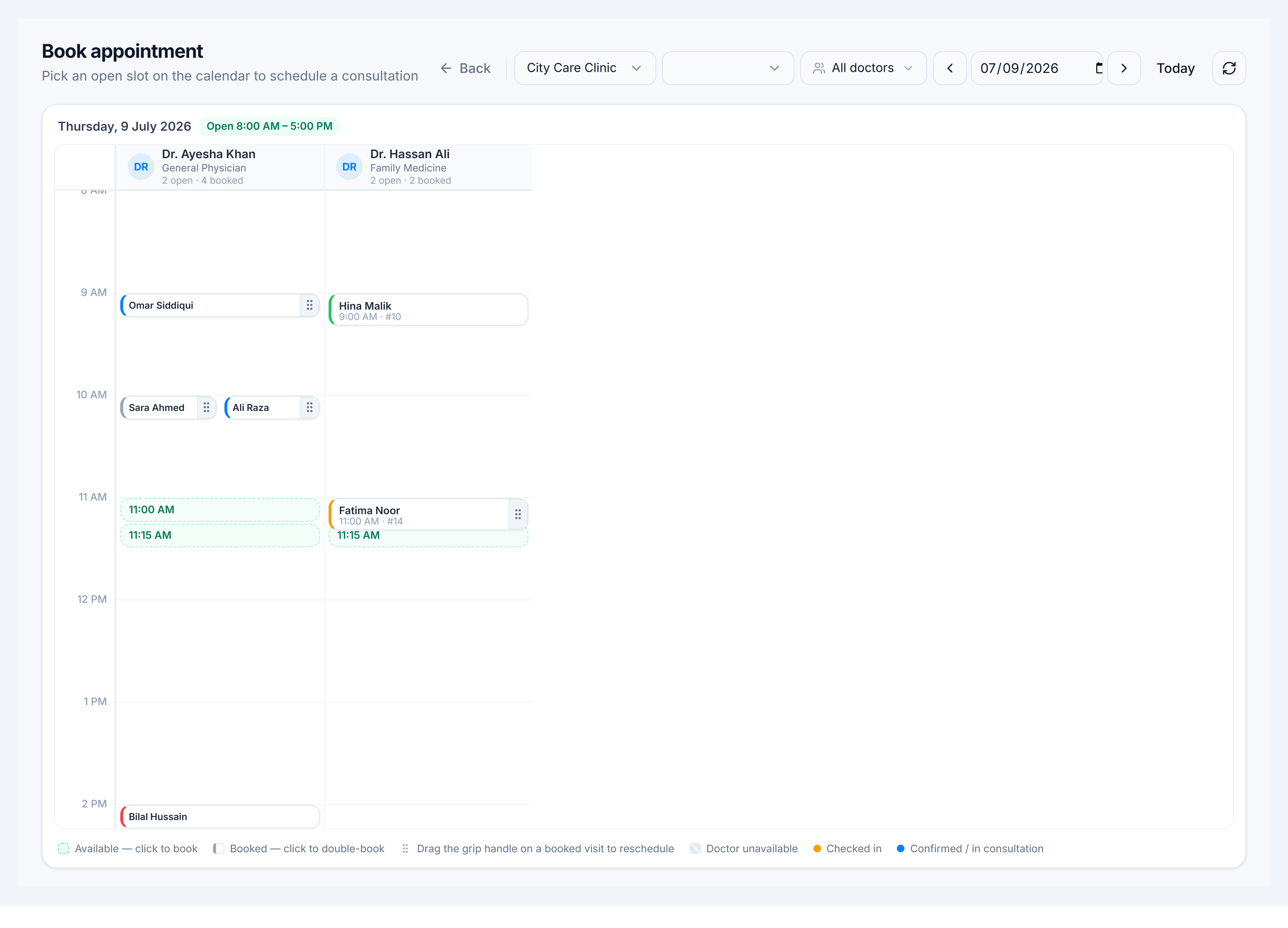
- Go to Appointments → New booking (
/clinic/appointments/new) or click New Booking in the header. - Select Practice and Location — the calendar loads doctors for that site.
- Pick a date with the arrows or date control.
- Click an available (open) slot on a doctor column.
- In the booking dialog, search or register the patient, enter chief complaint if needed, and confirm.
- The appointment appears on the day board and dashboard timeline.
Tips
- Conflicting slots show existing appointments — pick a clear window.
- Doctors only see their own column when logged in as Clinic Doctor; reception can book any doctor with
clinic.appointments.create.