Remove a product mapping
When to use this: the supplier no longer supplies that SKU, or the mapping was added in error.
Steps
- Click Remove (trash) on the row.
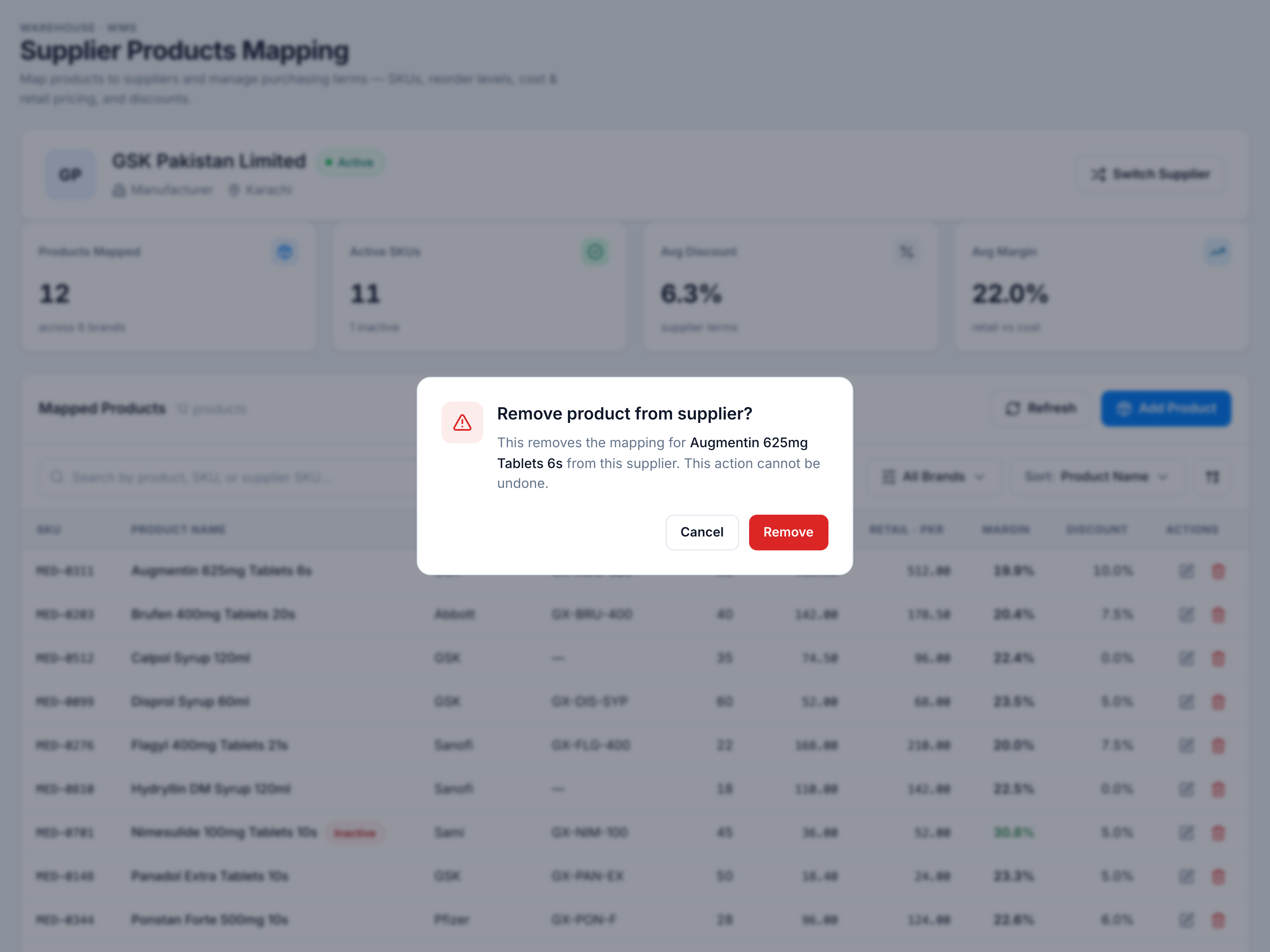
- Read the confirmation — Remove product from supplier? names the product.
- Click Remove to confirm, or Cancel to keep the mapping.
Removing a mapping does not delete the product from your catalogue — only the supplier link.