Edit a mapping inline
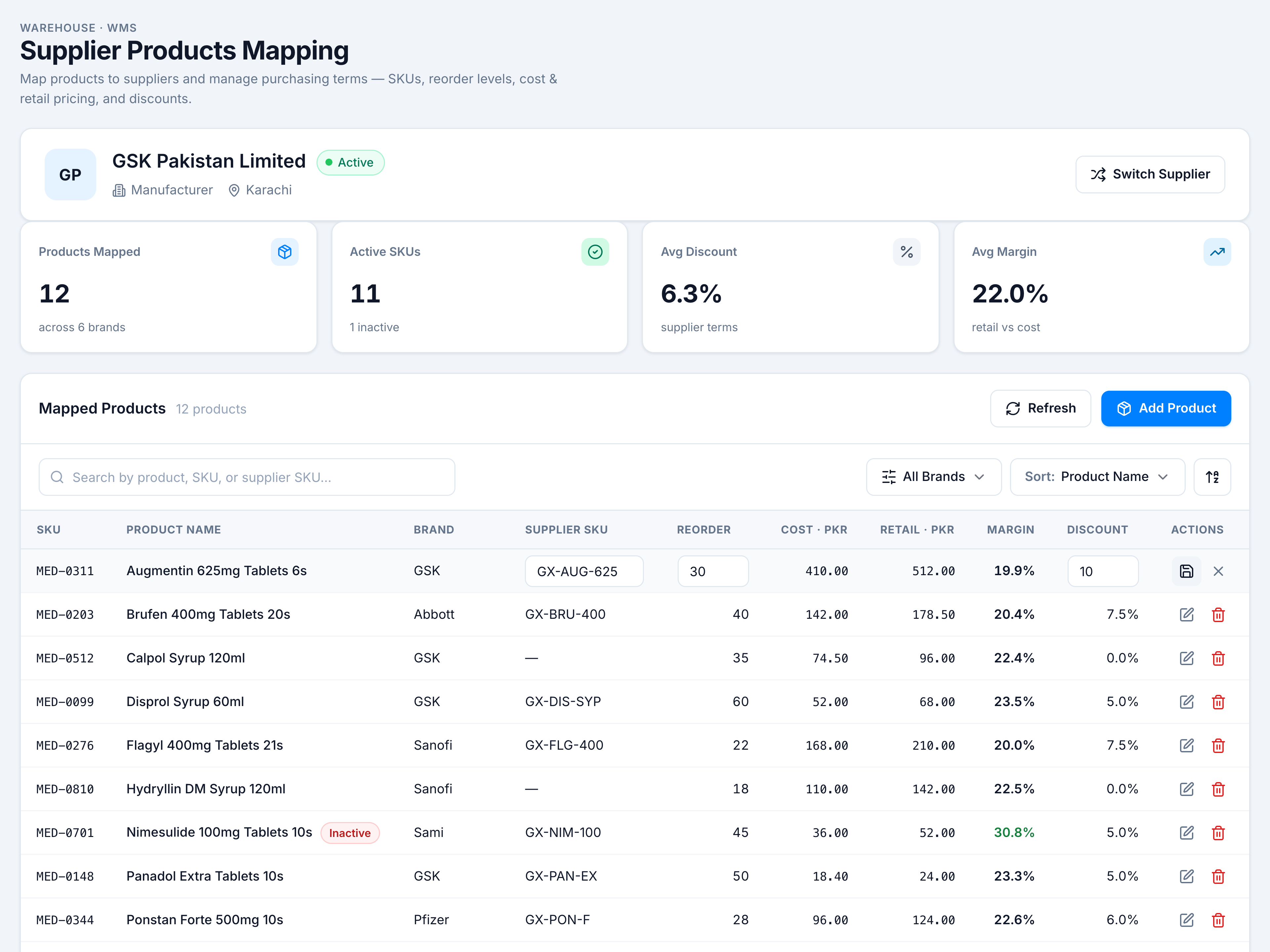
When to use this: the supplier changes their SKU code, you adjust reorder levels, or renegotiate discount on one line.
Steps
- Find the row in Mapped Products.
- Click Edit (pencil) in Actions — Supplier SKU, Reorder, and Discount become editable. Cost and retail come from the product master (read-only here).
- Change values, then click Save (checkmark). Cancel (×) discards changes.
Validation rules
| Field | Rule |
|---|---|
| Reorder level | Whole positive integer, or blank |
| Discount | 0–100%, or blank |