Availability & permissions — reference
The home of record for how the Smart Counsellor is turned on and who can use each part.
Availability
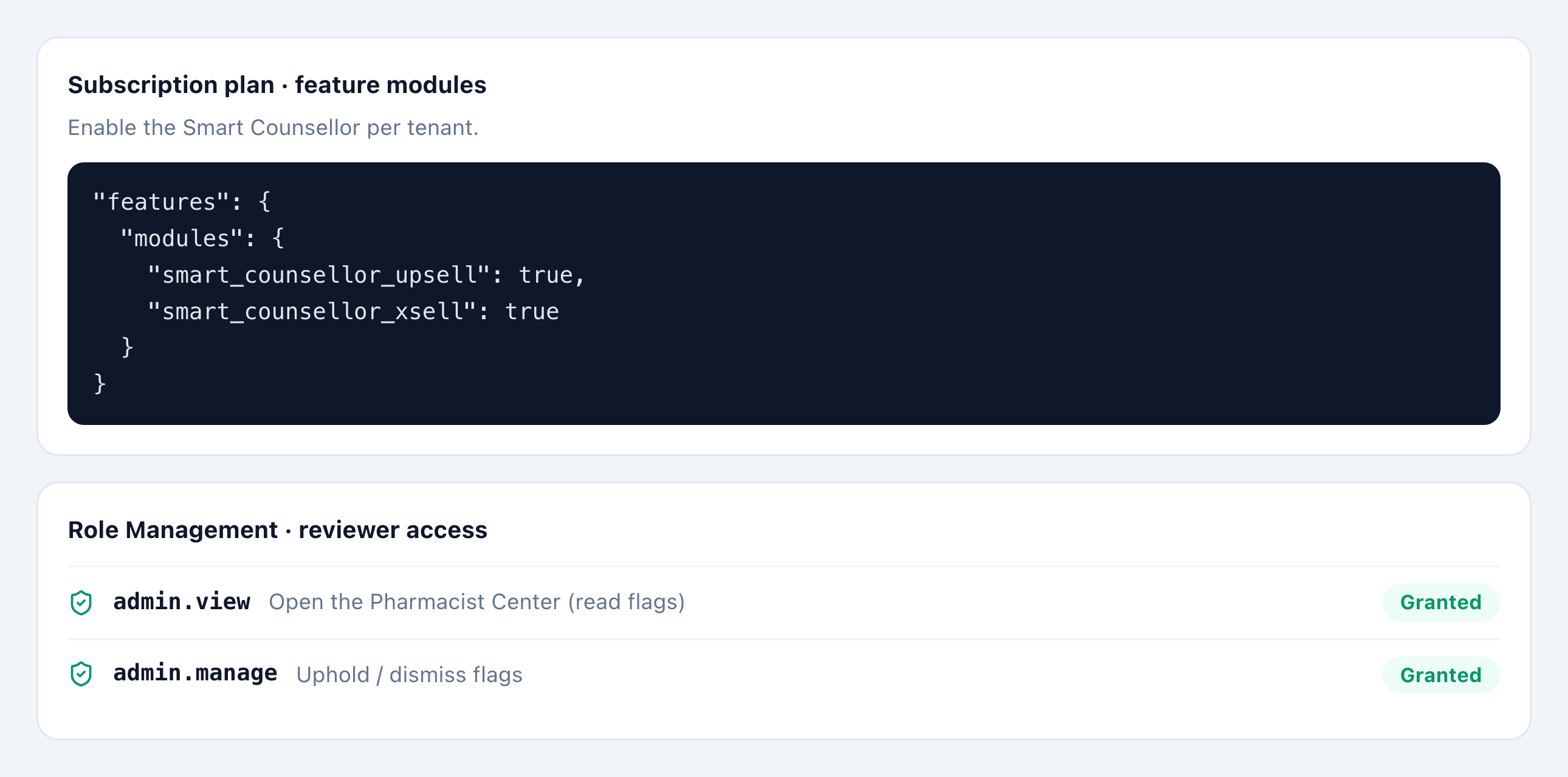
The Smart Counsellor is a premium add-on, enabled per pharmacy on your subscription. Until it’s enabled, the Smart Counter shows no suggestions.
| Capability | Comes with |
|---|---|
| Up-sell and substitution | The Smart Counsellor add-on |
| Cross-sell (“frequently bought together”) | A separate part of the add-on |
Once it’s on, every cashier sees suggestions automatically — there’s no per-cashier setting. Tenants without the subscription still see the Campaigns tab; the Counsellor and Cross-sell tabs are simply hidden.
Who can do what
| Action | Where | Who |
|---|---|---|
| See suggestions, upgrade, substitute, report | POS → Smart Counter | Any cashier (no extra access) |
| Approve a same-class swap (Swap*) | POS → Smart Counter | A pharmacist on shift (approval recorded on the sale) |
| Review flagged suggestions (Pharmacist Center) | Admin → Operations → Pharmacist Center | admin.view (read) or admin.manage (resolve) |
Admin access is granted in Admin → Access → Tenant Role Management. See Review flagged suggestions.
Admin tasks
There are no day-to-day settings for cashiers. The only admin tasks are turning on the add-on and keeping product cost prices accurate (drives up-sell margin ranking) — see Data requirements & thresholds.