Show or hide the Counsellor
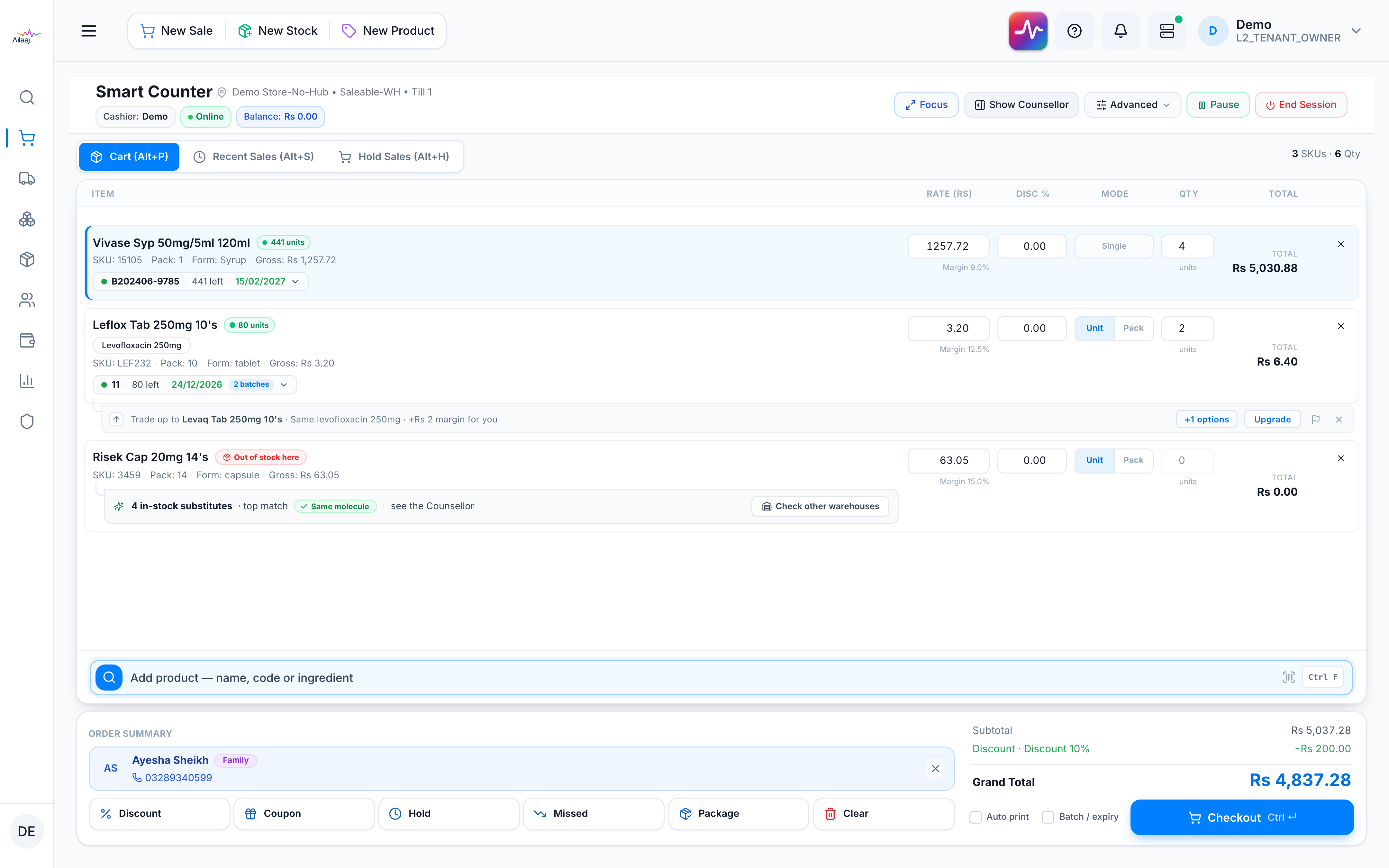
When to use this: to free up screen space while you work the cart, then restore the rack when you want suggestions.
Steps
- Press Show / Hide Counsellor in the POS header (also
Ctrl+S) to collapse the rack. The cart goes full-width and the order summary docks as a footer beneath it. - Press the same control to bring the Counsellor back.
Good to know
- The panel is never permanently removed, and your choice is remembered on the device.
- Tenants without a Counsellor subscription still see the Campaigns tab; the Counsellor and Cross-sell tabs are simply hidden. See Availability & permissions.