Create a formulary brand group
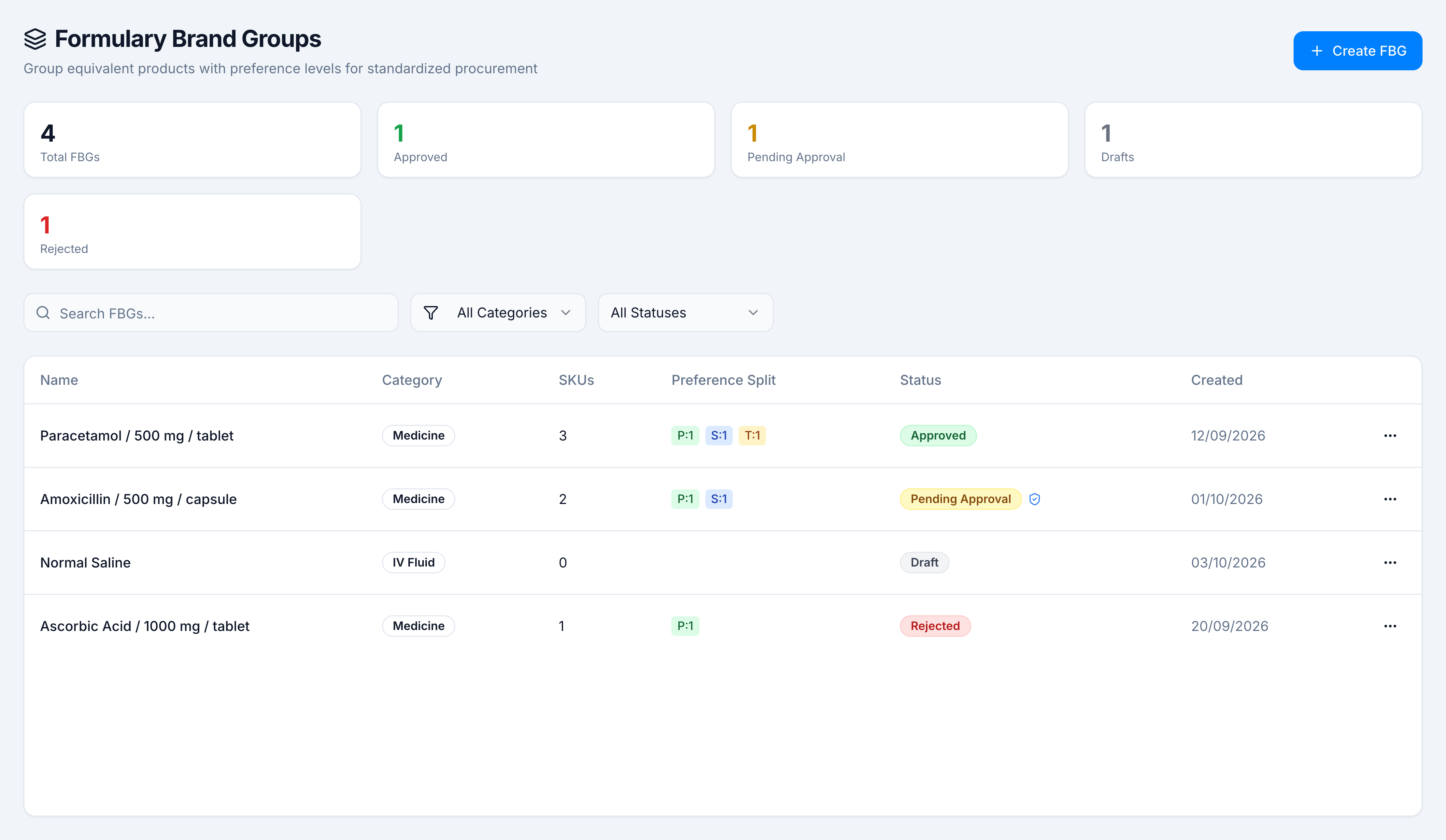
Goal: add a group and either save it as a draft or send it for approval. Where: Catalog → Clinical → Formulary Brand Groups, then Create FBG.
You need formulary.create. The example below is Ibuprofen / 400 mg / tablet on Demo Pharmacy.
Steps
- Open Catalog → Clinical → Formulary Brand Groups.
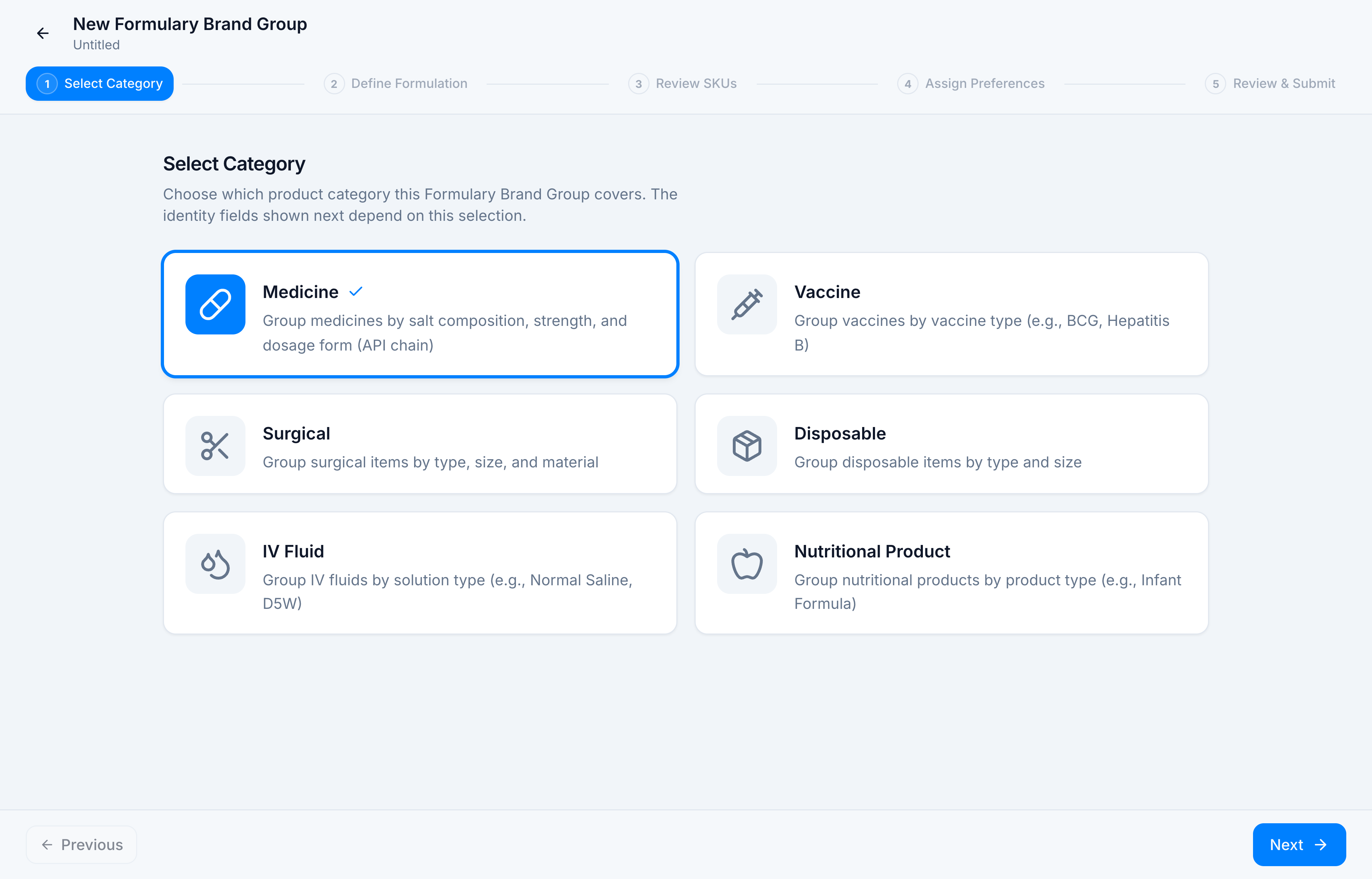
- On Select Category, choose the product kind. Medicine uses salt, strength, and dosage form. Vaccine, Surgical, Disposable, IV Fluid, and Nutritional Product each ask for their own identity fields. Select Medicine, then Next.
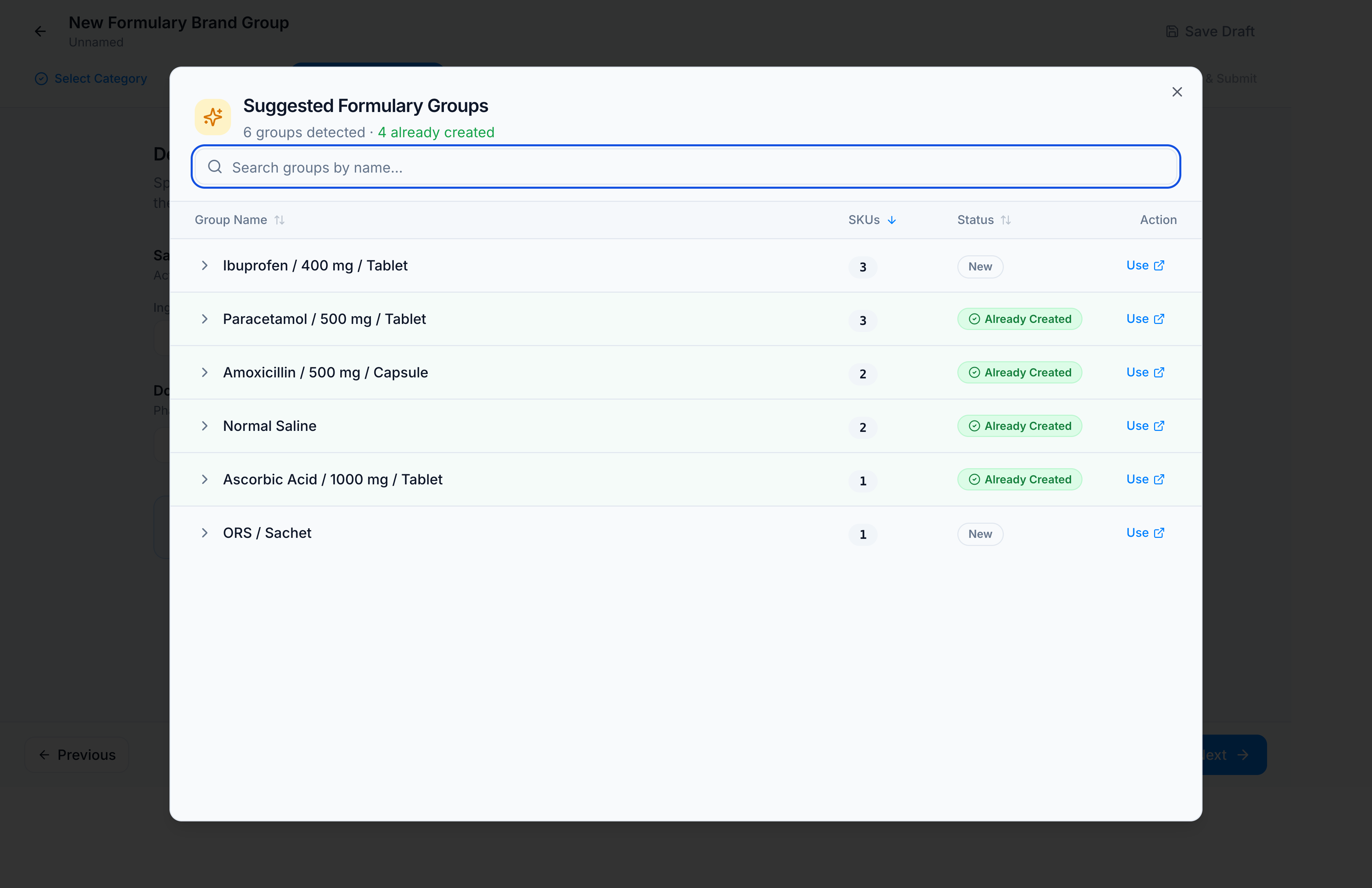
- On Define Formulation, click Browse all 6 groups. In Suggested Formulary Groups, rows marked Already Created already exist. Rows marked New do not. Click Use on Ibuprofen / 400 mg / Tablet.
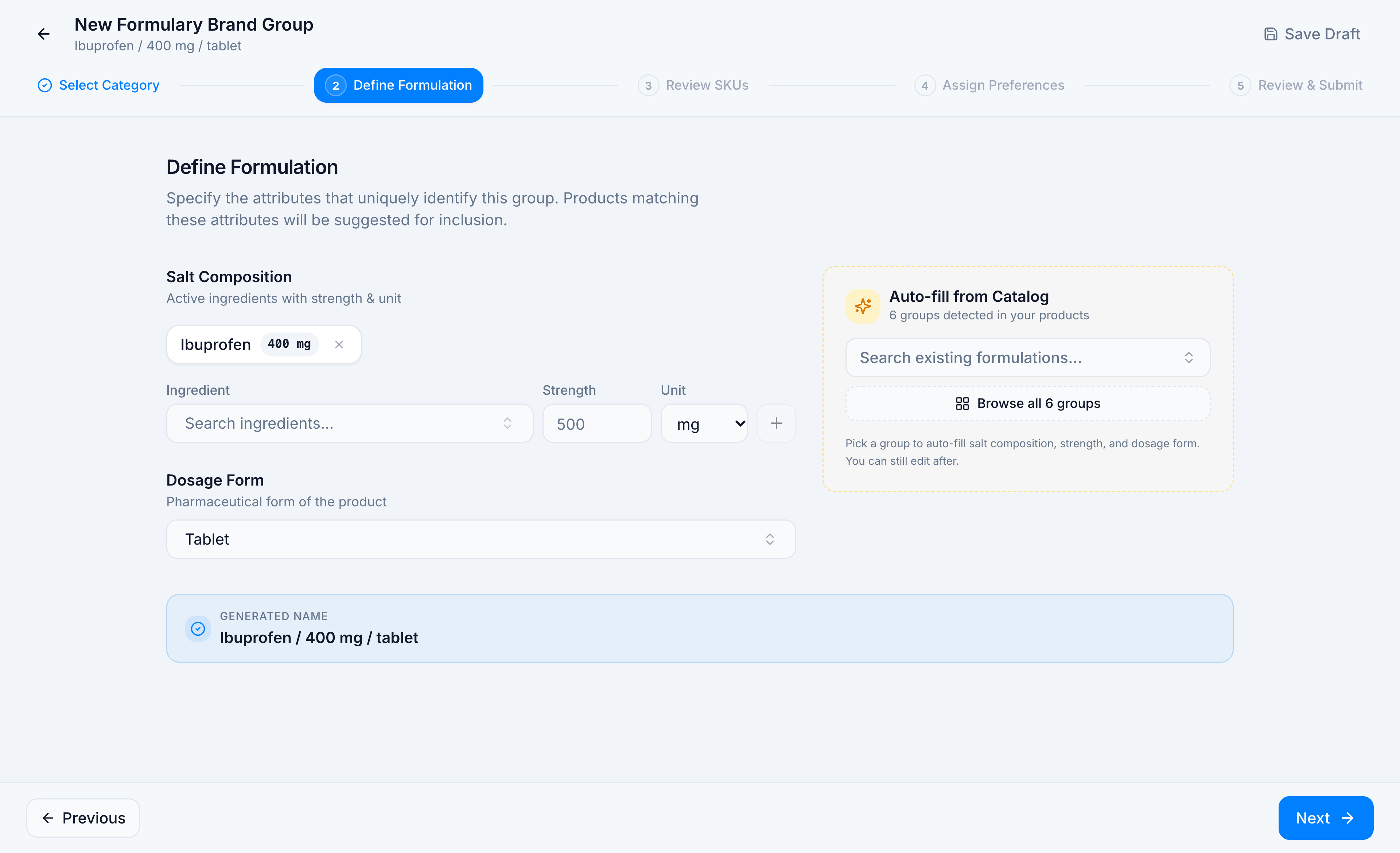
- Check the generated name. It should read Ibuprofen / 400 mg / tablet, with a salt chip Ibuprofen 400 mg and dosage form Tablet. To type it yourself instead, search an ingredient, enter strength and unit, press +, and pick a dosage form.
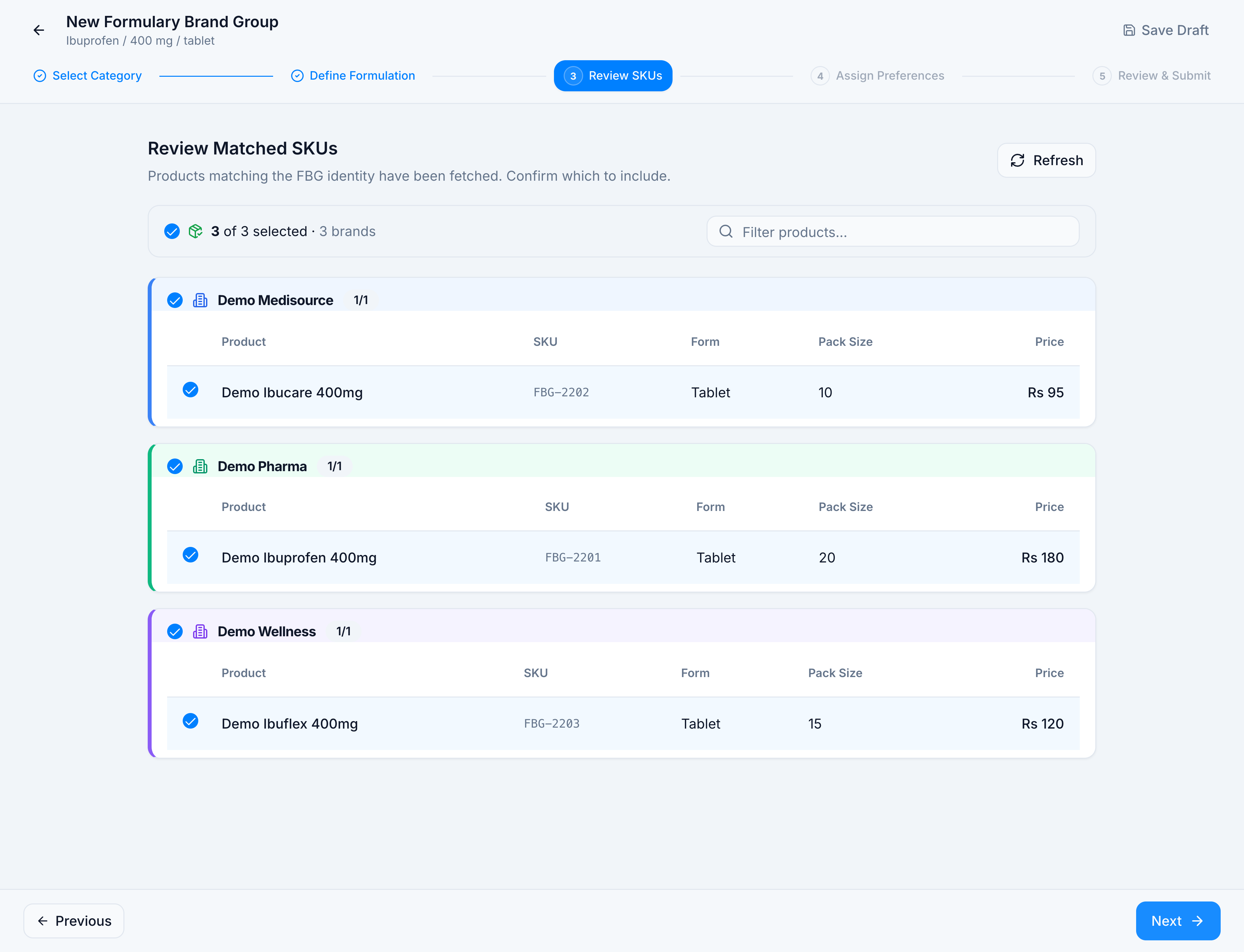
- On Review Matched SKUs, leave checked the products that belong in the group. The Demo Pharmacy match is three tablets: FBG-2202, FBG-2201, and FBG-2203. Filter products… narrows the list. Refresh loads the matches again.
-
Click Next and rank the brands. That step is Assign preference levels.
-
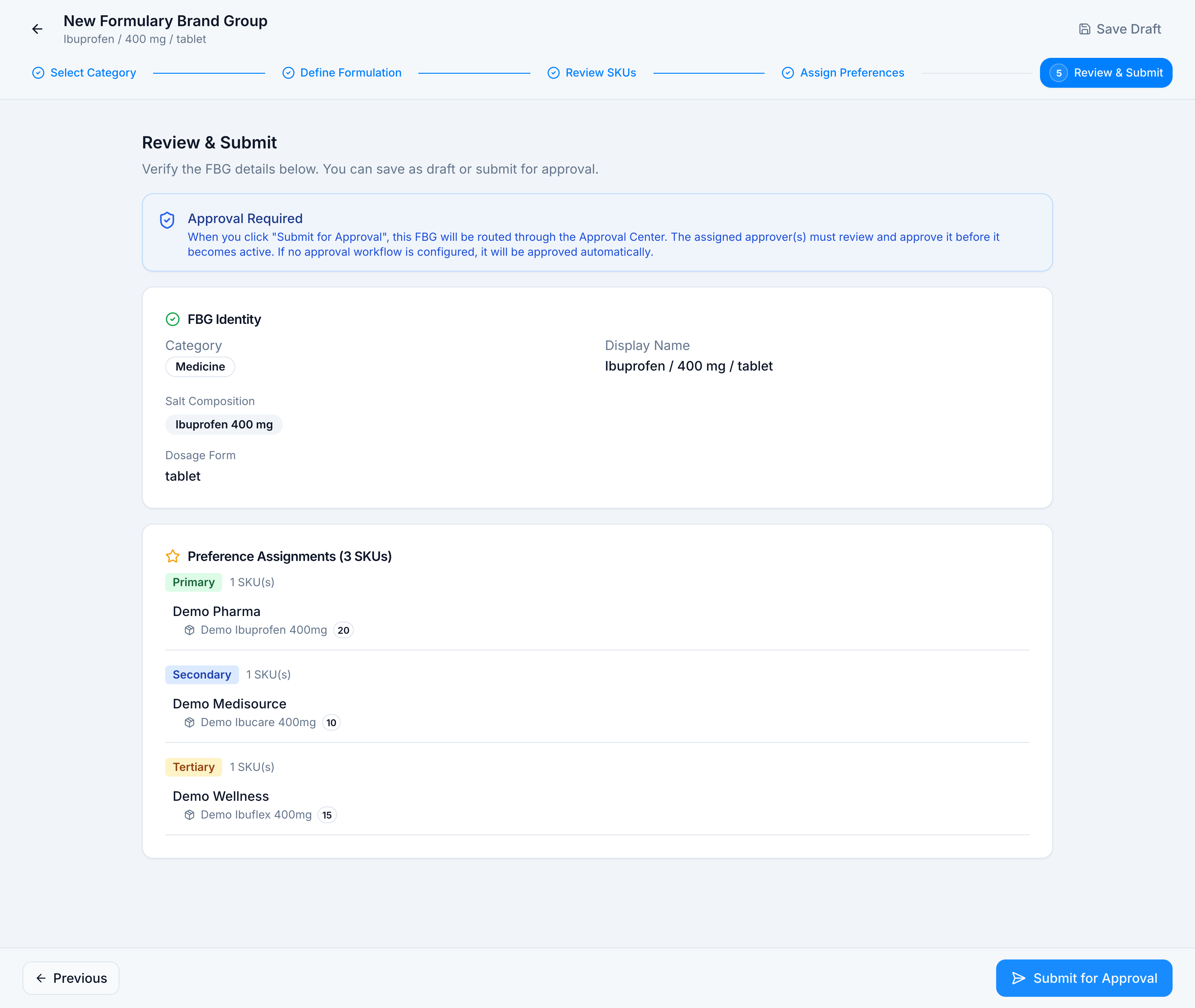
On Review & Submit, read Approval Required. Submit for Approval sends the group to the Approval Center. If no workflow is configured, the group is approved automatically. Save Draft stores it as Draft and skips approval.
If the identity matches a group that already exists, the formulation step warns you and the review step flags it for the approver. You can still submit it.