Delete a category
When to use this: a category was created in error or is no longer part of your taxonomy — and nothing references it.
Steps
- Hover the category row and click Edit, or open the ⋮ menu and choose Rename or Delete.
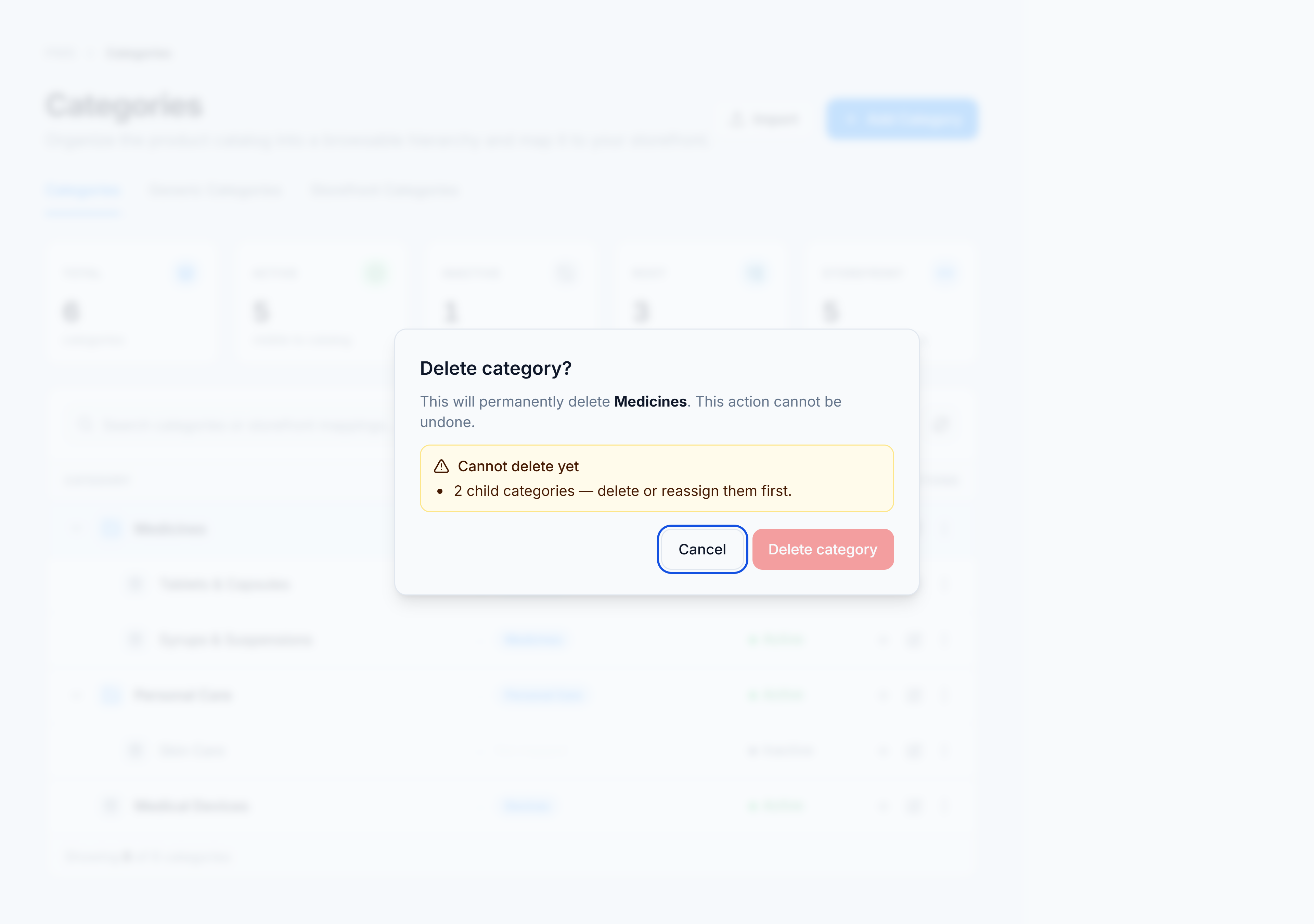
- Read the impact summary:
- Cannot delete yet — child categories and/or assigned products block deletion.
- No child categories or products are linked — safe to proceed.
- If clear, click Delete category. Otherwise cancel and reassign or delete dependents first.
You’re done when
- Deleted: the category disappears from the tree and totals in the summary rail decrease.
- Blocked: the dialog explains exactly what must be cleared first.
If it goes wrong
| Message | Cause | Fix |
|---|---|---|
| Cannot delete a category that has child categories | Nested categories exist | Delete or reassign children first. |
| Cannot delete a category that is being used by products | Products use this category_id | Move products to another category in PIMS. |