Feature a brand on the storefront
Steps
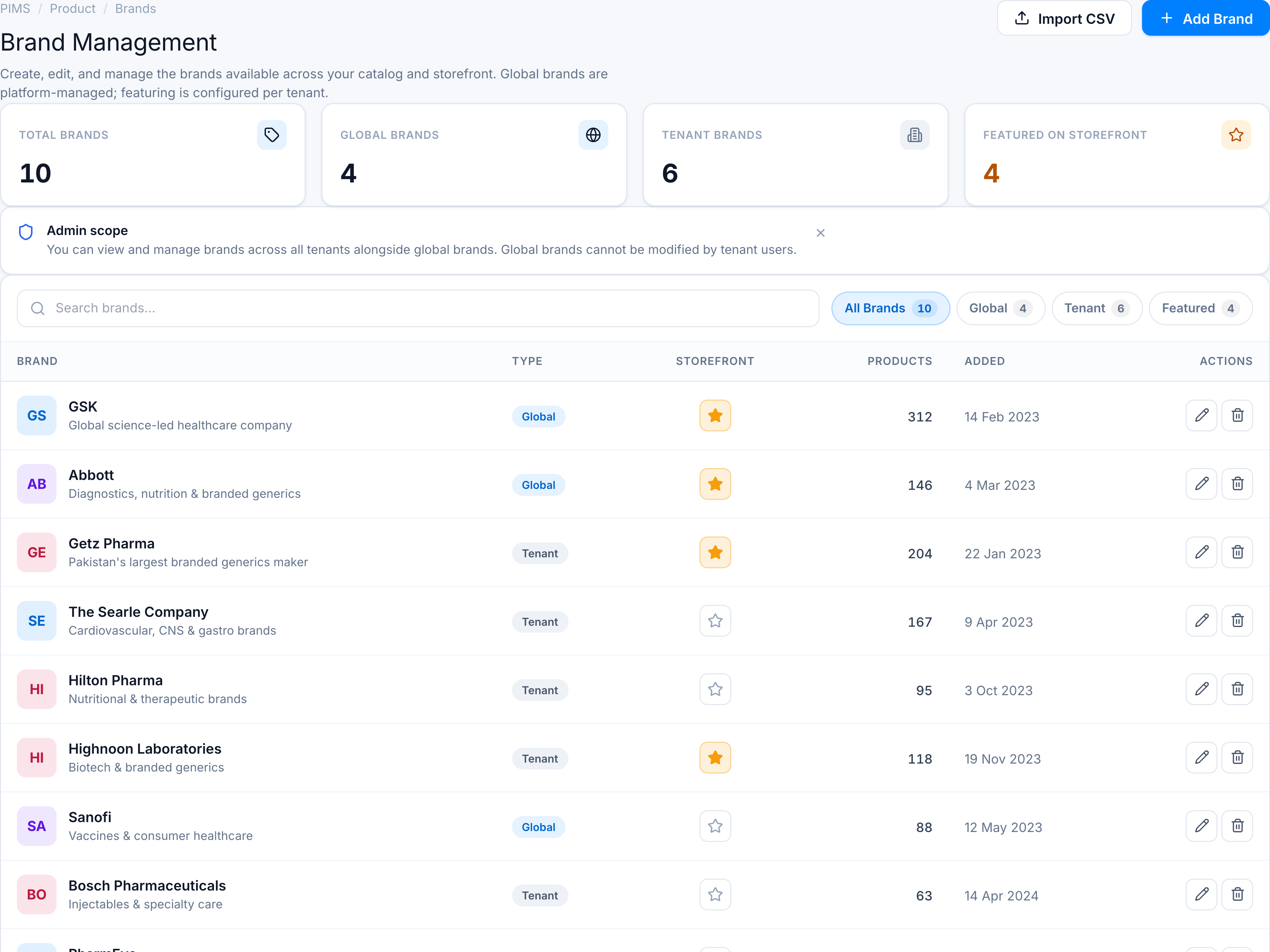
- Open Brands and locate the row.
- In the Storefront column, click the star button.
- Filled amber star = featured for this tenant only.
- Click again to remove featuring.
Success toasts:
\<brand\> marked as featured for this tenant storefront\<brand\> removed from tenant featured storefront list
Global vs tenant brands
| Brand type | Featuring effect |
|---|---|
| Global | Updates storefront_featured_tenant_ids for your tenant only |
| Tenant | Sets tenant-scoped storefront_is_featured plus tenant id list |
Use the Featured filter tab to audit all starred brands.