Search and filter ingredients
Steps
- Open Catalog → Classification → Ingredients.
- Type in Search ingredients by name or description… — matches name and description (debounced 300 ms).
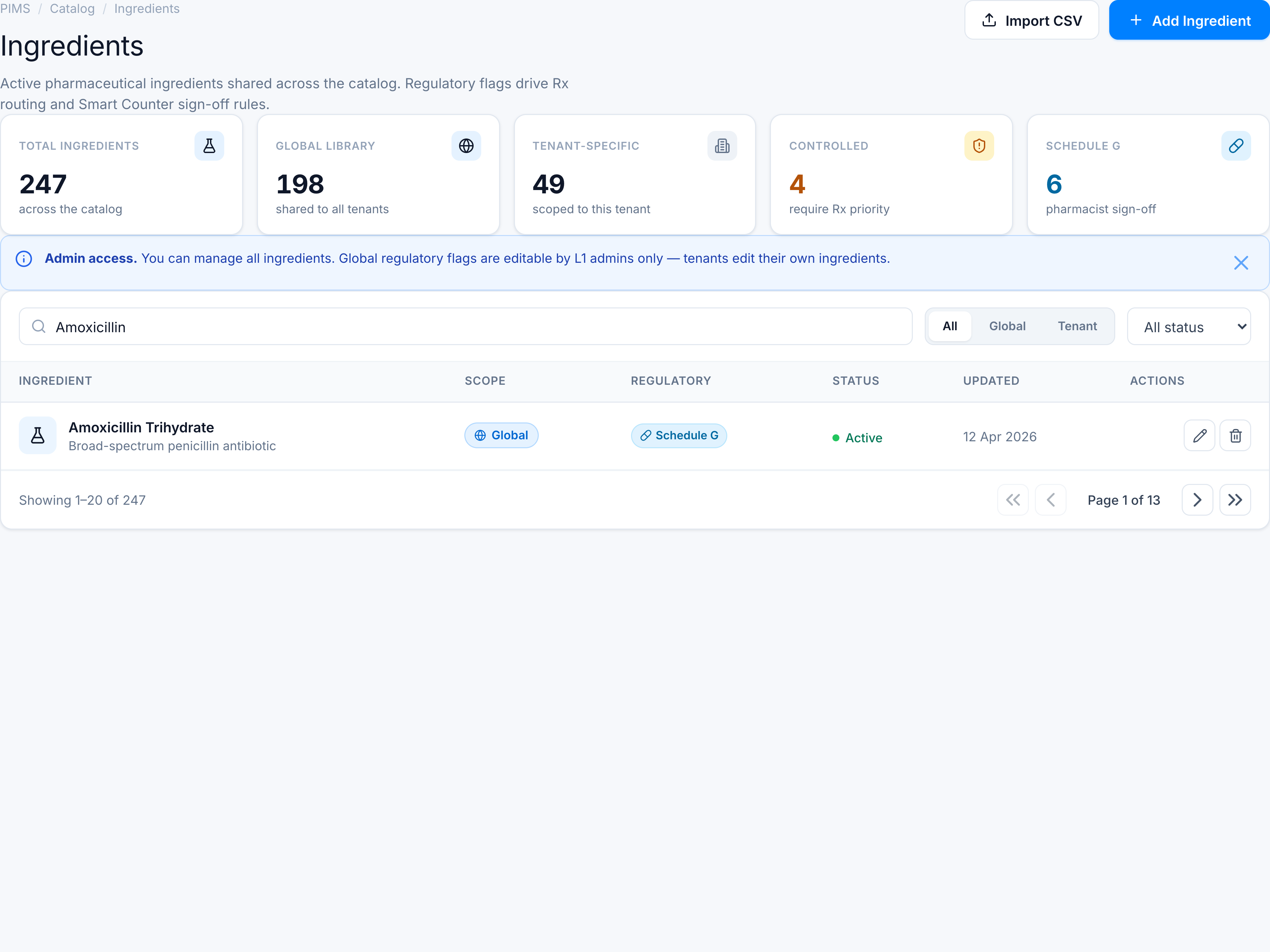
- Click All, Global, or Tenant in the segmented scope control.
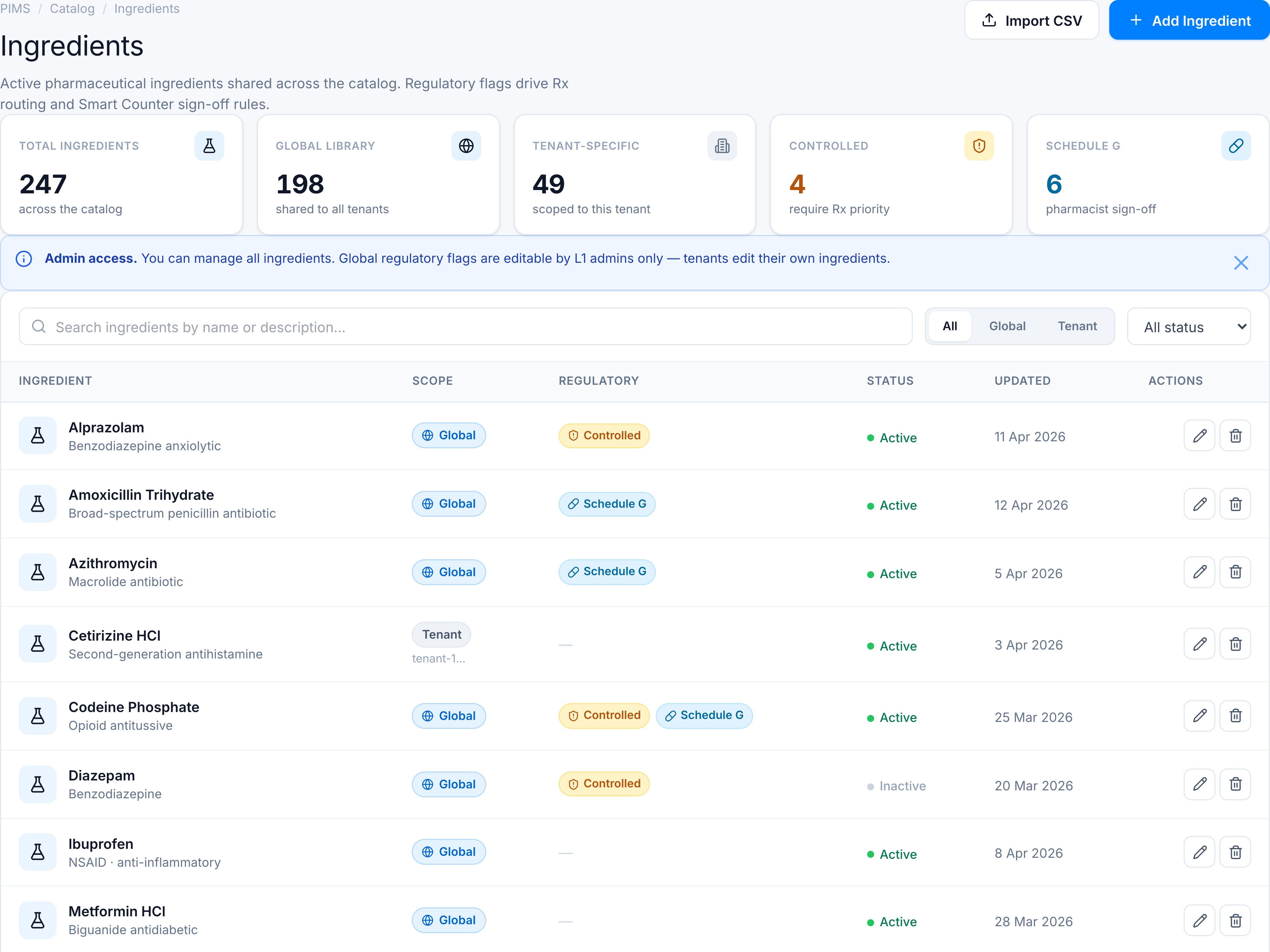
- Choose All status, Active, or Inactive from the status dropdown.
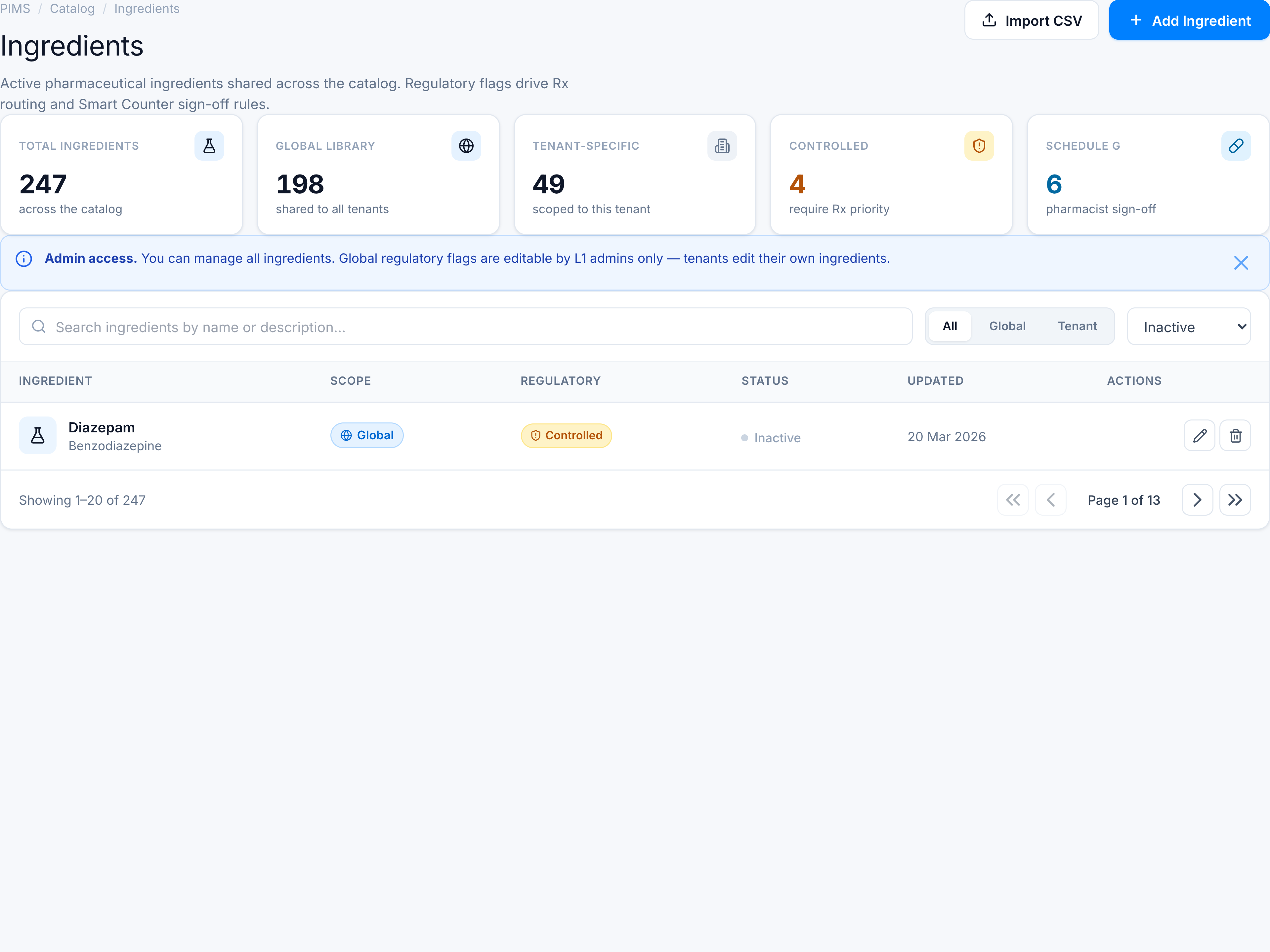
Pagination footer shows Showing 1–20 of N with page controls. Combine search + scope + status for precise triage.
If nothing matches
Empty state: No ingredients found with guidance to adjust filters or Add Ingredient.