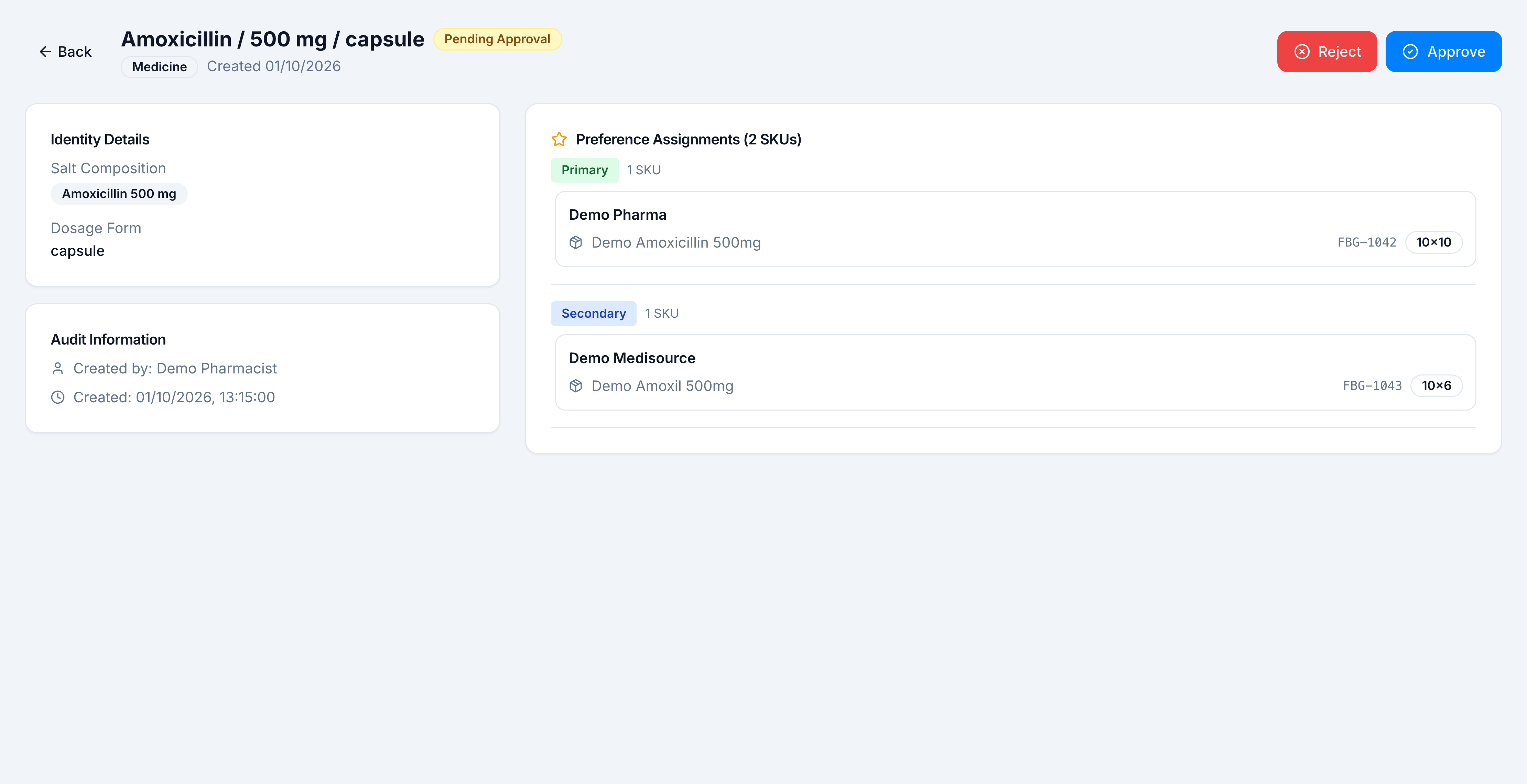
Edit or delete a group
Goal: correct a group, or remove one. Where: Catalog → Clinical → Formulary Brand Groups. Edit needs
formulary.edit. Delete needsformulary.delete.
Who can be edited
| Status | Edit | Delete |
|---|---|---|
| Draft | Yes | Yes |
| Rejected | Yes. The detail page also offers Edit & Resubmit | Yes |
| Approved | Yes, while no modification is already waiting | Yes |
| Pending Approval | No. Approve or reject it first | No |
| Approved, with Mod. Pending on the list | No, until that modification is decided | The row can still be deleted if your role allows delete |
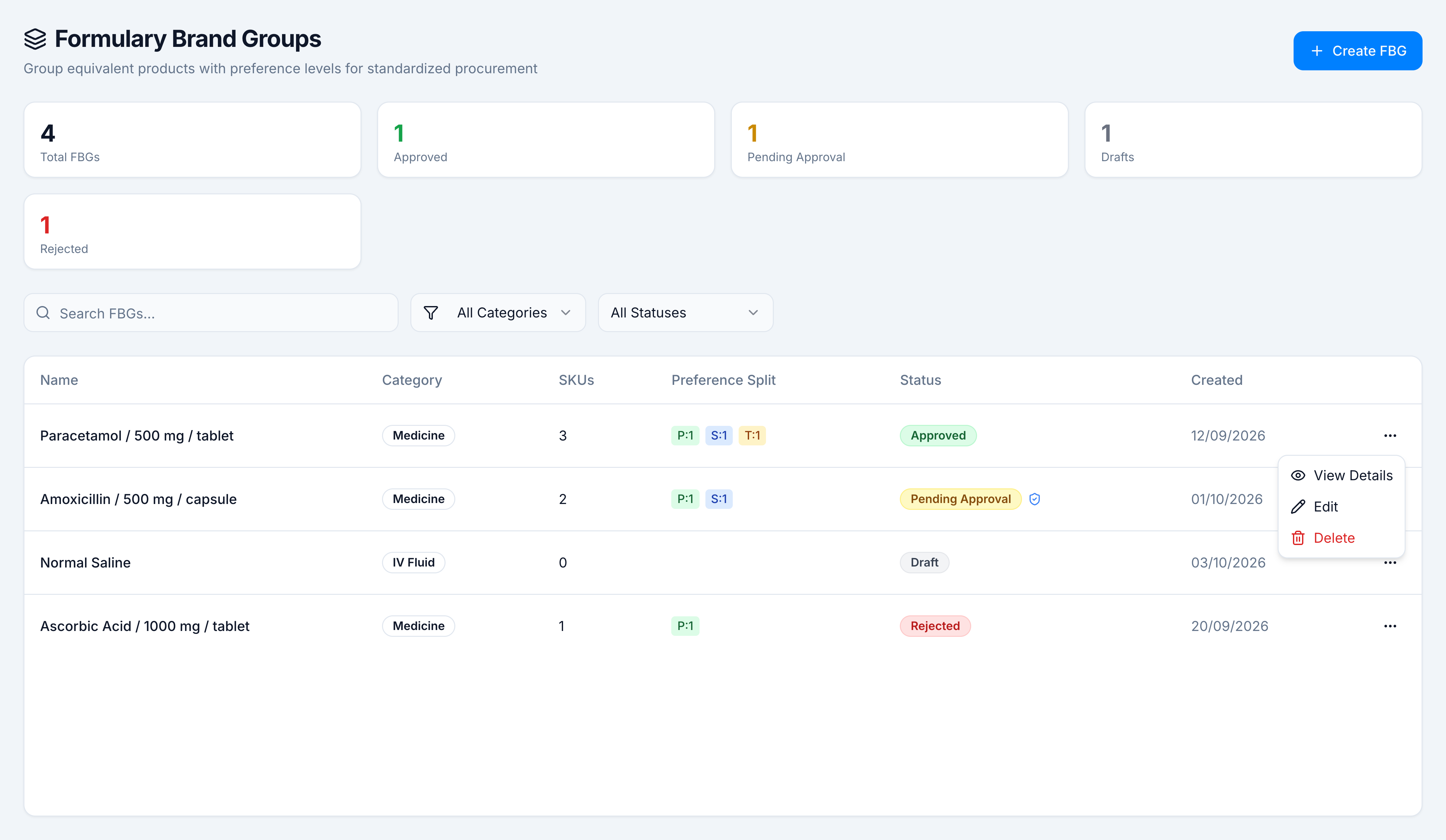
Edit
- Open the ⋯ menu and click Edit, or open the group and click Edit.
- The wizard opens on Edit Formulary Brand Group with the current category, formulation, and assignments.
- Change the formulation or the ranking, then Save Draft or Submit for Approval.
A rejected group was never approved, so resubmitting writes the new version and sends it for approval again.
An approved group keeps the live version until the modification is approved. The list then shows Mod. Pending next to Approved. The detail page shows Pending Modification, including the proposed name and the proposed SKU count, and says current data is preserved until approved.
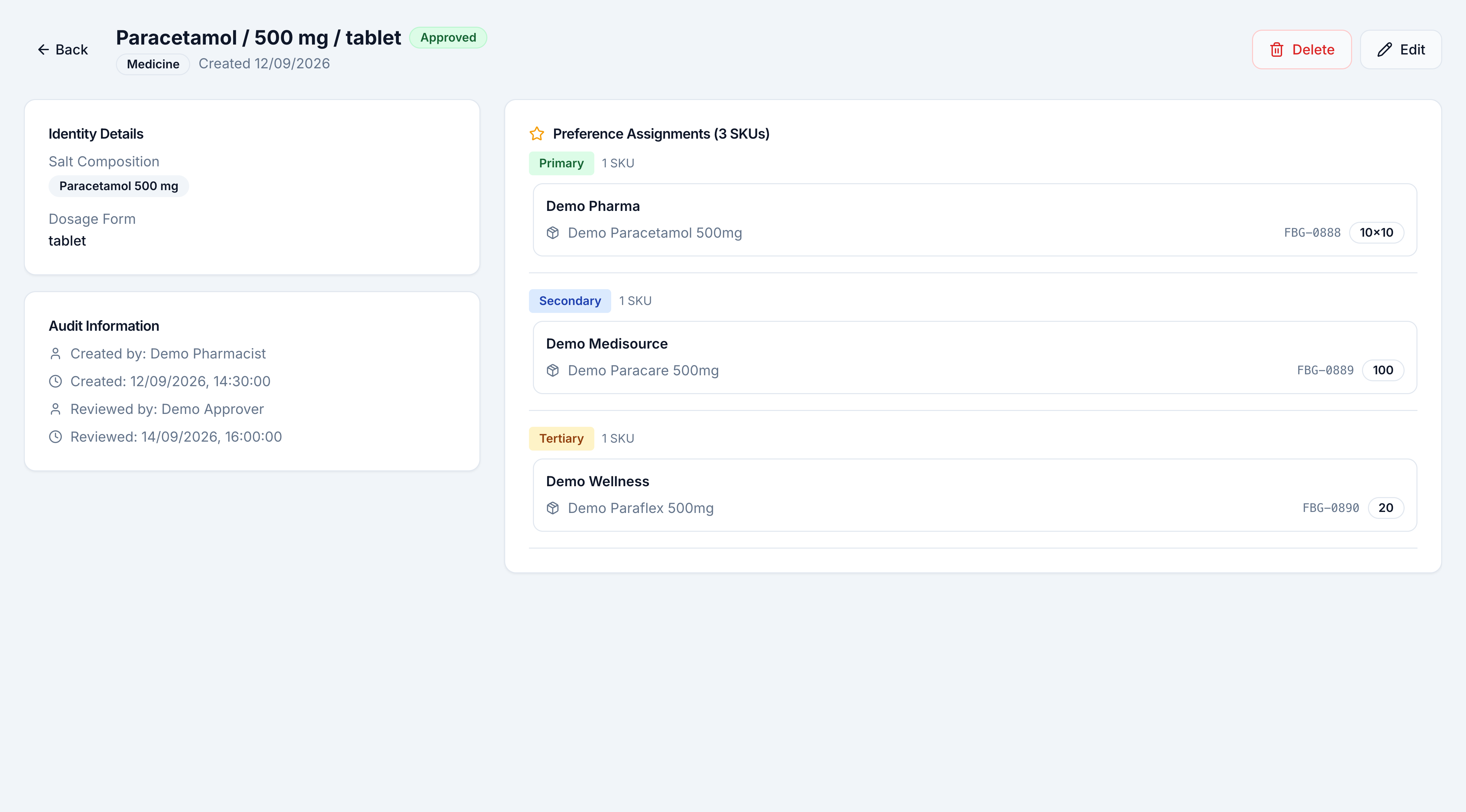
Delete
- Click Delete on the group or in the row menu.
- Confirm Delete Formulary Brand Group. The dialog names the group and says the action cannot be undone.
- Cancel leaves the group. Delete removes it.