Edit or delete a brand
Edit
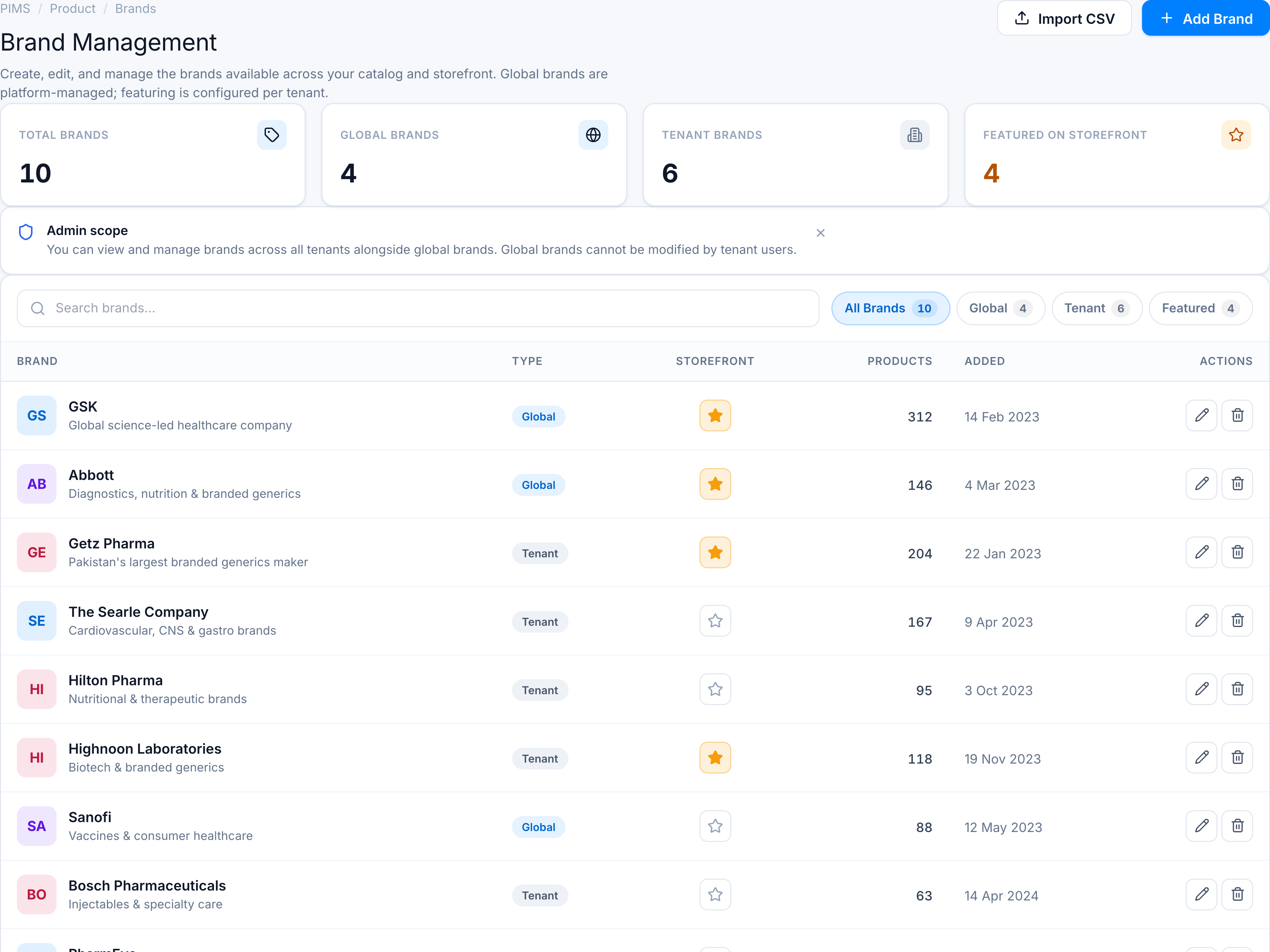
- Click Edit (pencil) on an editable row.
- Update fields in the dialog and save.
Delete
- Click Delete (trash) on an editable row.
- Confirm in the dialog.
- Success toast:
Brand deleted successfully.
Blocked actions
Tenant users cannot edit or delete Global rows — actions are disabled with error toasts referencing platform administrator rights.
See Fields & permissions.